Xero vs spreadsheets: smart accounting software
No more struggling with spreadsheets! Xero's cloud-based software simplifies your financial admin with automated calculations, bank reconciliations, and a clear view of your cash flow – all in one system.

How Xero beats spreadsheets
Is your business growing? Xero accounting software replaces the work of spreadsheets with a smooth digital system for your everyday finances and cash flow.
Save time with automations
Bank feeds pull your transactions into your Xero organization – without you lifting a finger.
Get amazingly accurate
Skip the formulas and version control problems! Xero spots duplicate entries and flags issues for you.
Stay up to date with your finances
Xero’s cloud accounting displays your latest bills, expenses, and bank balance, so there’s no more guesswork.
Support your growing business
Unlike spreadsheets, Xero lets you connect accounting tools when you need them.
Easily collaborate with your advisor
With your permission, your accountant can access your Xero organization and review your numbers – at no extra monthly cost.

| Xero | Spreadsheets | |
|---|---|---|
| Collaboration & Multi-user Access | ||
| Automation Capabilities | Extensive | ✗ Limited, manual |
| Real-time Data & Reporting | Real-time dashboards, auto-sync | ✗ Manual updates, delayed insights |
| Error Reduction | Automates entries, reduces human error | ✗ Prone to human error, formulas |
| Data Security & Integrity | Robust encryption, MFA, audits | ✗ Vulnerable, error-prone |
| Scalability for Business Growth | Highly scalable, flexible plans | ✗ Limited, unmanageable with growth |
| Third-Party Integrations | Extensive app marketplace (1000+) | △ Limited, often manual |
| Compliance & Tax Readiness | Built-in, automated | ✗ Manual, error-prone |
| Bank Feeds and Reconciliation | Automatic reconciliation, data import | ✗ Manual data entry |
| Invoicing & Billing | Professional, recurring, automated reminders | △ Manual creation, tracking |
| Data capture | Free with Hubdoc | ✗ Manual creation, error-prone |
| Payroll Management | Integrated solution | ✗ Manual calculation, formulas, error-prone |
| Manage Fixed assets | ✗ Manual calculation, formulas, error-prone | |
| Inventory tracking | ✗ Manual calculation, formulas, tracking, error-prone | |
| Foreign Currency | Integrated solution (available on higher level subscription plans) | ✗ Manual calculation, formulas error-prone |
| Expense and mileage tracking | Integrated solution (available on higher level subscription plans) | ✗ Manual calculation, formulas, error-prone |
| Project tracking & profitability | Integrated solution (available on higher level subscription plans) | ✗ Manual calculation, formulas, error-prone, tracking |
| Advanced Business Intelligence & Financial Insights | Integrated solution powered by Syft Analytics | ✗ Manual calculation, formulas, error-prone |
| Advanced cash flow analytics | Integrated solution (available on higher level subscription plans) | ✗ |
| AI Agent | JAX (One Super AI Agent) | ✗ |
(*): Information based on Xero Business plans
(✓) indicates a strong capability, (✗) indicates a significant limitation, and (△) indicates a partial or conditional capability
Automate your financial admin with Xero
When all the admin eats into your day, Xero accelerates your workflows with automations. Speed through the routine stuff and keep accurate records for your financial compliance.
- Connect your business bank accounts to Xero and automatically pull through transaction data
- Simplify your invoicing with Xero's templates and automatic payment reminders
- Let Xero update your cash flow and other records whenever you pay a bill
- Make error-free tax calculations and organize your financial data in one place

How to switch from spreadsheets to Xero
Xero's user-friendly software makes it an easy alternative to accounting spreadsheets for your small business. Just follow these steps.
1. Set up your Xero organization
Start a 30-day free trial (no credit card needed) and enter your business details. This takes about 10 minutes.
2. Connect your bank
Securely connect your business bank account to Xero and let transactions flow in straight away (without any CSV exports).
3. Import your data
Use Xero’s CSV-format templates to add your business contacts, invoices, and opening balances from your spreadsheets.
4. Invite your accountant or bookkeeper
Share a Xero login with your financial advisor. They can review your setup, check opening balances, and make sure everything is spot on.
5. Start streamlining your financial admin
All done! Get going with your invoicing, billing, expenses, and other admin in Xero's automated accounting software.
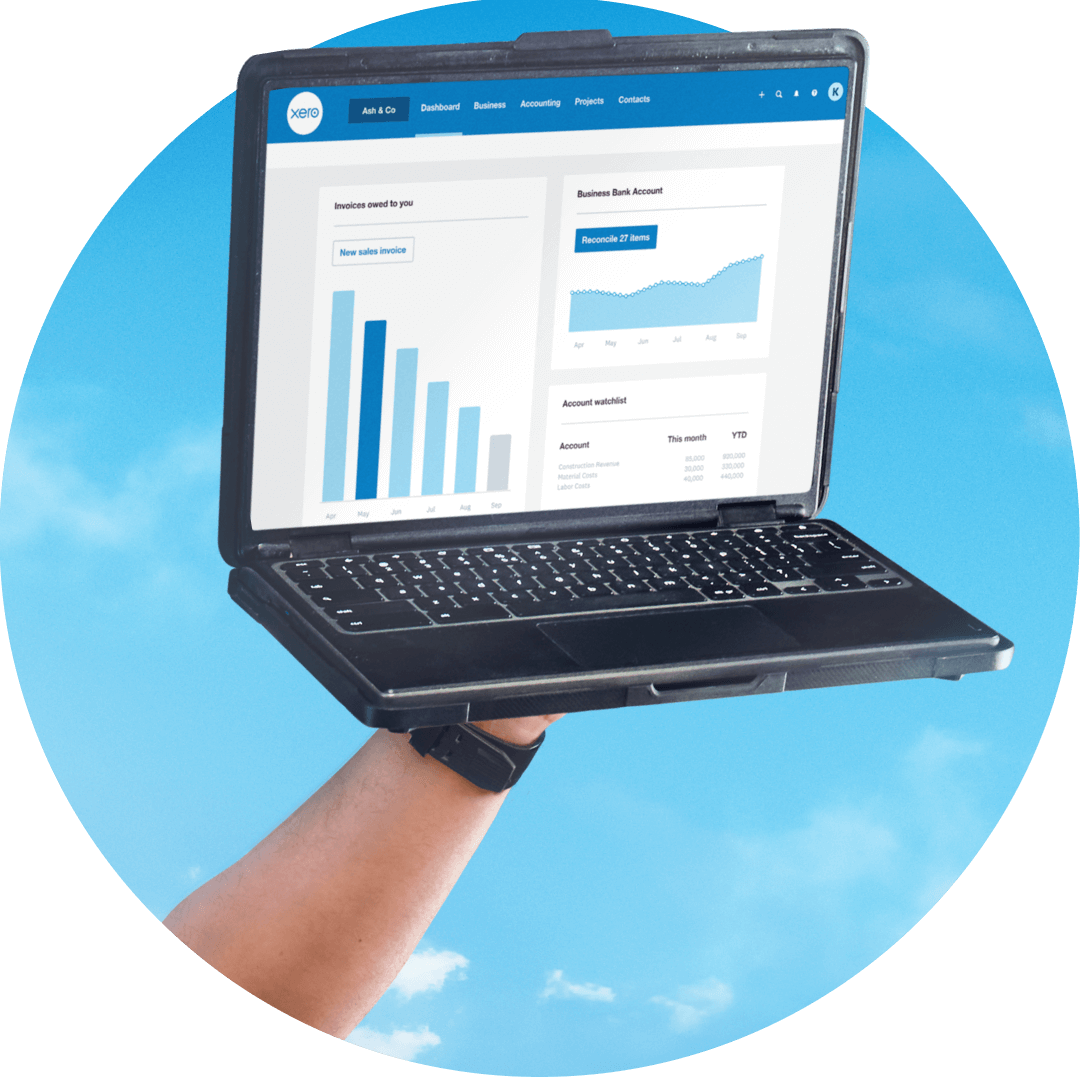
Stay flexible with Xero
Xero supports your long-term business goals by letting you work how you want. Connect industry-specific tools as you go and build the software your way.
Grow your team
Add people to your payroll and automate their pay and tax calculations with Xero.
Assign Xero permission levels
Share bookkeeping jobs with your staff while controlling the financial data each person can access.
Manage your financial compliance
Xero keeps detailed records for your financial reporting and any audits.
Connect third-party apps from the Xero App Store
Find a range of specialist apps – from inventory to HR and payroll – and easily connect them to your Xero organization.
Visit the Xero App Store
Time savings with Xero vs spreadsheets
Automated bank reconciliation
Got a minute? Xero suggests transaction matches so you can zip through the job – on your phone, too!
Instant cash-flow updates
Whenever you pay a bill, Xero automatically updates your bank balance and other financial data.
One place for everything
Instead of switching between tools, access all your numbers and reports in Xero.
FAQs on Xero vs spreadsheets
Many small business owners think so! Spreadsheets are time consuming, error prone, and unable to scale with your growing business.
Xero’s automated software gives you fast, accurate workflows and a better view of your finances. And because Xero works in the cloud, you can check your finances anywhere, anytime.
Many small business owners think so! Spreadsheets are time consuming, error prone, and unable to scale with your growing business.
Xero’s automated software gives you fast, accurate workflows and a better view of your finances. And because Xero works in the cloud, you can check your finances anywhere, anytime.
Yes – Xero’s templates help you import your contacts, invoices, bills, and account transactions from CSV files directly into Xero. This makes the migration from spreadsheets, and other software, straightforward.
Yes – Xero’s templates help you import your contacts, invoices, bills, and account transactions from CSV files directly into Xero. This makes the migration from spreadsheets, and other software, straightforward.
Most businesses are up and running in Xero within a few days. The main steps are to connect your bank, import your business contacts, and set your opening balances.
A Xero-certified advisor can help speed up the process.
Most businesses are up and running in Xero within a few days. The main steps are to connect your bank, import your business contacts, and set your opening balances.
A Xero-certified advisor can help speed up the process.
For dedicated accounting, yes. Spreadsheets are a good standalone tool, but Xero gives you a powerful system for all your financial admin. It brings together bank feeds, automated reconciliation, online invoicing, and financial reporting so you can manage your business finances from one piece of software.
For dedicated accounting, yes. Spreadsheets are a good standalone tool, but Xero gives you a powerful system for all your financial admin. It brings together bank feeds, automated reconciliation, online invoicing, and financial reporting so you can manage your business finances from one piece of software.
No – Xero is user-friendly for people, whatever their background.
And when you need professional advice from your accountant or bookkeeper on your numbers – like at financial year end – Xero makes it easy to invite them into your Xero organization. There's no extra cost to add users to your Xero subscription.
No – Xero is user-friendly for people, whatever their background.
And when you need professional advice from your accountant or bookkeeper on your numbers – like at financial year end – Xero makes it easy to invite them into your Xero organization. There's no extra cost to add users to your Xero subscription.
Absolutely! Xero offers a free trial with access to all features. After the trial, you can choose a pricing plan that suits your business.
Absolutely! Xero offers a free trial with access to all features. After the trial, you can choose a pricing plan that suits your business.
Xero automates lots of your invoicing admin, from sending out recurring bills to politely nudging your late payers for you.
Xero can also automatically import your bank transactions and help spot matches for your reconciliation. And when it’s time for your tax reporting, Xero helps prepare your data so it’s accurate and easy for you to access.
Spreadsheets, on the other hand, require lots of manual work, which takes time and risks errors.
Xero automates lots of your invoicing admin, from sending out recurring bills to politely nudging your late payers for you.
Xero can also automatically import your bank transactions and help spot matches for your reconciliation. And when it’s time for your tax reporting, Xero helps prepare your data so it’s accurate and easy for you to access.
Spreadsheets, on the other hand, require lots of manual work, which takes time and risks errors.
For sure. Xero is designed to be intuitive even if you don’t have an accounting background.
Xero has 24/7 online support, software training, guides, and a global community of advisors to help you get started.
For sure. Xero is designed to be intuitive even if you don’t have an accounting background.
Xero has 24/7 online support, software training, guides, and a global community of advisors to help you get started.
Very! Xero uses 256-bit SSL encryption, two-step authentication, and regular data backups to help protect your financial data. Spreadsheets you store locally or share by email are far more vulnerable to data loss, version errors, or unauthorized access.
Very! Xero uses 256-bit SSL encryption, two-step authentication, and regular data backups to help protect your financial data. Spreadsheets you store locally or share by email are far more vulnerable to data loss, version errors, or unauthorized access.
Just bring your historical spreadsheet records with you in case you want to check something. Most businesses choose to start Xero from the beginning of a financial year, entering the opening balances from their final spreadsheet. Xero's import tools help bring across your contacts and historical transactions.
Just bring your historical spreadsheet records with you in case you want to check something. Most businesses choose to start Xero from the beginning of a financial year, entering the opening balances from their final spreadsheet. Xero's import tools help bring across your contacts and historical transactions.
Plans to suit your business
All pricing plans cover the accounting essentials, with room to grow.