Stress-free superannuation payroll software
Want to handle your employer obligations in one smooth workflow? Xero’s auto super calculates contributions and lets you pay them directly from Xero Payroll, with no separate system needed. You skip the complicated admin while following the ATO rules like a pro.

Streamline your super workflow
It’s easy to organise your whole team’s contributions with Xero’s auto super – included in every Xero plan at no extra cost.
Manage super in one place
No need to log in and out of multiple systems or clearing houses – everything’s handled in Xero.
Pay the right amount of super every time
Xero calculates your superannuation automatically so you’re confident in every figure.
Stay flexible with super funds
Your employees can choose regulated or self-managed funds and salary sacrifice.
Let Xero manage super for you
With Xero, payroll and superannuation work side by side in one platform. This means you replace manual typing with a fast, streamlined workflow. Xero automatically calculates super in each pay run and lets you review, approve and pay it all in one place.
Applies the correct super guarantee rate
Xero updates super guarantee rates whenever legislation changes. No more forgetting to do it!
Automatically identifies payments for super
Want to skip the painstaking checks? Xero recognises earning types and which payments qualify for super.
Works for a range of employees
Xero caters to each employee’s situation, whether they’re full time, part time, or casual.
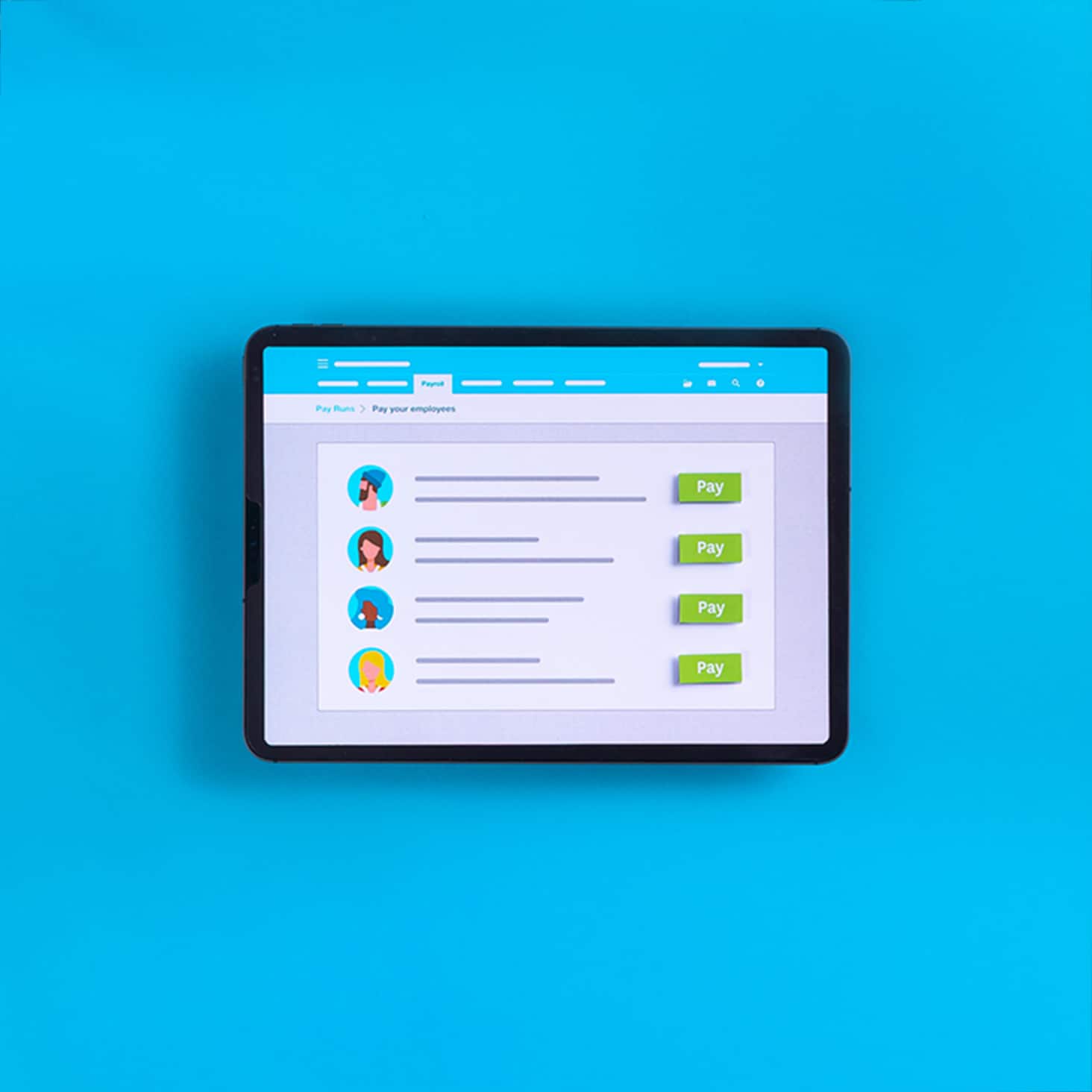
Superannuation compliance in the bag
Xero is SuperStream certified and always up to date with the latest ATO rules. So you know you’re meeting today’s obligations and are prepared for what’s ahead.
- Get ready for proposed Payday Super rule changes, where super is paid at the same time as wages
- Generate reports with Single Touch Payroll (STP)
- Stay future-ready with Xero software that adapts to new ATO rules
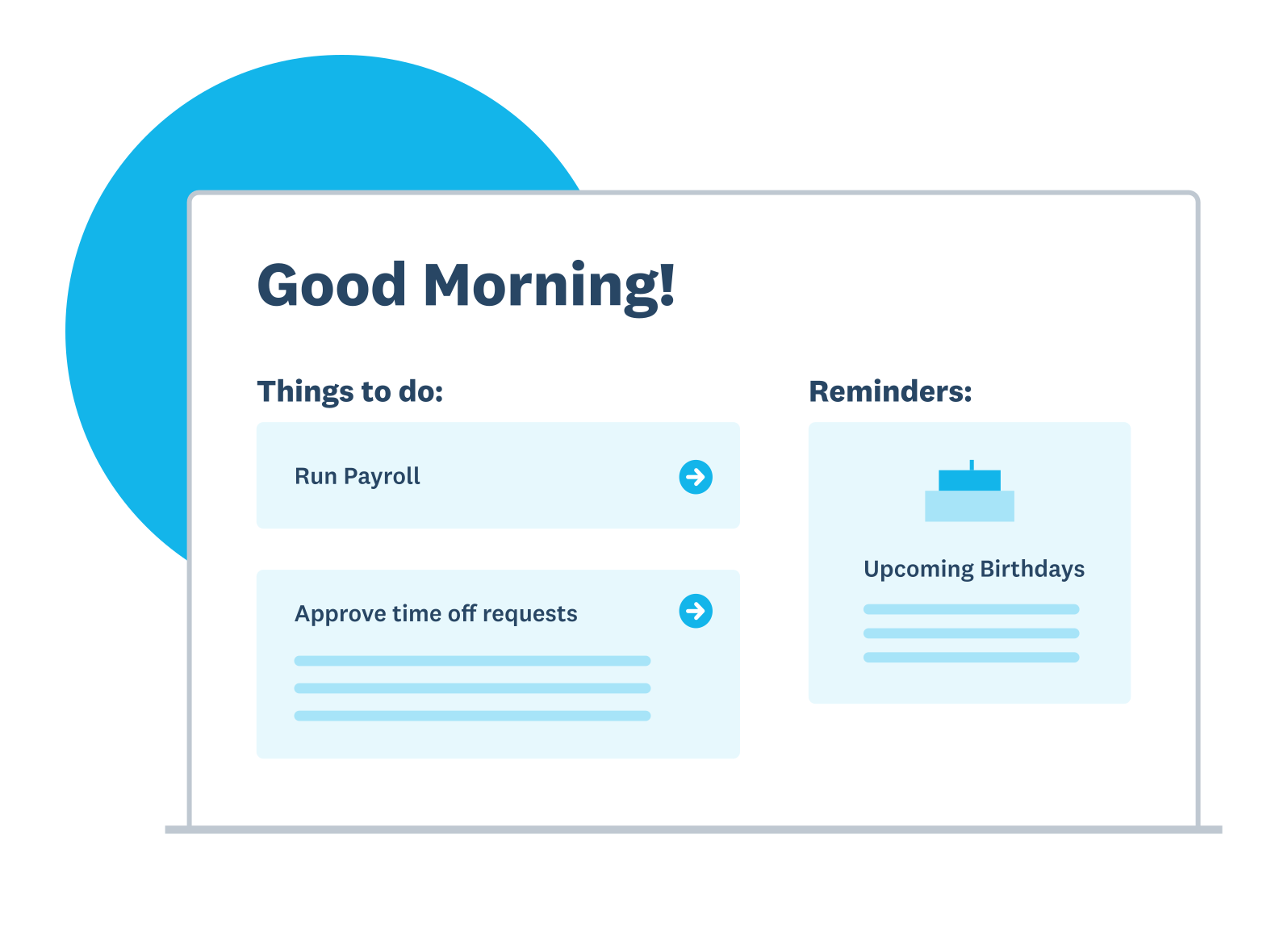
Simplify superannuation with Xero
Pay the right amount of super every time
Xero calculates your superannuation automatically so you’re confident in every figure.
Give your employees more control
Your team can check their pay, request leave, and more in the Xero Me mobile app. That’s work off your plate!
Follow ATO regulations, drama-free
It’s easier to stay compliant when you organise your employee records in Xero superannuation payroll software.
Flexibility for your super funds
Manage all your employees’ super payments, whatever their arrangements. Xero lets them go for a regulated fund, salary sacrifice, or a self-managed super fund (SMSF). The result? You keep your team happy while keeping your payment process simple.
Use a SuperStream-compliant clearing house
Xero integrates directly with SuperChoice to handle all electronic fund transfers and data submissions.
Manage all fund types in one place
You can easily add, edit, and track contributions for regulated funds, SMSFs, and salary sacrifice arrangements – all from your Xero Payroll
Save time with a slick process
Even with different super payments for a large diverse team, you can handle all the admin under a single Xero login.
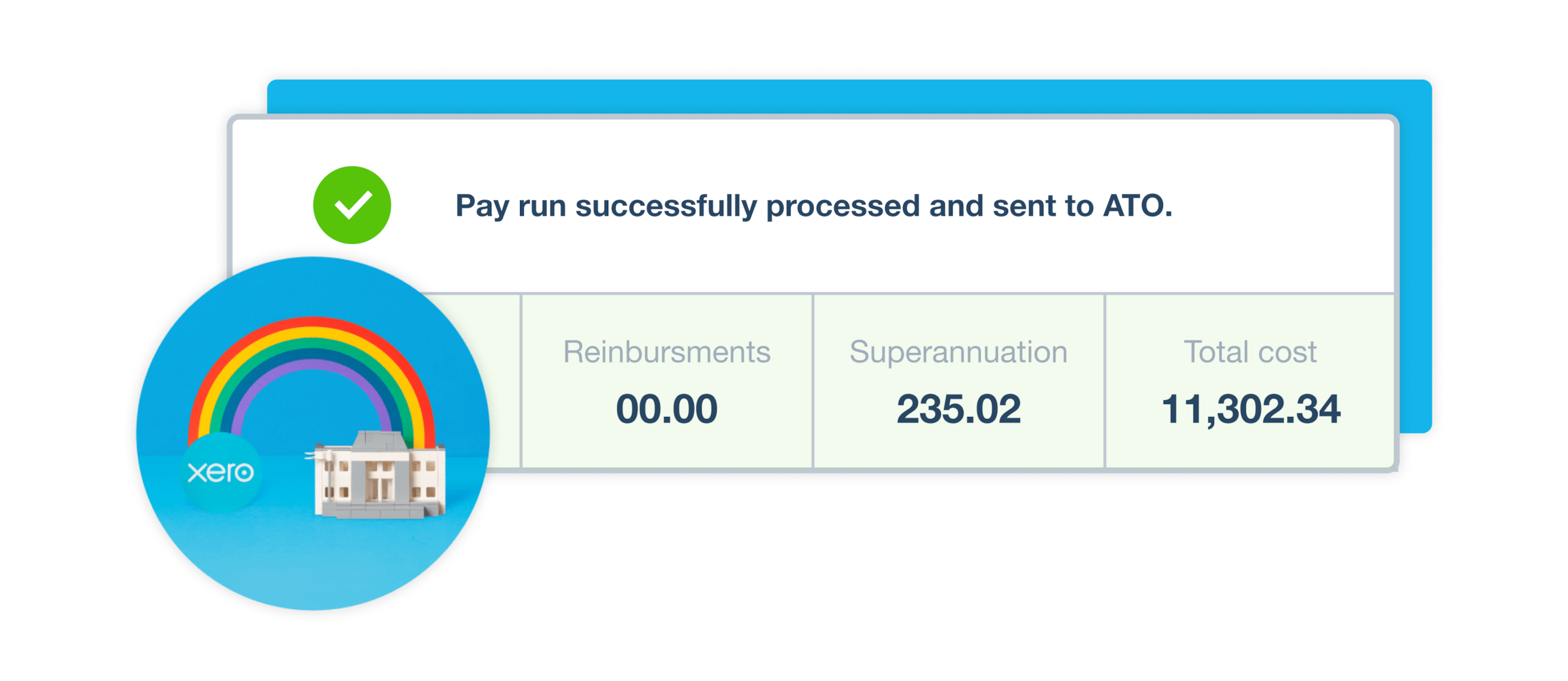
Super used to be twelve separate entries. With auto super it’s one action and it just goes.
Steph saves hours by paying staff super directly through Xero.

Pay super in a single batch
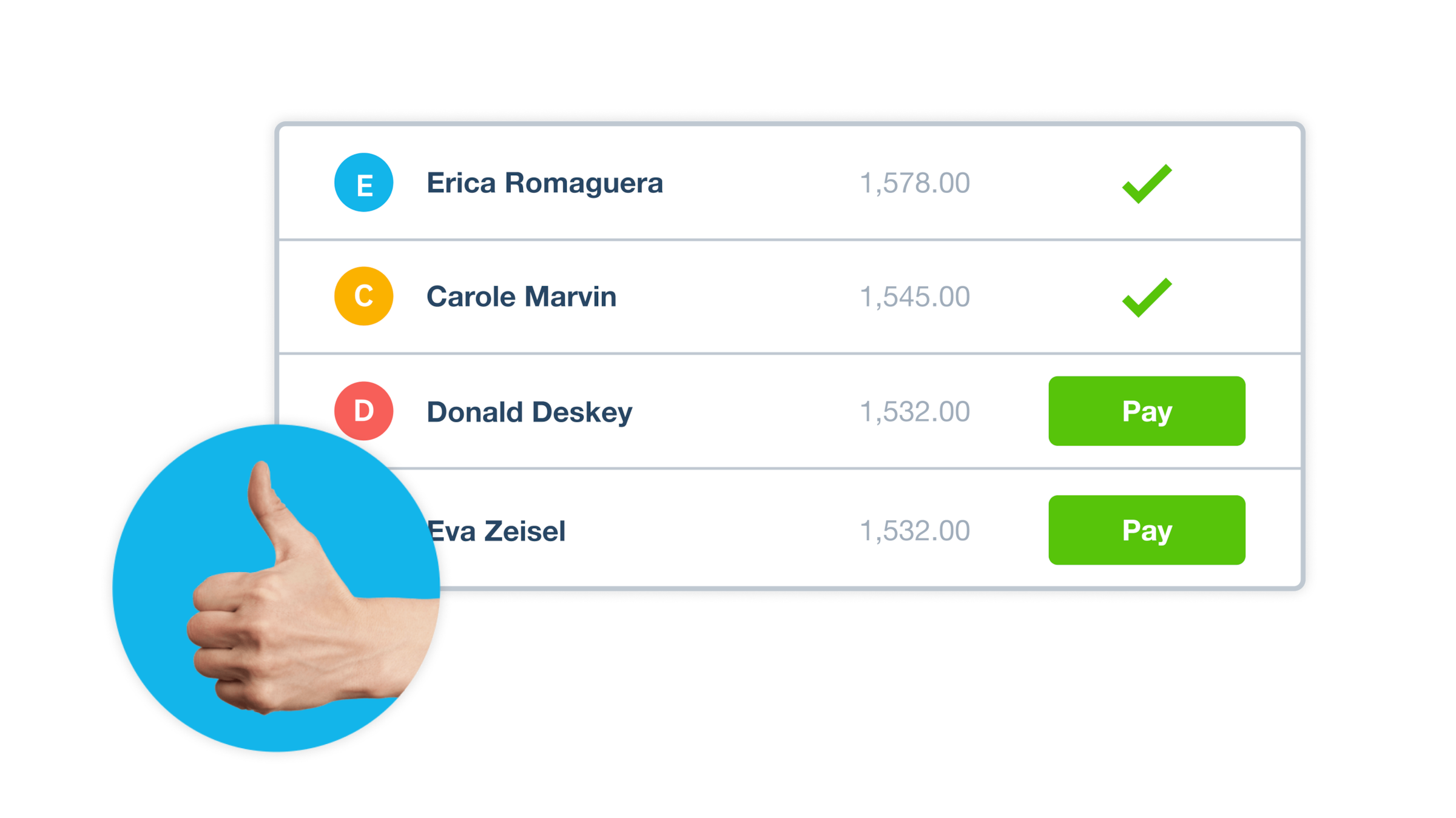
Just finished a pay run? Automate your workflow with super batch payments that consolidate all contributions. Once you’ve authorised it, Xero debits your nominated bank account and distributes funds directly to employee super funds through the SuperChoice clearing house.
- Save yourself hours of fiddly admin with easy batch creation for super payments
- See exactly what’s owed to each fund before processing
- Securely authorise payments with SMS verification
Xero Me: the self-service app for your team
Get set for happier employees who handle their own admin! The Xero Me app lets them access payroll details, including how much superannuation they get each payday. This way they’re in the loop with their finances – and throw fewer questions your way!
- Xero Me is easy to download and use on both iOS and Android devices
- Employees can also fill out timesheets, request leave, manage expense claims, and update personal details
- Xero Me is secure – each employee accesses only their own records through a secure digital system
FAQs on paying super with Xero
No, auto super is included in every Xero plan at no extra cost. Once you’ve set up payroll, you can turn on auto super in just a few minutes and start paying super directly from Xero.
No, auto super is included in every Xero plan at no extra cost. Once you’ve set up payroll, you can turn on auto super in just a few minutes and start paying super directly from Xero.
It’s pretty simple. First, ask your employees to fill in their Superannuation standard choice forms. Second, make sure you have payroll admin access in your Xero organisation. Third, use Xero’s Payroll menu – and Settings – to add a regulated or self-managed super fund for each employee’s superannuation payments.
Here are the full instructionsIt’s pretty simple. First, ask your employees to fill in their Superannuation standard choice forms. Second, make sure you have payroll admin access in your Xero organisation. Third, use Xero’s Payroll menu – and Settings – to add a regulated or self-managed super fund for each employee’s superannuation payments.
Here are the full instructionsIf you choose this option, Xero makes automatic super contributions that pay all your employees’ amounts electronically via the SuperStream system. Xero does this payroll admin for you in a single batch, helping you follow ATO rules, save time, and avoid mistakes. Super payments usually take up to 7 business days from the time they’re authorised.
Here are more instructions and processing timesIf you choose this option, Xero makes automatic super contributions that pay all your employees’ amounts electronically via the SuperStream system. Xero does this payroll admin for you in a single batch, helping you follow ATO rules, save time, and avoid mistakes. Super payments usually take up to 7 business days from the time they’re authorised.
Here are more instructions and processing timesThe Superannuation Guarantee (SG) is the minimum amount you must pay into your employees' super funds to avoid ATO penalties. As of 1 July 2025, the rate is 12% of an employee's ordinary time earnings (OTE). Xero's superannuation and payroll software automatically applies the current SG rate and calculates contributions based on OTE automatically – eliminating the need for manual calculations and reducing the risk of costly errors.
This guide explains your super obligations as an employerThe Superannuation Guarantee (SG) is the minimum amount you must pay into your employees' super funds to avoid ATO penalties. As of 1 July 2025, the rate is 12% of an employee's ordinary time earnings (OTE). Xero's superannuation and payroll software automatically applies the current SG rate and calculates contributions based on OTE automatically – eliminating the need for manual calculations and reducing the risk of costly errors.
This guide explains your super obligations as an employerYes! Xero's auto super and payroll features comply fully with ATO regulations. Xero uses the SuperStream standard to send all data and payments electronically and to make sure they’re secure. Xero software also works with Single Touch Payroll (STP), automatically including superannuation information in your near real-time reports to the ATO with every pay run.
Here’s a guide on Single Touch Payroll for your businessYes! Xero's auto super and payroll features comply fully with ATO regulations. Xero uses the SuperStream standard to send all data and payments electronically and to make sure they’re secure. Xero software also works with Single Touch Payroll (STP), automatically including superannuation information in your near real-time reports to the ATO with every pay run.
Here’s a guide on Single Touch Payroll for your businessThe SBSCH is closing on 1 July 2026 – but there’s an alternative: Xero's auto super. By using Xero, you can calculate and pay super directly from your payroll system, meaning you don’t need a separate clearing house. So make the switch to integrated payroll and superannuation software, like Xero, well before the deadline to ensure a smooth transition and to prepare for payday super.
The SBSCH is closing on 1 July 2026 – but there’s an alternative: Xero's auto super. By using Xero, you can calculate and pay super directly from your payroll system, meaning you don’t need a separate clearing house. So make the switch to integrated payroll and superannuation software, like Xero, well before the deadline to ensure a smooth transition and to prepare for payday super.
The proposed Payday Super reforms, effective 1 July 2026, will require employers to pay super more often. Xero's software is already built for this. Xero’s auto super feature lets you pay super more often than the current quarterly minimum, such as with every pay run. This lets you move to the new payment cycle gradually so you can test your processes to make sure you’re prepared for the changes.
Read more on preparing for Payday SuperThe proposed Payday Super reforms, effective 1 July 2026, will require employers to pay super more often. Xero's software is already built for this. Xero’s auto super feature lets you pay super more often than the current quarterly minimum, such as with every pay run. This lets you move to the new payment cycle gradually so you can test your processes to make sure you’re prepared for the changes.
Read more on preparing for Payday Super