Free consulting invoice template
Download a consulting invoice template. Get started with invoicing in a few quick steps.
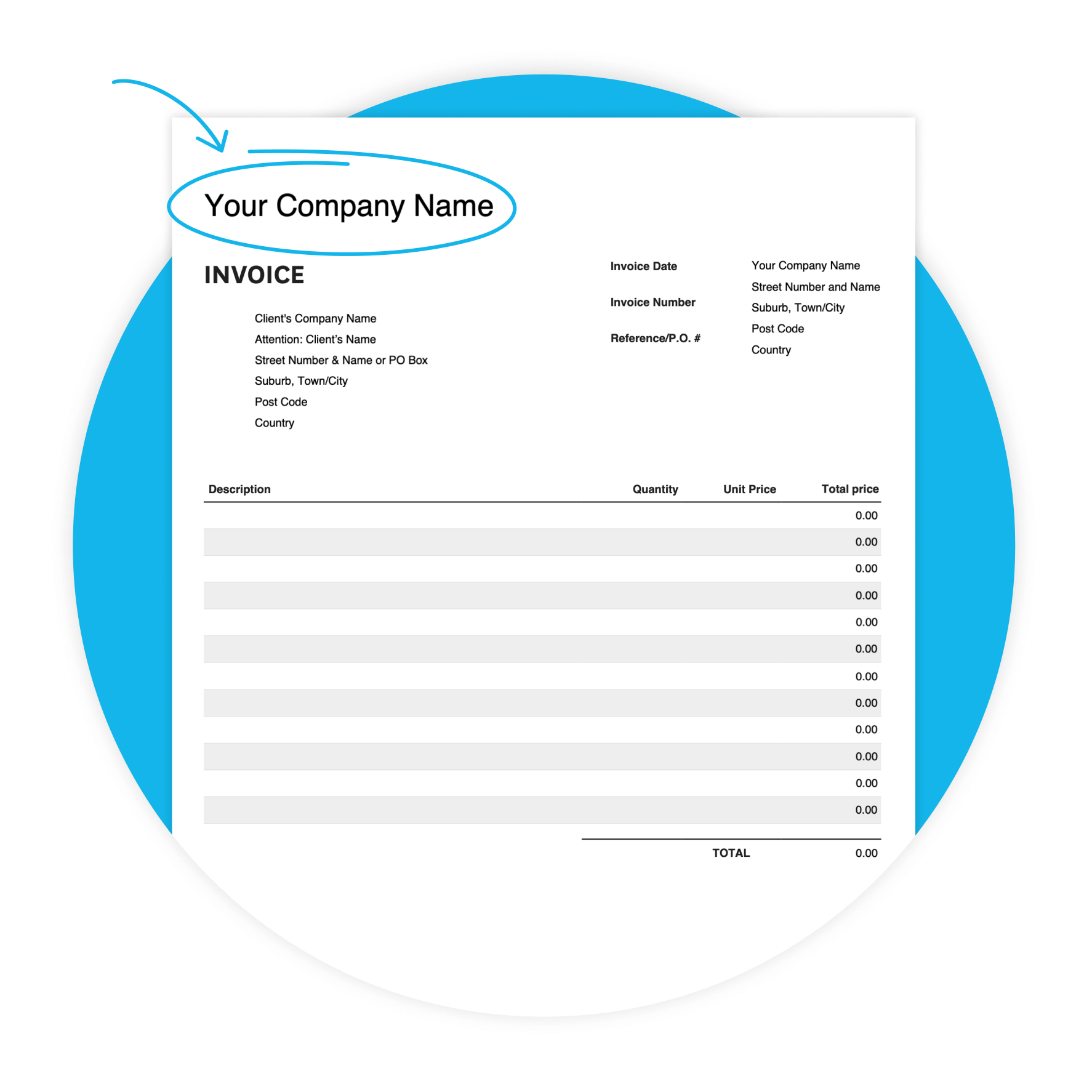
Download the free consulting invoice template
Fill in the form to get a blank consulting invoice template as an editable PDF, with a 'how-to' guide. You’ll get a tax and non-tax version.
Get paid faster with Xero invoicing
Xero’s invoicing software is designed to help you get paid sooner and boost your cash flow.
Make it easier to get paid
Include a “Pay Now” button on your online invoices and let customers pay immediately with credit or debit cards.
Stop chasing payments
Encourage prompt payment with automated invoice reminders.
Send invoices you’re proud of
Create and send polished, branded invoices in minutes.

Why consultants use this template
When you're billing multiple clients with different rates and payment terms, starting from scratch every time costs you. This template gives you a professional starting point for your invoices.
- Clear payment terms help customers know when payment is expected — and can help you get paid sooner.

Unique features of this Consulting template
Customizable design
Adapt the template to your preferences, to create a professional look.
Accessibility
Whether you prefer digital or printed invoices, our template offers flexibility in delivery methods.
User-friendly interface
Enjoy a hassle-free invoicing experience with our intuitive template, designed for consultants of all skill.
What's in this consulting invoice template
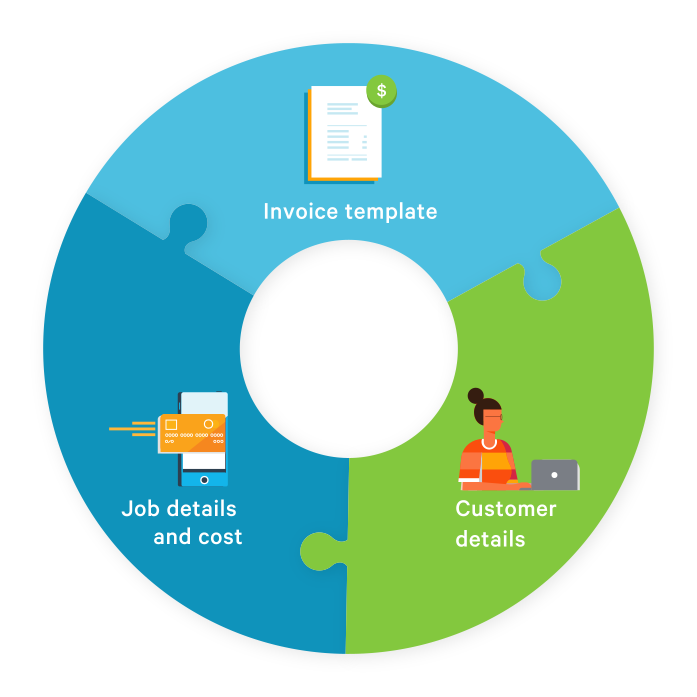
Here's exactly what you'll find in the template — ready for you to fill in. Every field maps to a real consulting billing need, from your company details through to the due date and notes for your client.
- Your business details
- Invoice number
- Line-item billing
- Totals, due date, and notes
Tips for your consulting invoice
Small details make a big difference when you're billing clients. Here are six ways to get more out of your consulting invoice template — and get paid faster.
- Set a due date on every invoice. Try 14 or 7-day terms and note them in the Additional Notes field.

Make consulting invoicing even simpler
The PDF template is a great place to start. When you're billing regularly, Xero's invoicing software takes it further — send invoices from your phone, add a Pay Now button, set automatic reminders, and see when a client has opened their invoice.
Check out Xero invoicing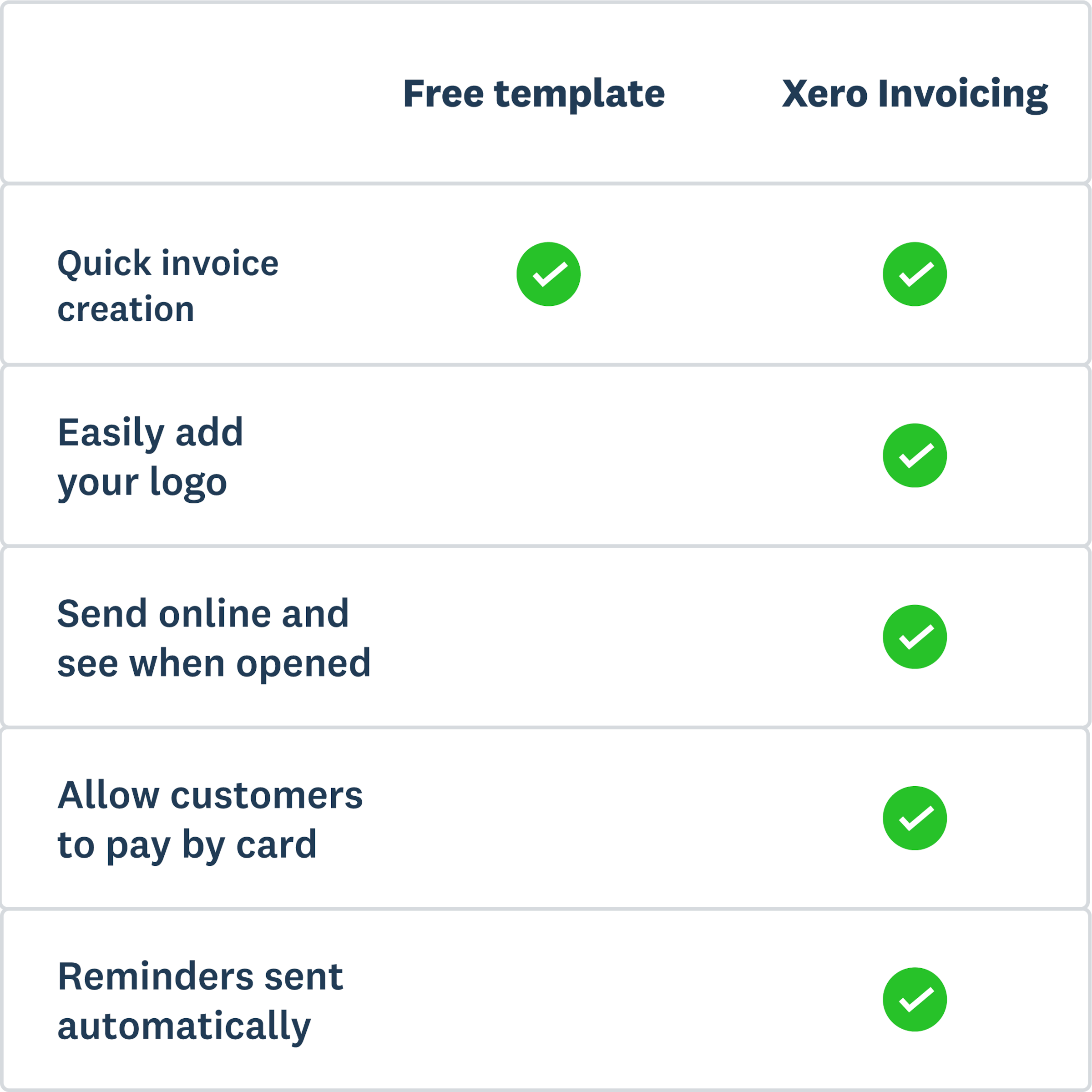
More templates for your consulting business
Invoicing sorted? Here's some other useful templates.
Free estimate template
Download an estimate template and pitch for that next job. And learn how quoting software can make everything easier.
Free quote template
Download this free quote template and go land that next job. And learn how Xero speeds up quoting and invoicing.
Free receipt template
Acknowledge payment for absolutely anything on this receipt template. Download it once, use it a thousand times.
Get 90% off for 6 months
Purchase any Xero plan and get started today.
Disclaimer
Xero does not provide accounting, tax, business or legal advice. This template has been provided for information purposes only. You should consult your own professional advisors for advice directly relating to your business.