Win more work with quoting software
Look professional and win the job. Create quotes in minutes, send them for a quick yes, and turn each accepted quote into an invoice with one click.

Online quotes made simple
Agreeing on a price with your customer is easier with Xero.
Create quotes in less time
Add your business brand and details to a template. Then duplicate each time for speedy admin.
Make it a breeze for customers
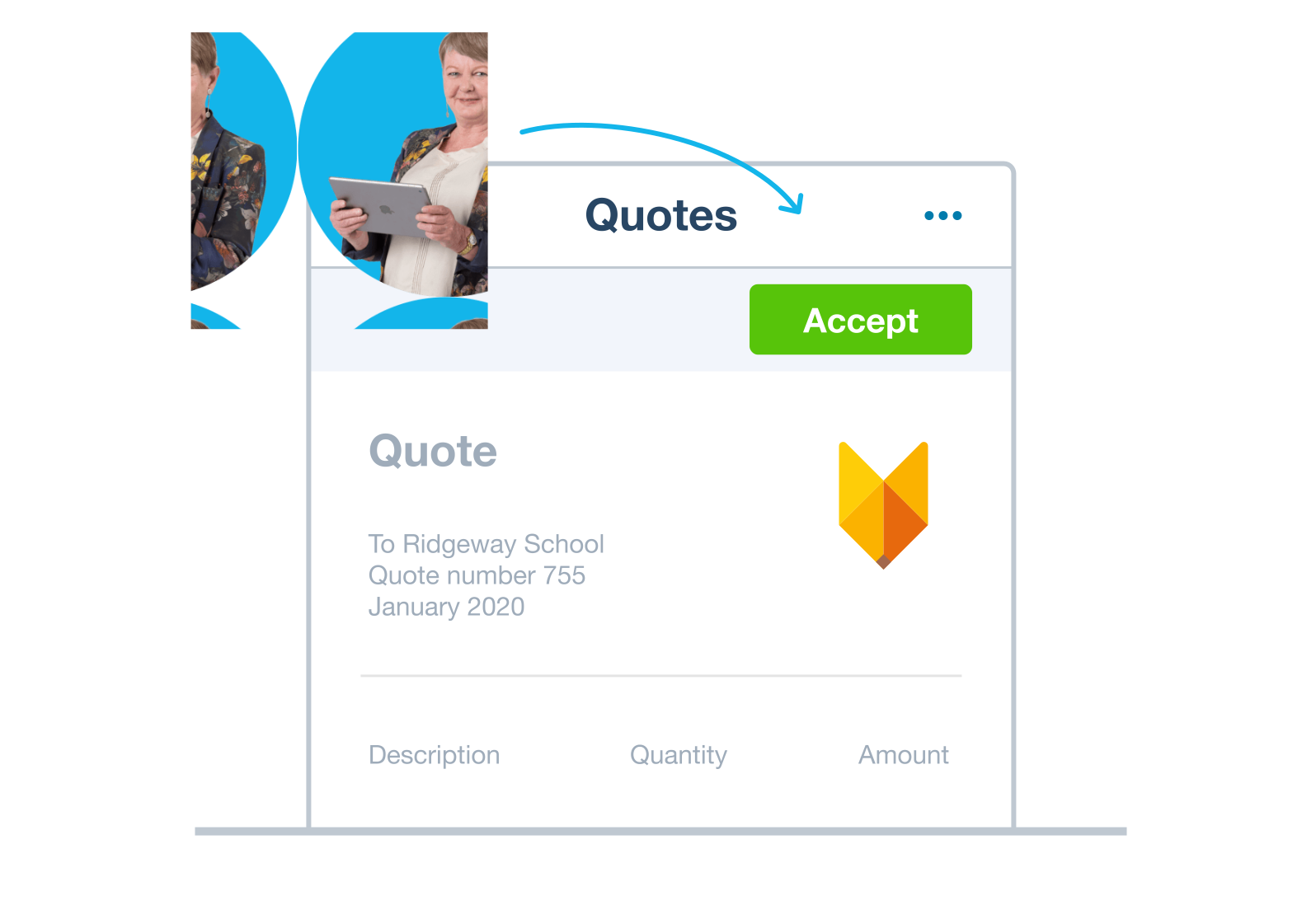
Customers just click Accept and add a comment if they like. Easy.
Convert quotes to invoices with a click
Instead of creating an invoice from scratch, just convert the quote. A fast and accurate workflow!
Everything in one place. Up to 30% less than QuickBooks.*
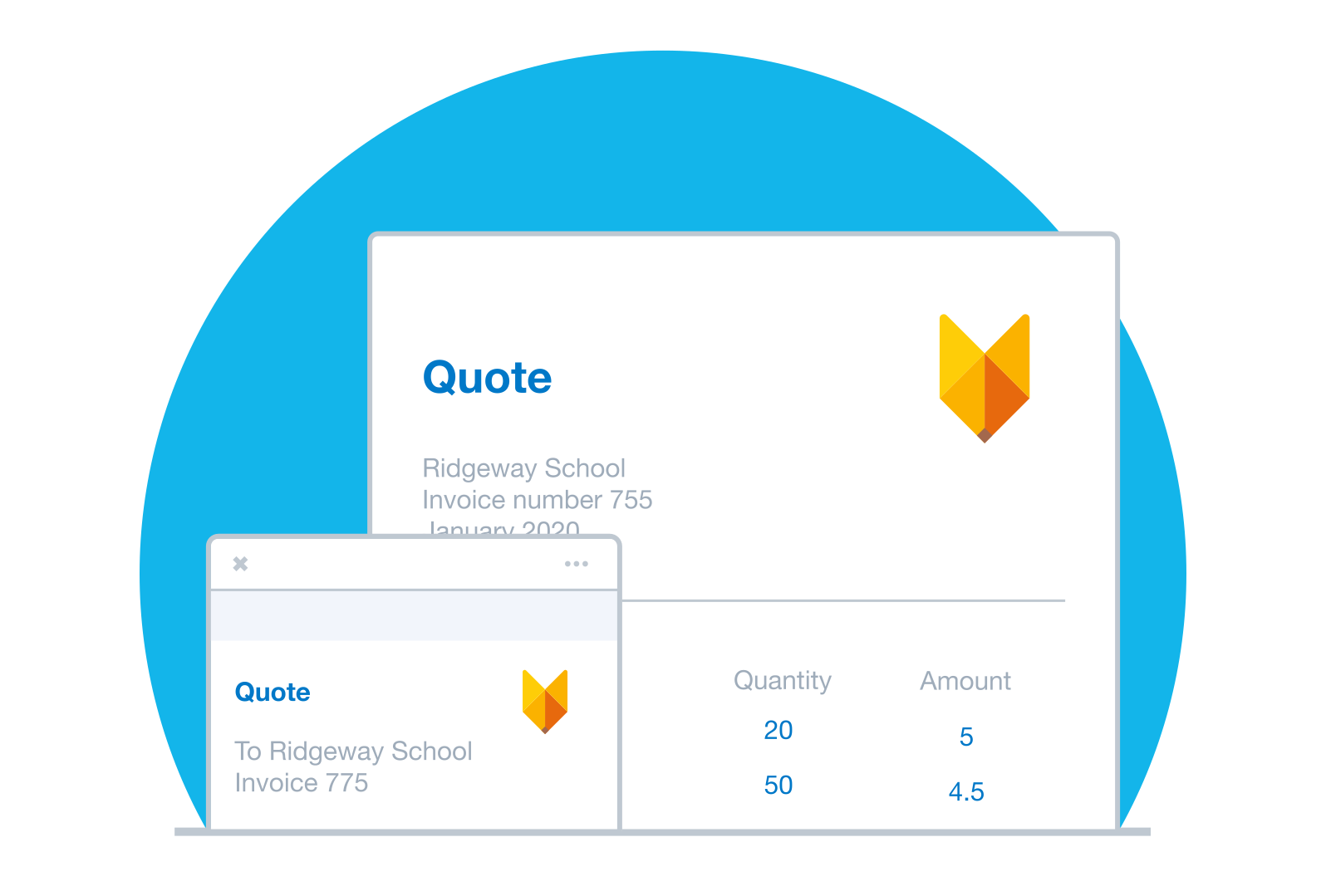
Create professional quotes in minutes
When you're short on time, Xero fills in customer details and applies US sales tax automatically. Start from a template, tweak the line items, and send from your desk or the Xero Accounting app. You get accurate quotes out the door fast.
- Use a template or duplicate a past quote to create a new one
- Autofill contact details, inventory items, and prices from your records
- Email a PDF or share a secure online quote link
Track every quote from draft to yes
Ever wonder where a quote stands? See at a glance whether it's draft, sent, accepted, or declined. When a customer accepts or declines online, Xero updates the status automatically, so you can follow up while it's fresh. Revise and resend it in seconds when the price changes.
- Track each quote or estimate: draft, sent, accepted, or declined
- Get notified when a customer accepts or declines online
- Revise and resend a quote right away
Turn an accepted quote into an invoice
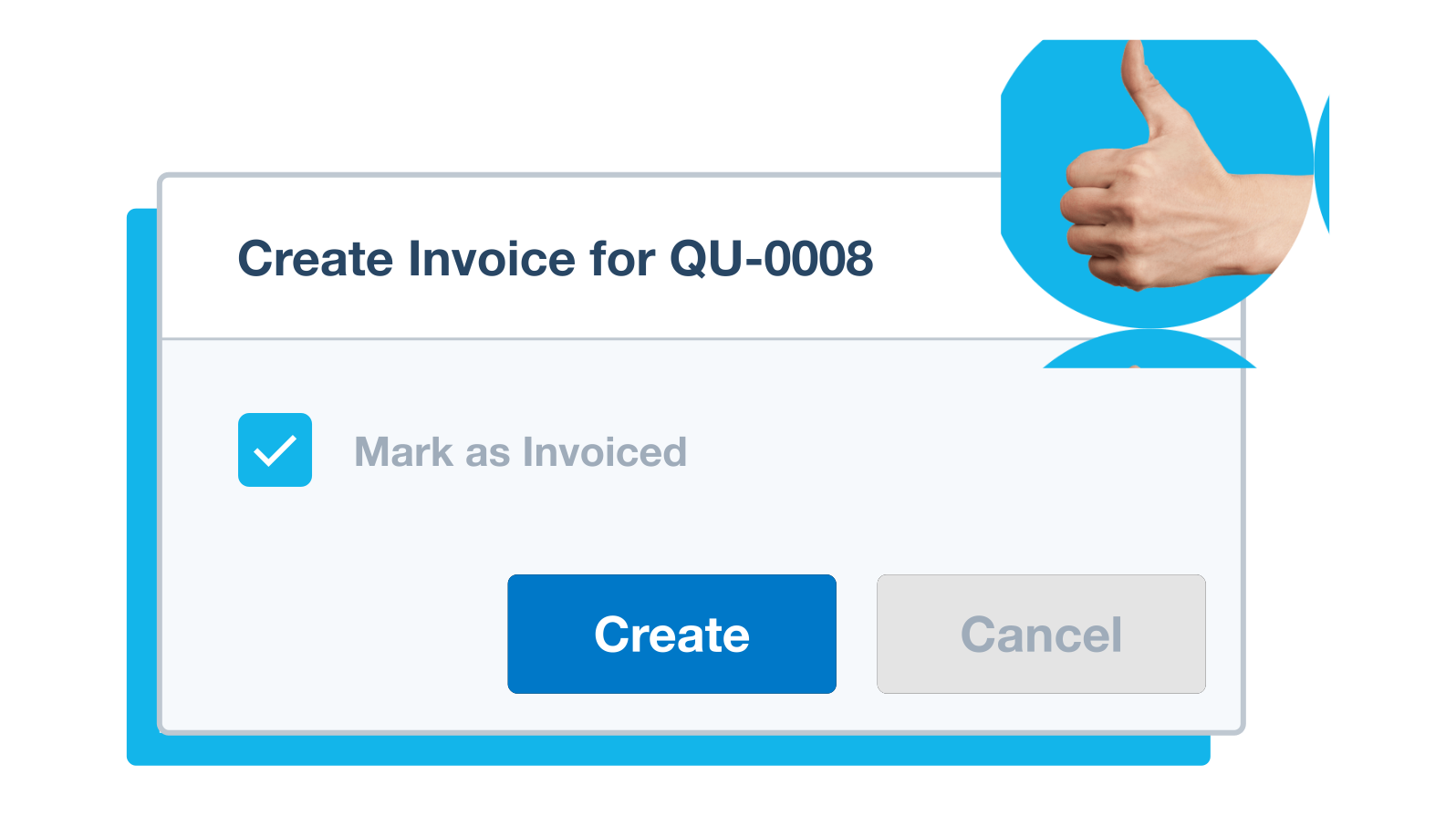
The customer said yes! Now the work is yours. Convert that accepted quote into an invoice with a single click, no retyping. Xero keeps a clear link between the quote and the invoice, so your records line up if you ever need to check them. Your customer gets invoiced sooner.
- Find the accepted quote in your records
- Convert it to an invoice, then add or edit items as needed
- Send it to your customer on the spot
See the bigger picture of your finances
Quoting is one piece of the picture. Your accepted quotes and invoices flow straight into bank reconciliation, reporting, and sales tax tracking inside Xero. You manage the whole money trail in one place and always know where your business stands.
- Connect your bank accounts so transactions flow into Xero
- Work with your accountant on your latest numbers as they update
- Run reports anytime to see how your business is tracking

Quoting software that saves you time and money
The tools help you nail the admin and get back to business.
Send quotes in minutes
Templates and autofill do the heavy lifting, so a quote takes minutes.
Cut mistakes automatically
Automatic US sales tax and saved customer details keep every quote accurate.
Check and convert anywhere
Use the Xero Accounting app to track quote status and convert on the go.
FAQs on Xero's quoting software
Online quoting software lets you build, send, and manage price estimates for your customers without paper or spreadsheets. With Xero, you create a quote from a template, send it by email, and track whether the customer accepts or declines. Once accepted, the quote converts into an invoice.
Online quoting software lets you build, send, and manage price estimates for your customers without paper or spreadsheets. With Xero, you create a quote from a template, send it by email, and track whether the customer accepts or declines. Once accepted, the quote converts into an invoice.
Once a customer accepts your quote in Xero, you can convert it to an invoice with a single click. The details carry over automatically, so there's no retyping, and Xero keeps a clear link between the quote and the invoice. You can even let customers accept payments on the invoice.
Once a customer accepts your quote in Xero, you can convert it to an invoice with a single click. The details carry over automatically, so there's no retyping, and Xero keeps a clear link between the quote and the invoice. You can even let customers accept payments on the invoice.
Yes. Xero comes with quote templates you can customize with your logo, colors, payment terms, and standard line items. If you track your inventory in Xero, saved items and prices drop straight into each quote, so every one looks consistent and goes out fast.
Yes. Xero comes with quote templates you can customize with your logo, colors, payment terms, and standard line items. If you track your inventory in Xero, saved items and prices drop straight into each quote, so every one looks consistent and goes out fast.
Xero shows the status of every quote on one screen – draft, sent, accepted, or declined – so nothing slips through. You can filter by status, search by customer name, and sort by date to find any quote in seconds. If a deal needs a nudge, revise and resend in a few clicks.
Xero shows the status of every quote on one screen – draft, sent, accepted, or declined – so nothing slips through. You can filter by status, search by customer name, and sort by date to find any quote in seconds. If a deal needs a nudge, revise and resend in a few clicks.
Absolutely. The Xero Accounting app lets you create, edit, and send quotes from your phone, wherever you are. You can respond to a customer on the spot, then convert an accepted quote into an invoice from the same Xero Accounting app.
Absolutely. The Xero Accounting app lets you create, edit, and send quotes from your phone, wherever you are. You can respond to a customer on the spot, then convert an accepted quote into an invoice from the same Xero Accounting app.
Definitely. Xero applies US sales tax to your quotes automatically based on the rates you set up, so the totals are right before you send.
Definitely. Xero applies US sales tax to your quotes automatically based on the rates you set up, so the totals are right before you send.
A quote is an offer that shows your customer the estimated price before any work begins, and it isn't a demand for payment. A pro forma invoice is a preliminary bill sent ahead of the final invoice, often to confirm details or request a deposit. In Xero, you send a quote first, then convert it to an invoice once the customer accepts.
A quote is an offer that shows your customer the estimated price before any work begins, and it isn't a demand for payment. A pro forma invoice is a preliminary bill sent ahead of the final invoice, often to confirm details or request a deposit. In Xero, you send a quote first, then convert it to an invoice once the customer accepts.
Pay your bills at no extra cost
Free standard ACH bill payments are now included in Xero business plans.*
Early
for the first 3 months
Then $27 per month
An easy financial foundation - track cash flow with the essentials.
- Send quotes and 20 invoices†
- Accept online invoice payments^
- 5 bills
- Reconcile bank transactions
- Smart Document Capture
- View real-time reports
- W-9 + 1099 management
- Sales tax
- Visualize performance with basic graphs
- 30 day cash flow forecast
- Make online bill payments (Domestic - Free ACH)
- Make online bill payments (Cross Border)

Growing
for the first 3 months
Then $59 per month
Go beyond the basics - automate tasks and access performance dashboards.
- Send invoices and quotes
- Accept online invoice payments^
- Automate bill entry and track bills
- Reconcile bank transactions
- Smart Document Capture
- View real-time reports
- W-9 + 1099 management
- Sales tax
- Visualize performance with graphs
- 60 day cash flow forecast
- Make online bill payments (Domestic - Free ACH)
- Make online bill payments (Cross Border)
- Customize performance dashboards
- Tailored financial health scorecards
- Budget with smart suggestions
- Auto-reconcile transactions
Forecast with clarity
Forecast with clarity
Established
for the first 3 months
Then $97 per month
Future proof your scaling business - with advanced tools and analytics.
- Send invoices and quotes
- Accept online invoice payments^
- Automate bill entry and track bills
- Reconcile bank transactions
- Smart Document Capture
- View real-time reports
- W-9 + 1099 management
- Sales tax
- Visualize performance with graphs
- 180 day cash flow forecast
- Make online bill payments (Domestic - Free ACH)
- Make online bill payments (Cross Border)
- Customize performance dashboards
- Tailored financial health scorecards
- Analyze KPIs and ratios
- Use multiple currencies
- Track time and costs for projects
- Employee expense and mileage claims
- Benchmark against the industry
- Make online bill payments (International)
- Budget with smart suggestions
- Auto-reconcile transactions
G2
Connery J
G2
Katherine
G2
Verified user


See streamlined online quotes and estimates
Time to win some business.
*Fees apply for other payment methods.
*Based on published list prices for software subscription only. Excludes payroll and add-ons.