Accept online payments with Xero payment software
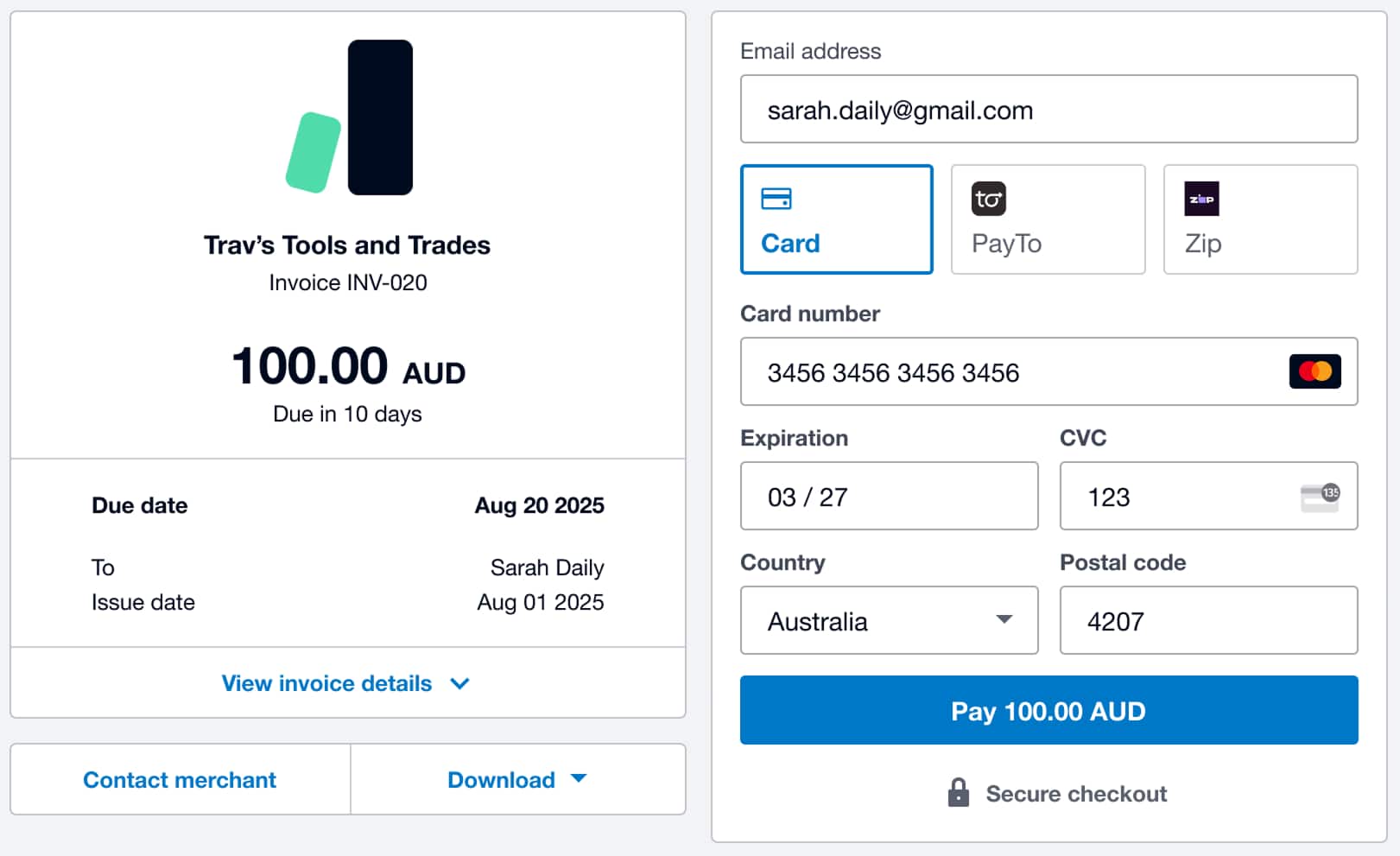
Accept online payments directly from your invoices. Customers can pay by credit or debit card, Apple Pay, Google Pay, direct debit, and more – every transaction reconciles in Xero automatically. Less time chasing payments, with online payment options that help you get paid faster.
How online payments help your business
Online invoice payments mean you get paid faster, with less admin – payment processing is built into your accounting software.
Get paid up to twice as fast
Add a Pay now button to your invoices so customers can pay you right away!
Every payment method your customers need
You can accept cards, Apple Pay, Google Pay, PayTo and buy now, pay later – just add Stripe.
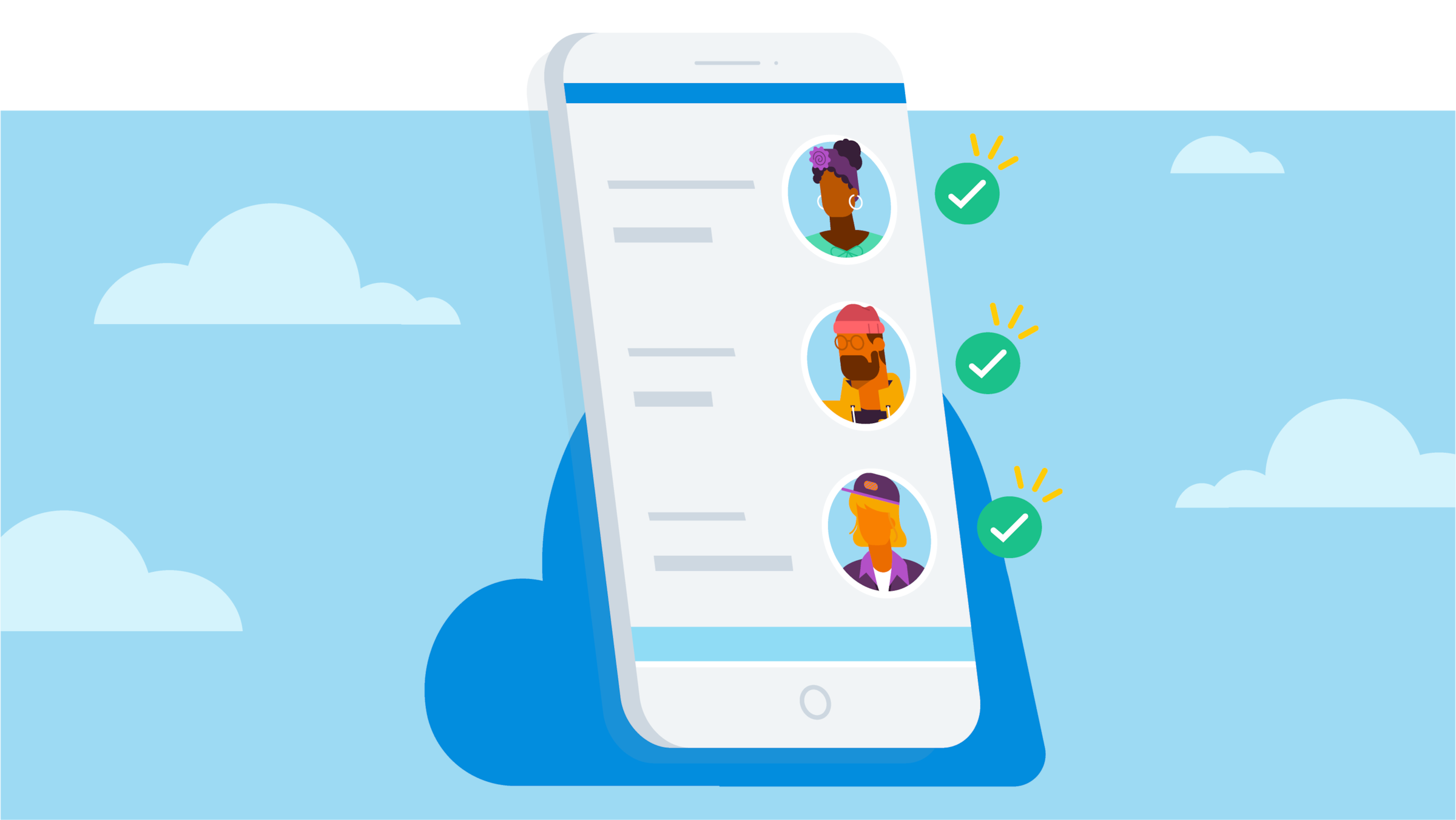
Fewer steps between invoice and customer payments
Send invoices by email or SMS with a Pay Now button built in – customers can pay the way they want, in fewer steps.
Let customers pay the way they want
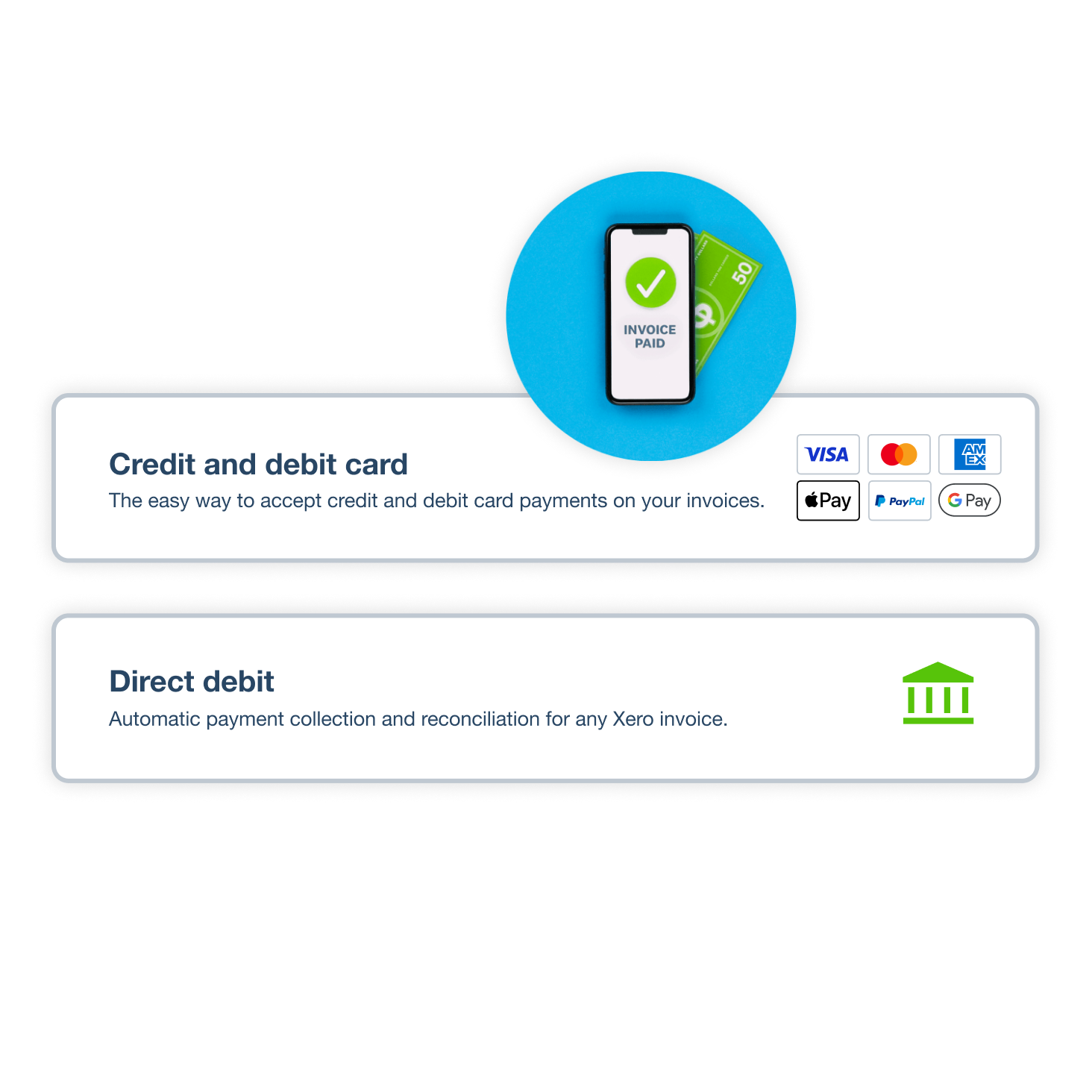
Want to get paid faster? Make it easy for your customers. Because 86% of customers say they prefer card payments, connect Stripe to accept credit or debit cards, Apple Pay and Google Pay. Offer buy now, pay later through Zip. And for direct debit, just connect to GoCardless.
- Accept online payments by card, Apple Pay, Google Pay, PayTo and buy now, pay later using Stripe
- Accept contactless payments in person via Tap to Pay – straight from the Xero app
- GoCardless debits your customer's account on each invoice due date – perfect for retainers and subscriptions
Did you know:
Xero customers say they spend 50% less time chasing payments
Set up online payments in minutes
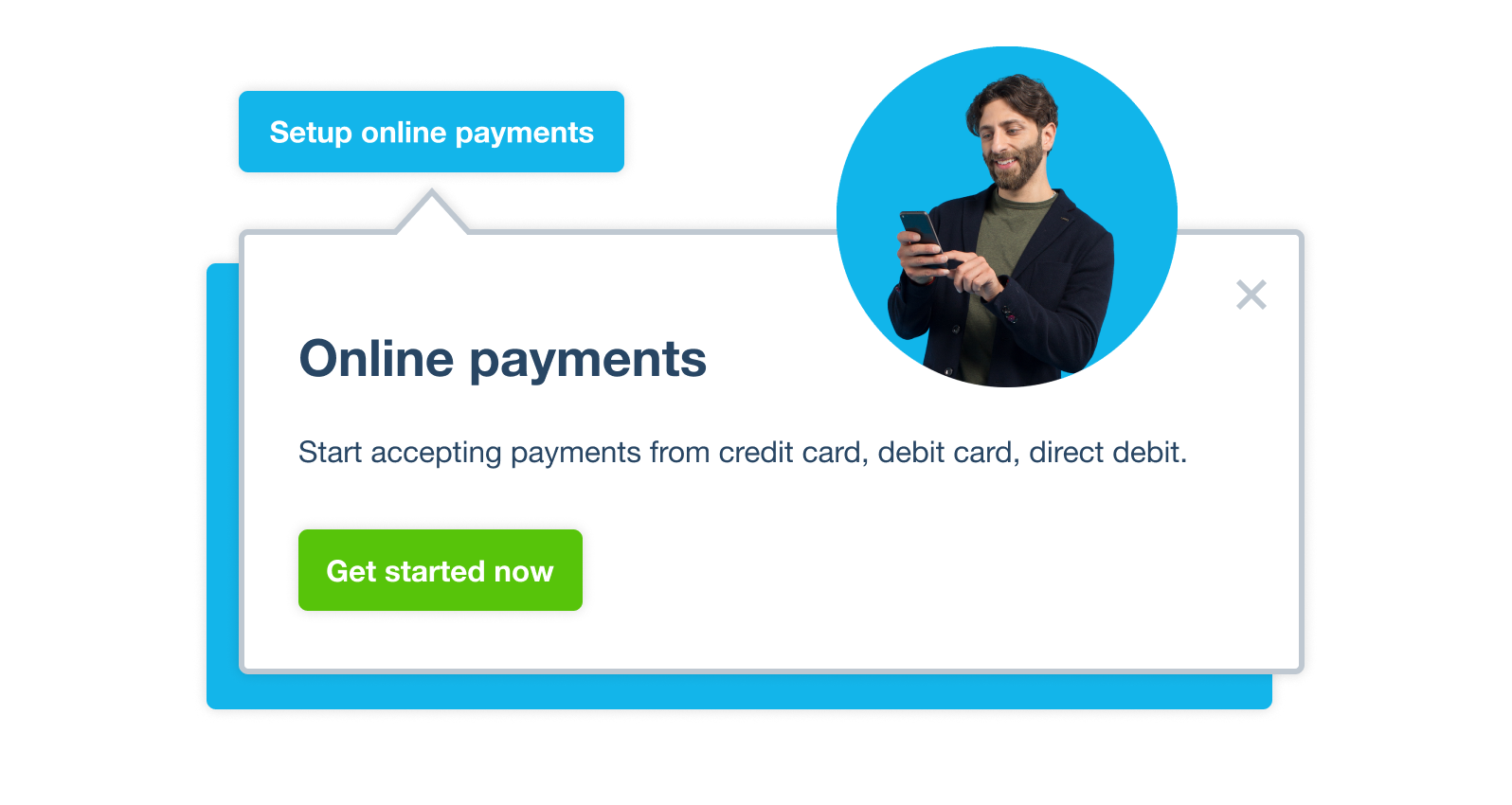
Setting up online payments in Xero is easy and takes just minutes. Add Stripe to accept cards, digital wallets, and buy now, pay later, and GoCardless to handle direct debits. Feeds transactions to Xero for easy reconciliation.
- Connect a payment service to your online invoices in Xero at no subscription cost
- No subscription fees – you only pay transaction fees when customers pay online
Make payments easy: add a Pay now button to every invoice
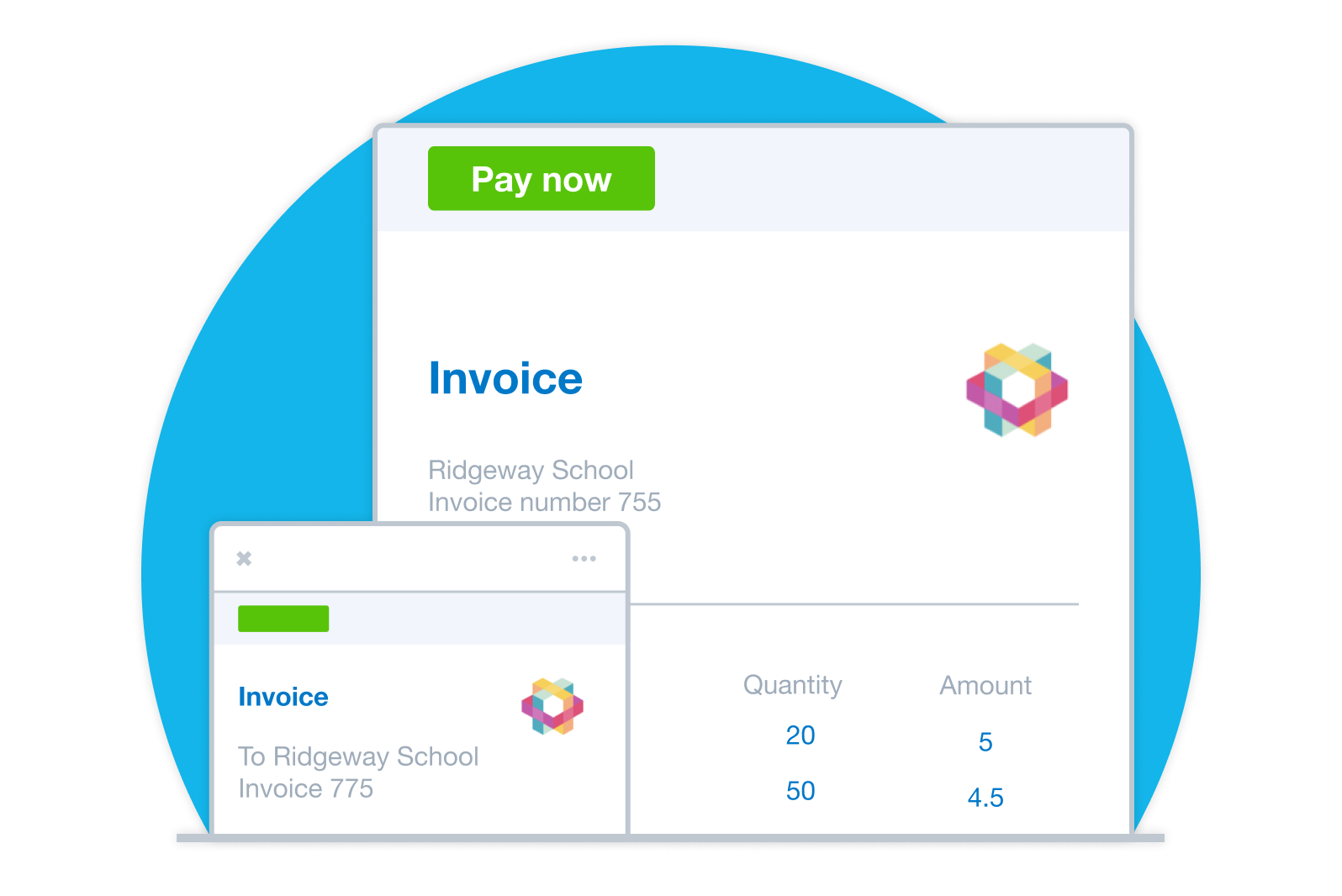
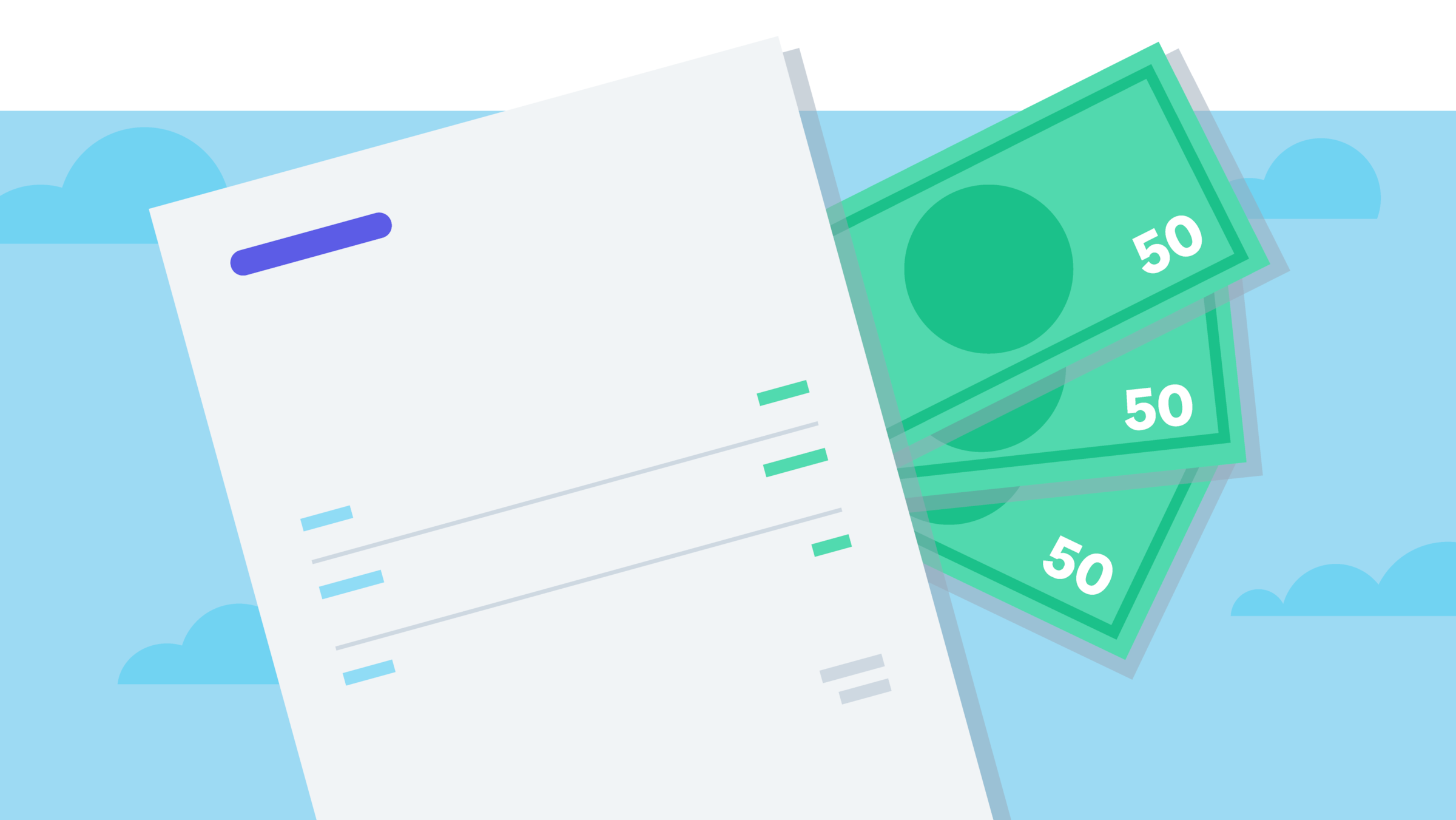
Xero invoices look professional and make it simple to pay. Add your logo, a customer message, and a Pay now button so customers pay straight from the invoice. Invoices with a payment option get paid up to twice as fast. Send by SMS and set automated reminders to spend less time following up.
- Use Xero’s invoice templates to personalise your invoices with your logo and a custom message.
- Customers pay directly from the invoice in one click, cutting steps to pay and reducing follow-up time.
- Send automated invoice reminders by email for upcoming and overdue invoices.
Accept payments protected from fraud
Xero online invoices and payments protect you from fraud. Xero invoices are harder to tamper with than PDFs, and connected payment services use robust security and encryption. Multi-factor authentication protects your account and data – so your customers can pay you with confidence.
- Payment services connected to Xero have robust security protections and strong encryption
- Unlike PDFs, Xero online invoices are hard to tamper with, helping prevent unauthorized changes
- Xero protects your account and data with multiple layers of security, including multi-factor authentication
Plans to suit your business
What is payment software?
Payment software like Xero does more than accepting transactions. With Xero, invoicing, payment acceptance and accounting are the same system – it’s one continuous workflow.
- Stripe feeds transactions to Xero for you to reconcile, helping reduce manual admin.
- Track every invoice from sent to paid in one place, with a clear, up-to-date view of what's outstanding.
- Accept payments in multiple currencies – with multicurrency in Xero, you can invoice customers and receive payments in more than 160 currencies.
How to accept payments online in Australia
Set up to accept payments online in Xero in minutes.
- Choose your payment methods – cards, wallets, direct debit, or buy now, pay later.
- Connect Stripe or GoCardless.
- Invoices can get a Pay Now button added.
- Customers can pay online straight from the invoice, whether you send it by email or SMS.
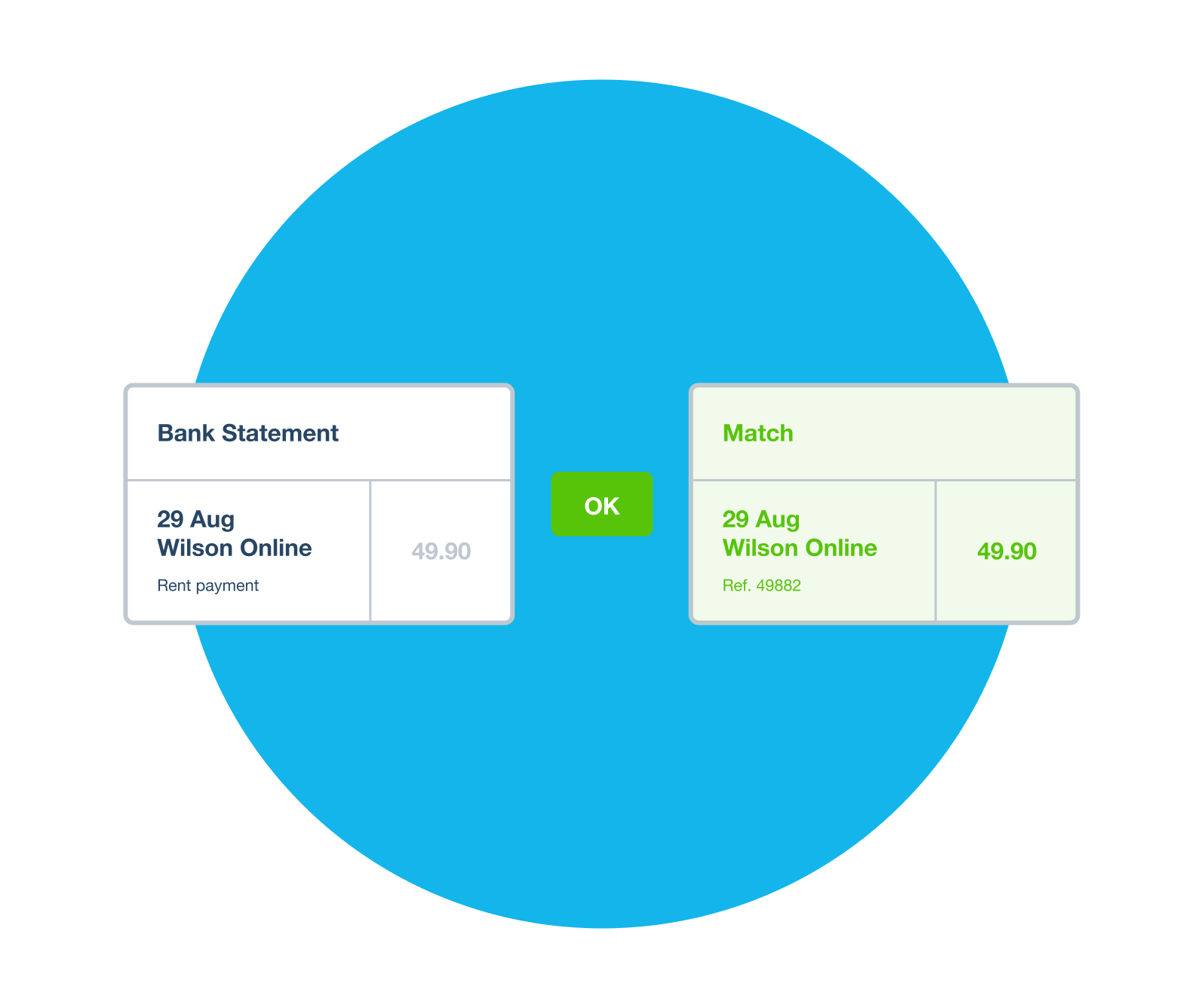
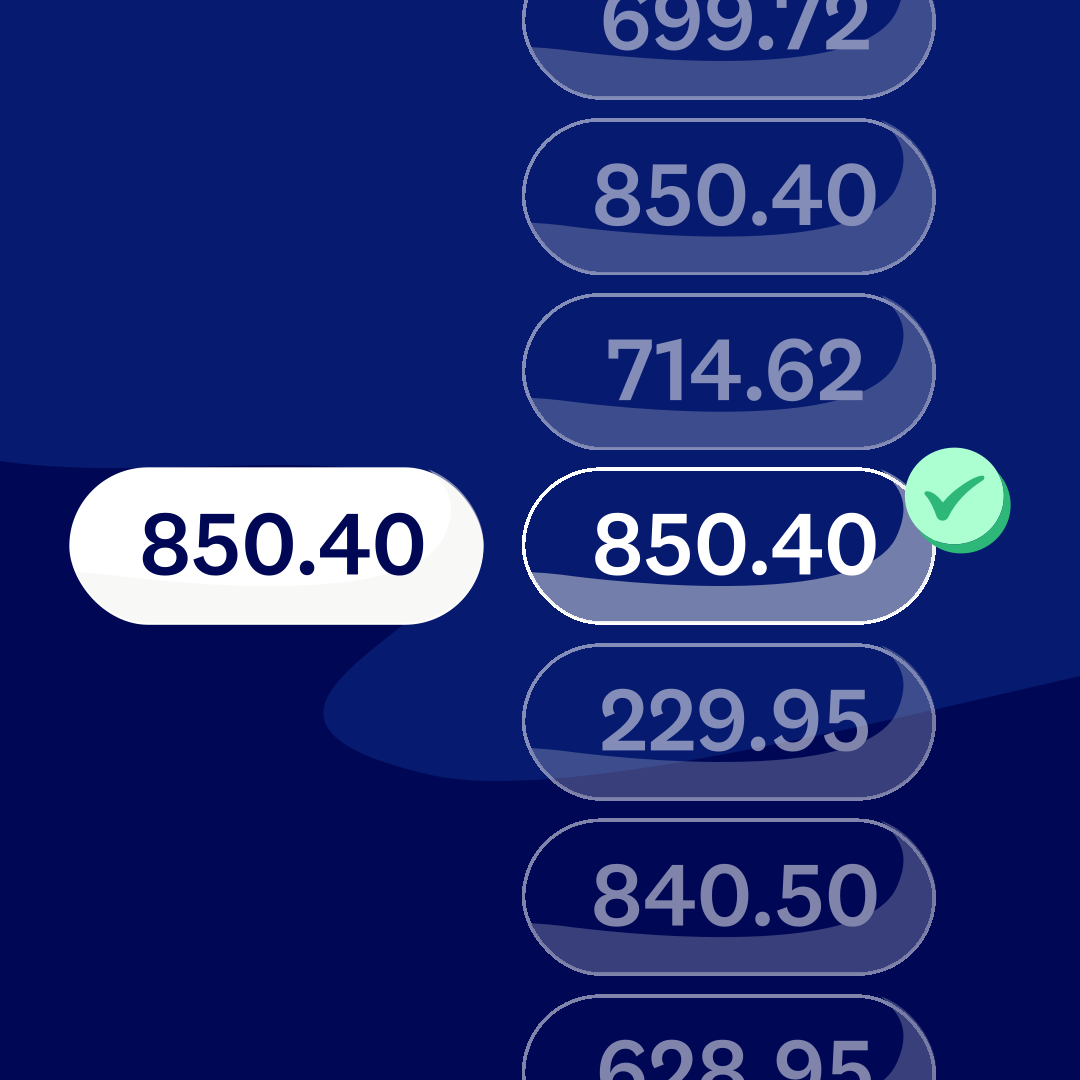
- Xero reconciles the payment automatically.

Why Australians choose Xero online payments
Get paid quickly, with less admin and happy customers! Here's how Xero's payment software helps you get there.
Less time chasing payments
Send SMS invoices with a Pay Now button, set auto-reminders, and take direct debit payments via GoCardless.
Keep your customers happy – give them choice
Offer card options, Apple Pay, Google Pay, and direct debit. Customers who can pay their way come back.
Xero grows with you
Xero handles international payments and currency conversion. Your payment software grows with your business.
Accounting software for your small business
Xero is accounting software for your Australian small business. Manage invoicing, accept online payments, track expenses and reconcile your bank – all in one place. Connect your bank for automatic transaction feeds, invite your accountant to collaborate in real time, and customise Xero with apps.
- One integrated system: invoicing, payment processing, bank reconciliation, and reporting – all in one place
- Connect your bank account for automatic transaction feeds and faster reconciliation
- Give access to your accountant or bookkeeper and collaborate in real time from anywhere
- Customise Xero with 1,000+ apps from the App Store – including payment processing, inventory, and payroll tools


Trustpilot
Monya
Trustpilot
Tom W
Trustpilot
Tina T
FAQs about accepting online payments
By setting up online payments, your customers can pay the moment they receive your invoice. Choose to let them pay by credit card, debit card, Apple Pay, Google Pay, direct debit or Buy now, pay later. Stripe feeds the transactions to Xero for you to reconcile them, and Xero suggests matches between payments and invoices to make reconciliation easier.
Xero customers say they spend 50% less time chasing payments after setting up online payment options. Those who use Stripe or GoCardless get paid up to twice as fast, too. That means better cash flow and less admin for your Australian small business.
By setting up online payments, your customers can pay the moment they receive your invoice. Choose to let them pay by credit card, debit card, Apple Pay, Google Pay, direct debit or Buy now, pay later. Stripe feeds the transactions to Xero for you to reconcile them, and Xero suggests matches between payments and invoices to make reconciliation easier.
Xero customers say they spend 50% less time chasing payments after setting up online payment options. Those who use Stripe or GoCardless get paid up to twice as fast, too. That means better cash flow and less admin for your Australian small business.
Stripe gives your customers multiple ways to pay from a single invoice. With a single signup to Stripe, you can accept credit card, debit card, Apple Pay, Google Pay, PayTo, and Buy now, pay later options via Zip. There’s no need to set up each one separately.
You can also accept in-person contactless payments on the spot using Tap to Pay on iPhone – directly from the Xero Accounting app. You don’t need a card reader or extra hardware.
You can also set up auto pay for repeating invoices, so customers can pay recurring invoices automatically.
Stripe gives your customers multiple ways to pay from a single invoice. With a single signup to Stripe, you can accept credit card, debit card, Apple Pay, Google Pay, PayTo, and Buy now, pay later options via Zip. There’s no need to set up each one separately.
You can also accept in-person contactless payments on the spot using Tap to Pay on iPhone – directly from the Xero Accounting app. You don’t need a card reader or extra hardware.
You can also set up auto pay for repeating invoices, so customers can pay recurring invoices automatically.
Tap to Pay lets you accept contactless payments in person with just your smartphone and the Xero Accounting app – there’s no card reader or extra hardware needed.
It's available on both iPhone (as Tap to Pay on iPhone) and Android (as Tap to Pay on Android), powered by Stripe. Customers can pay with a physical card, digital wallet, or wearable device like a smartwatch.
It’s super-convenient: you just raise an invoice in Xero, and collect payment on the spot – so it’s ideal for service businesses, tradespeople, or anyone who needs to take payment at a customer's location.
Tap to Pay lets you accept contactless payments in person with just your smartphone and the Xero Accounting app – there’s no card reader or extra hardware needed.
It's available on both iPhone (as Tap to Pay on iPhone) and Android (as Tap to Pay on Android), powered by Stripe. Customers can pay with a physical card, digital wallet, or wearable device like a smartwatch.
It’s super-convenient: you just raise an invoice in Xero, and collect payment on the spot – so it’s ideal for service businesses, tradespeople, or anyone who needs to take payment at a customer's location.
It takes just a few easy steps. You'll find instructions in the Xero Central payment services guide.
Once connected, you can accept credit and debit cards, Apple Pay, Google Pay, PayTo and buy now, pay later options including Zip – all from the same invoice. Stripe also enables Tap to Pay on iPhone for in-person contactless payments through the Xero Accounting app.
It takes just a few easy steps. You'll find instructions in the Xero Central payment services guide.
Once connected, you can accept credit and debit cards, Apple Pay, Google Pay, PayTo and buy now, pay later options including Zip – all from the same invoice. Stripe also enables Tap to Pay on iPhone for in-person contactless payments through the Xero Accounting app.
GoCardless connects with Xero to automate direct debit payments. When a Xero invoice is due, GoCardless automatically debits your customer's bank account – you don’t have to chase or follow up.
This makes it ideal for subscription businesses, clients on retainer, or any situation where you invoice the same customer regularly. GoCardless integrates with Xero, so scheduling and reconciling payments is easy, helping keep your records up to date.
GoCardless connects with Xero to automate direct debit payments. When a Xero invoice is due, GoCardless automatically debits your customer's bank account – you don’t have to chase or follow up.
This makes it ideal for subscription businesses, clients on retainer, or any situation where you invoice the same customer regularly. GoCardless integrates with Xero, so scheduling and reconciling payments is easy, helping keep your records up to date.
You'll find step-by-step instructions for connecting GoCardless in the Xero Central payment services guide.
Once connected, your customers can pay online invoices by direct debit. For recurring invoices, GoCardless can automatically collect payment on the due date, so you don’t need to manually chase or schedule payments.
You'll find step-by-step instructions for connecting GoCardless in the Xero Central payment services guide.
Once connected, your customers can pay online invoices by direct debit. For recurring invoices, GoCardless can automatically collect payment on the due date, so you don’t need to manually chase or schedule payments.
It’s easy: just connect Stripe to your Xero account and add it as a payment option on your invoices. When a customer receives your invoice, they click the Pay now button and enter their card details. When your customer receives a Xero invoice, they can pay according to the payment methods you've enabled. Xero then sends payment information via an online payment gateway to their bank, which checks their identity and available funds before payment.
Stripe also lets you accept multiple payment types with a single signup, and feeds the transactions to Xero for you to reconcile them.
It’s easy: just connect Stripe to your Xero account and add it as a payment option on your invoices. When a customer receives your invoice, they click the Pay now button and enter their card details. When your customer receives a Xero invoice, they can pay according to the payment methods you've enabled. Xero then sends payment information via an online payment gateway to their bank, which checks their identity and available funds before payment.
Stripe also lets you accept multiple payment types with a single signup, and feeds the transactions to Xero for you to reconcile them.
When you accept payments online through Xero, here's what happens.
1. You send a Xero invoice.
2. Your customer chooses their payment method – card, digital wallet, direct debit or buy now, pay later.
3. The payment goes via a payment gateway (Stripe or GoCardless) to your customer's bank, which checks their identity and available funds.
4. Get the money in your account by giving your customers the chance to pay online by card.
5. Stripe feeds the transactions to Xero for you to reconcile them.
Stripe and GoCardless are trusted payment services with robust security protections, and trusted payment providers use fraud detection tools. Xero helps with the accounting side by feeding transactions into Xero for reconciliation, so scheduling and reconciling online payments is easier.
When you accept payments online through Xero, here's what happens.
1. You send a Xero invoice.
2. Your customer chooses their payment method – card, digital wallet, direct debit or buy now, pay later.
3. The payment goes via a payment gateway (Stripe or GoCardless) to your customer's bank, which checks their identity and available funds.
4. Get the money in your account by giving your customers the chance to pay online by card.
5. Stripe feeds the transactions to Xero for you to reconcile them.
Stripe and GoCardless are trusted payment services with robust security protections, and trusted payment providers use fraud detection tools. Xero helps with the accounting side by feeding transactions into Xero for reconciliation, so scheduling and reconciling online payments is easier.
There are no subscription fees to add payment services to Xero. You only pay transaction fees when a customer actually pays online.
Stripe and GoCardless each have their own transaction fee structure. For Stripe’s Australian pricing rates for card payments, digital wallets, and buy now, pay later, see the Stripe pricing and fees page. GoCardless fees for direct debit are on the GoCardless website.
Because there's no monthly fee to use payment services in Xero, it costs you nothing unless your customers are paying online – making it low risk to set up.
There are no subscription fees to add payment services to Xero. You only pay transaction fees when a customer actually pays online.
Stripe and GoCardless each have their own transaction fee structure. For Stripe’s Australian pricing rates for card payments, digital wallets, and buy now, pay later, see the Stripe pricing and fees page. GoCardless fees for direct debit are on the GoCardless website.
Because there's no monthly fee to use payment services in Xero, it costs you nothing unless your customers are paying online – making it low risk to set up.
No. With Xero, you can connect a trusted payment service to your invoices so customers can pay online.
Connect a payment processor to online invoices in Xero so customers can securely pay online and the money can get into your bank account faster. To set one up, you usually need to apply to a bank or payment provider.
But with the Stripe and GoCardless payment services that connect to Xero, you just sign up directly, connect to Xero, and you're ready to accept online payments. The process takes minutes, not days.
No. With Xero, you can connect a trusted payment service to your invoices so customers can pay online.
Connect a payment processor to online invoices in Xero so customers can securely pay online and the money can get into your bank account faster. To set one up, you usually need to apply to a bank or payment provider.
But with the Stripe and GoCardless payment services that connect to Xero, you just sign up directly, connect to Xero, and you're ready to accept online payments. The process takes minutes, not days.
Check out the 'I want to pay that way' report
Learn how consumers and small businesses around the world make and collect payments.
Read the report
FAQs about Xero in Australia
Yes. You can connect your Xero account with the ATO (Australian Taxation Office) to help you easily prepare and submit your returns, so you never miss a deadline.
Here’s more info on tax and super from the ATO.Yes. You can connect your Xero account with the ATO (Australian Taxation Office) to help you easily prepare and submit your returns, so you never miss a deadline.
Here’s more info on tax and super from the ATO.Yes. Xero complies fully with STP. You can send reports to ATO each payday without any hassle so you have more time for the rest of your business.
Yes. Xero complies fully with STP. You can send reports to ATO each payday without any hassle so you have more time for the rest of your business.
The best accounting software depends on your needs. Xero’s accounting software has flexible plans so you can adjust your subscriptions to access the features you need as your business grows.
Check out Xero’s pricing plans.The best accounting software depends on your needs. Xero’s accounting software has flexible plans so you can adjust your subscriptions to access the features you need as your business grows.
Check out Xero’s pricing plans.No – Xero is based in the cloud, so all you need is an internet connection. But you need a multi-factor authentication (MFA) app to log in to Xero. MFA adds an extra layer of security by checking that it’s really you when you log in.
Learn about data protection with Xero.No – Xero is based in the cloud, so all you need is an internet connection. But you need a multi-factor authentication (MFA) app to log in to Xero. MFA adds an extra layer of security by checking that it’s really you when you log in.
Learn about data protection with Xero.Yes – the Xero App Store has hundreds of apps to help manage your business, including apps specifically designed for your industry and for doing business in Australia.
Check out the Xero App Store.Yes – the Xero App Store has hundreds of apps to help manage your business, including apps specifically designed for your industry and for doing business in Australia.
Check out the Xero App Store.
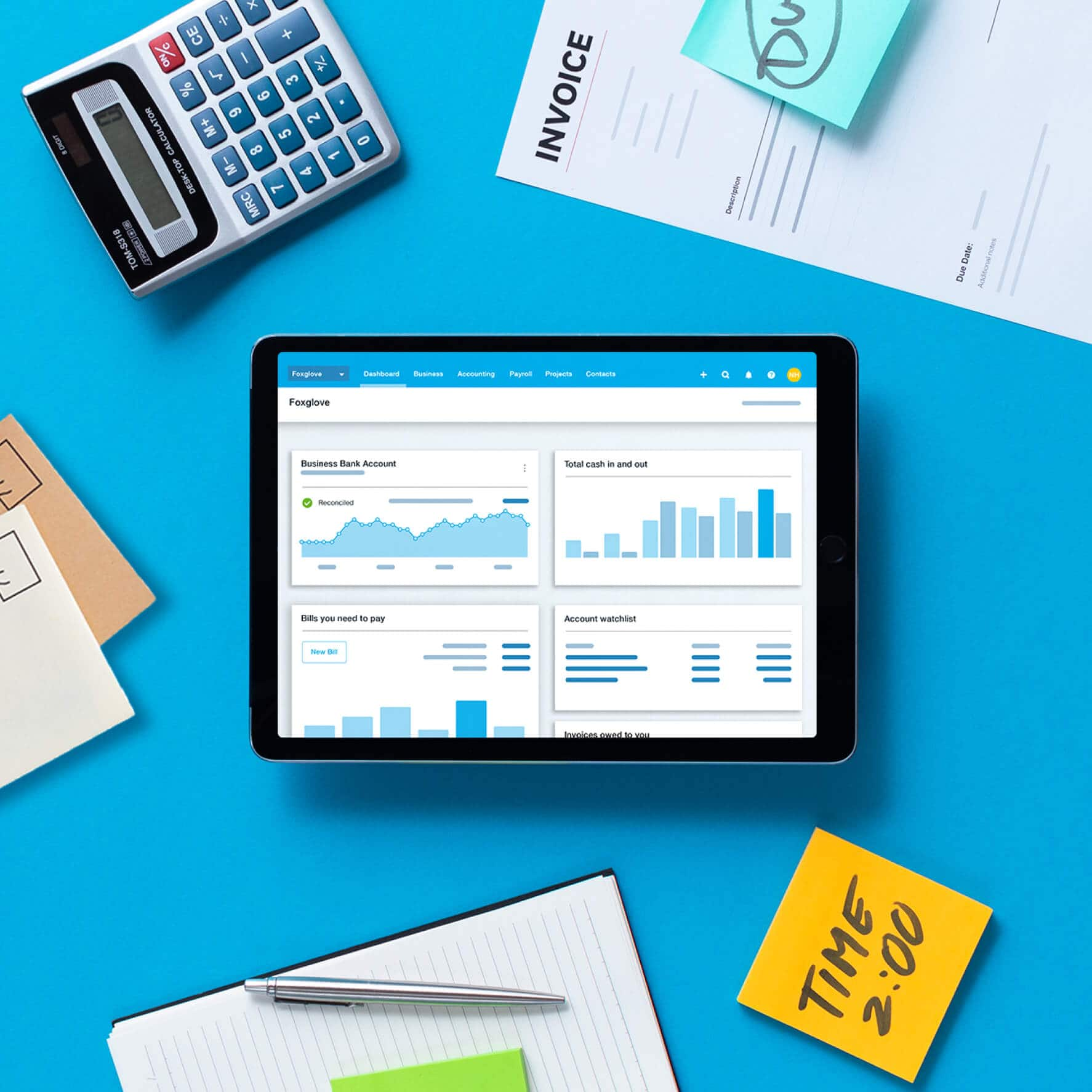
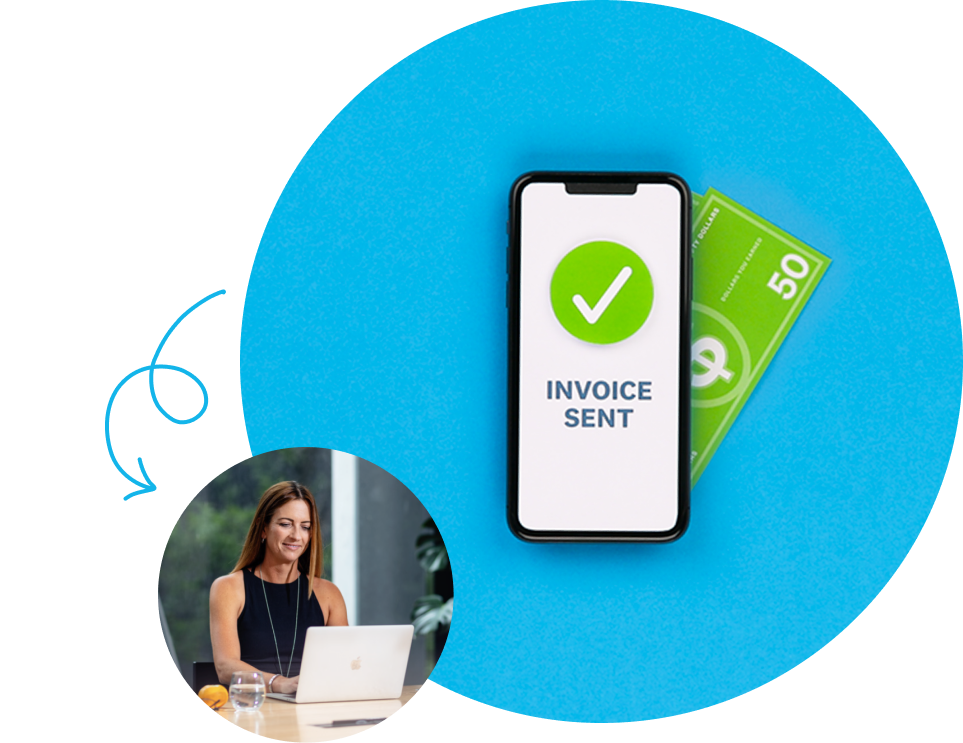
See how online payments give customers more ways to pay and help you get paid faster
Get paid now? Yes please.
Start accepting online payments
Here’s everything you need to know to start accepting payments from your customers and making them to your suppliers and employees.See all payments guides.
- Guide
What is an invoice? Types, inclusions and tips for getting paid
Learn what an invoice is, what to include, and how to send one that gets paid on time.
- Guide
Small business payroll: steps, compliance and software
Learn small business payroll steps, compliance basics, and tools that help you pay your team with confidence.
- Guide
How to build a watertight accounts receivable process
There’s one way to stay in business – you have to get paid. That’s why a good accounts receivable process is critical.

Prices are in AUD and include GST. Xero reserves the right to change pricing at any time. Xero subscriptions auto-renew monthly until they are cancelled.
If you later decide to change to a less expensive plan you can do so 1 month after upgrading. If you select a plan which includes Payroll, Expenses, or Projects, additional charges may apply if you go over the stated included number of users (Expenses and Projects) or people paid (Payroll). Your invited users who have access to those features may trigger additional charges on your subscription if the included usage/number of users/people paid are exceeded.
*New customers get 90% off for the first 3 months, then Xero’s regular price will apply and auto-renew monthly until cancelled as described in our Terms of Use. Only available to customers in Australia purchasing their first organisation on xero.com. Offer available until 11:59pm AEDT on November 2, 2026 using code DC90626310AU. Discount applies to base Ignite, Grow, Comprehensive, Ultimate or Ultra plan subscriptions and does not apply to any additional charges for add-ons, usage and payment fees, unless otherwise specified. This offer cannot be used with, or exchanged for, any other offer. Xero can change or cancel this offer at any time.
†Invoice limits for the Ignite plan apply to both approving and sending invoices. Transactions initiated by app partners may automatically contribute to your invoice limit.
^Payment fees apply to the use of online invoice payments. See here for more information.
**Median payment times of invoices with a payment service included and sent via SMS by customers using Xero in Australia from 9/1/2024 to 3/31/2025 (compared to invoices sent by email and without payment service included).
†† Any payment fees are in addition to your Xero monthly base subscription amount and are not eligible for subscription discounts or offers. See here for more information.
Prices are in AUD and include GST. Xero reserves the right to change pricing at any time. Xero subscriptions auto-renew monthly until they are cancelled.
If you later decide to change to a less expensive plan you can do so 1 month after upgrading. If you select a plan which includes Payroll, Expenses, or Projects, additional charges may apply if you go over the stated included number of users (Expenses and Projects) or people paid (Payroll). Your invited users who have access to those features may trigger additional charges on your subscription if the included usage/number of users/people paid are exceeded.
*New customers get 90% off for the first 3 months, then Xero’s regular price will apply and auto-renew monthly until cancelled as described in our Terms of Use. Only available to customers in Australia purchasing their first organisation on xero.com. Offer available until 11:59pm AEDT on November 2, 2026 using code DC90626310AU. Discount applies to base Ignite, Grow, Comprehensive, Ultimate or Ultra plan subscriptions and does not apply to any additional charges for add-ons, usage and payment fees, unless otherwise specified. This offer cannot be used with, or exchanged for, any other offer. Xero can change or cancel this offer at any time.
†Invoice limits for the Ignite plan apply to both approving and sending invoices. Transactions initiated by app partners may automatically contribute to your invoice limit.
^Payment fees apply to the use of online invoice payments. See here for more information.
**Median payment times of invoices with a payment service included and sent via SMS by customers using Xero in Australia from 9/1/2024 to 3/31/2025 (compared to invoices sent by email and without payment service included).
†† Any payment fees are in addition to your Xero monthly base subscription amount and are not eligible for subscription discounts or offers. See here for more information.