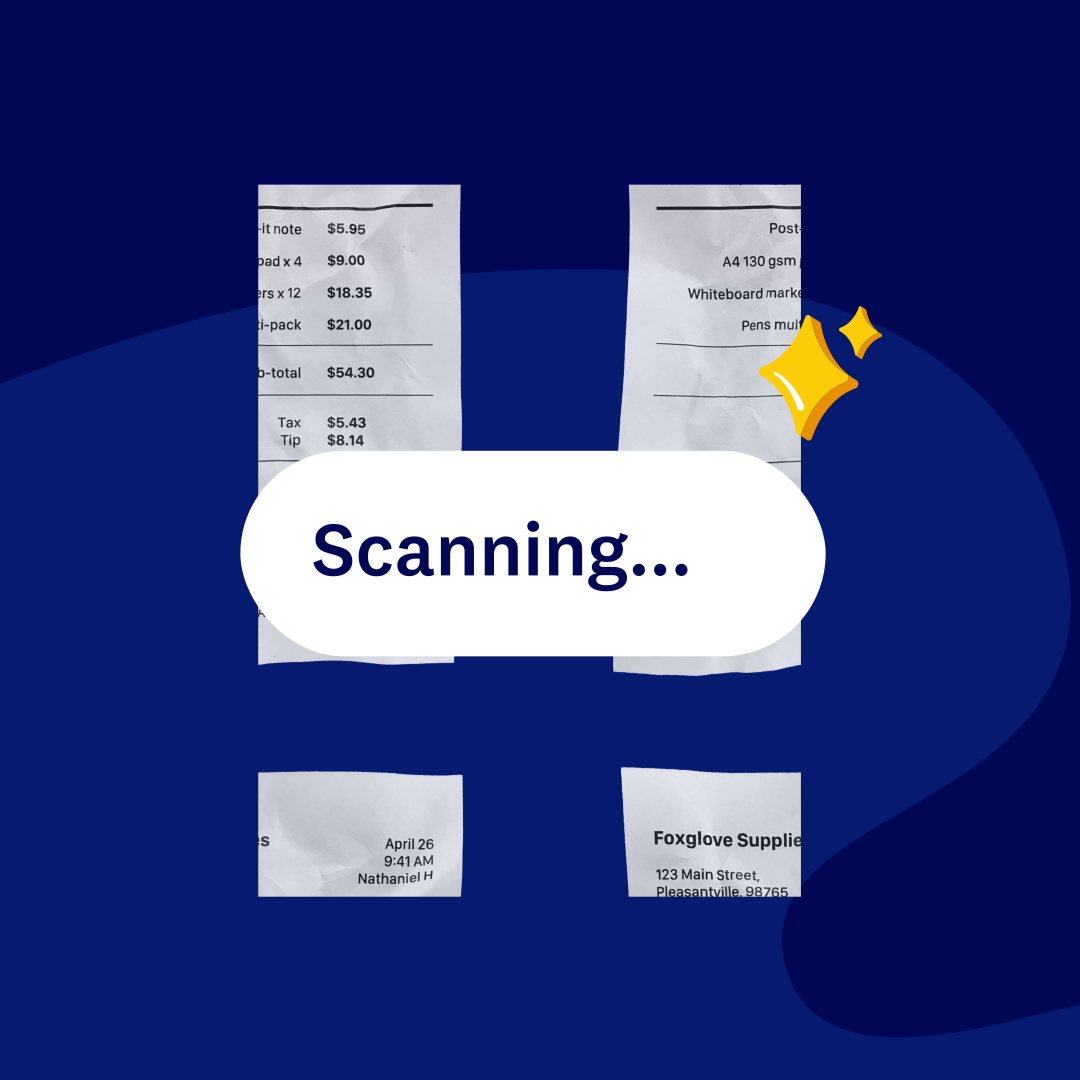
Receipt management software built for your business
Photograph receipts in the Xero Me app to capture key details, create expense claims on the spot, and store everything securely in the cloud. Submit claims directly to an approver, then reconcile approved expenses in Xero. No paper, no data entry, and no last-minute scramble at tax time.
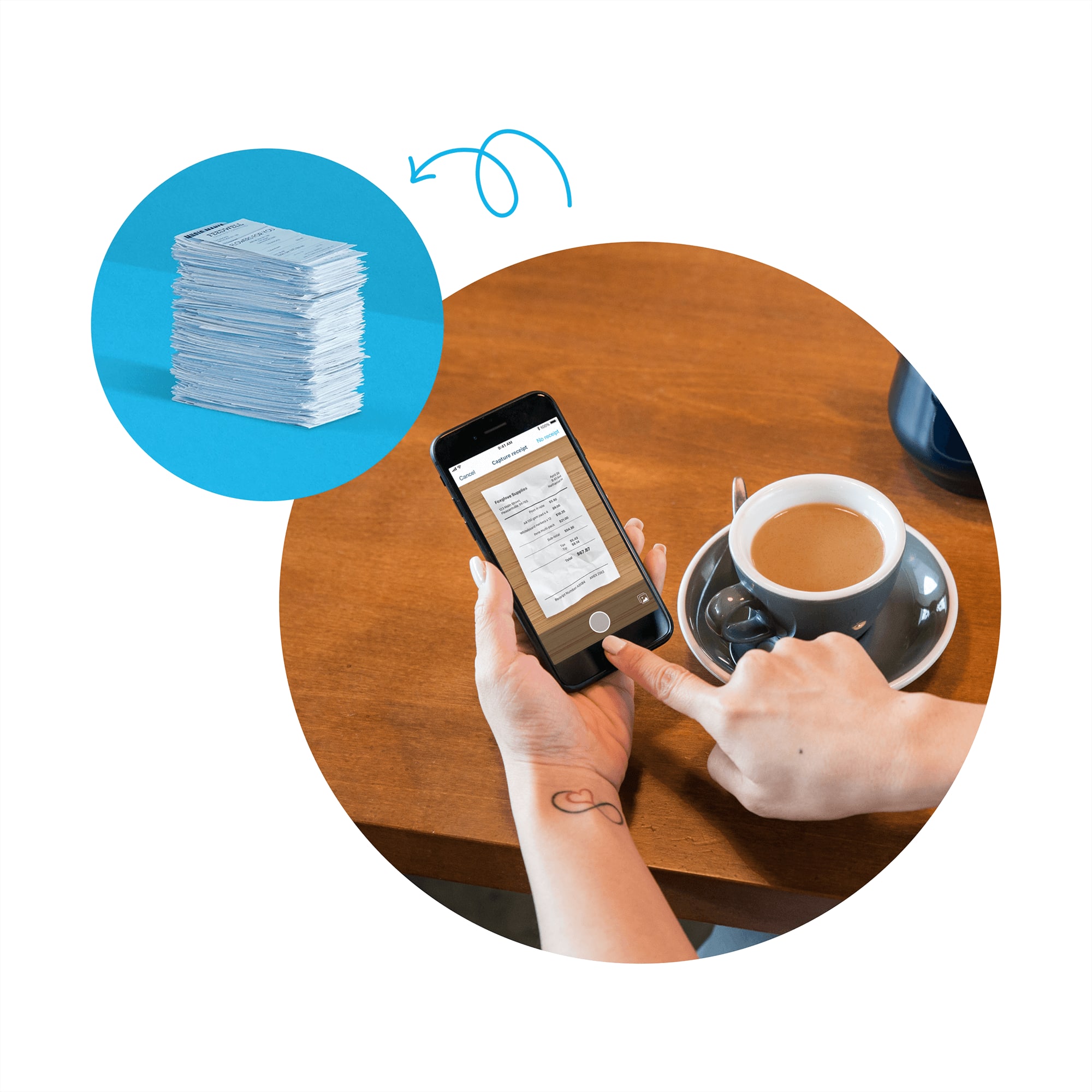
Receipt management software that makes your job a dream
Xero helps you capture receipts, approve expense claims, and keep finances up to date - all in one cloud-based system.
Snap a receipt, skip the data entry
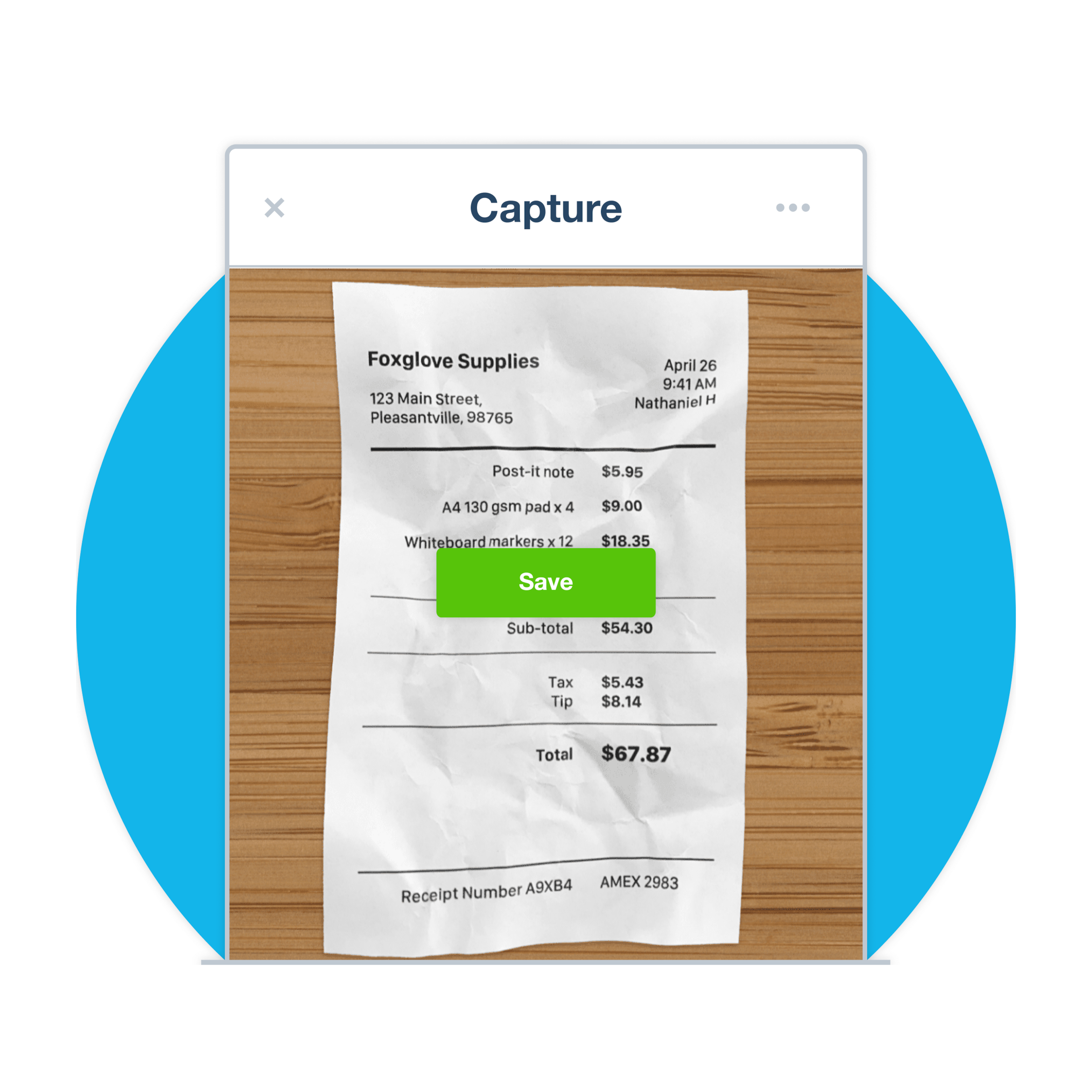
Xero Me extracts key details from your receipt photo and auto-fills your expense claim to reduce mistakes.
Review and approve expenses without the chasing
Employees submit claims from their phones. Review, approve, and reimburse expenses, and set permissions based on role.
Store receipts, stay audit-ready
Xero stores receipts in the cloud -- GST-coded, audit-ready, and accessible for five years to meet ATO requirements.
Capture receipts your way
Point your phone at a receipt and the Xero Me app captures all the essential data before you leave the counter. Each image is securely saved to the cloud, attached to the expense claim, and ready for approval. No paper pile, and no data entry.
- Capture vendor, date, and amount from any receipt you photograph with the Xero Me app
- Xero captures key receipt details like vendor, date, and amount, then auto-fills your expense claim to reduce manual entry and mistakes
- Store receipt images securely in Xero’s cloud-based software and attach them to transactions for accurate business records
- Submit claims on the spot so reimbursement happens faster, wherever you are
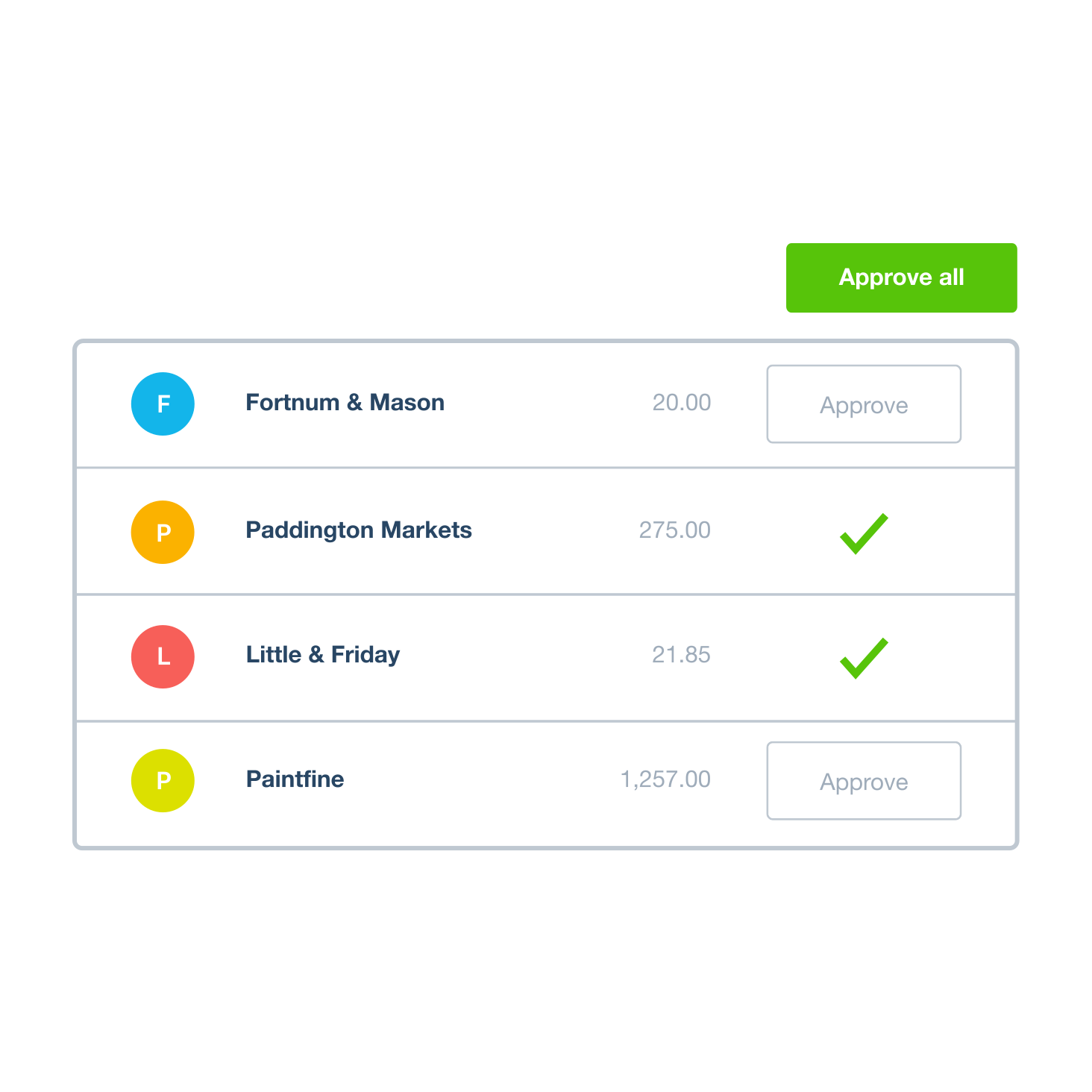
Expense approvals that run themselves
Your team can create and submit expense claims on the spot, and you can review and approve employees’ claims in seconds. Xero handles the reimbursement through your accounting. Role-based permissions mean the right people see the right claims.
- Employees log expenses as they happen via mobile
- Xero lets employees submit expense claims on the go, while business owners review, approve, and reimburse
- Keep every receipt securely stored in the cloud so records are complete and retrievable
- Process reimbursements through Xero so your employees get paid back fast
See everything you're spending
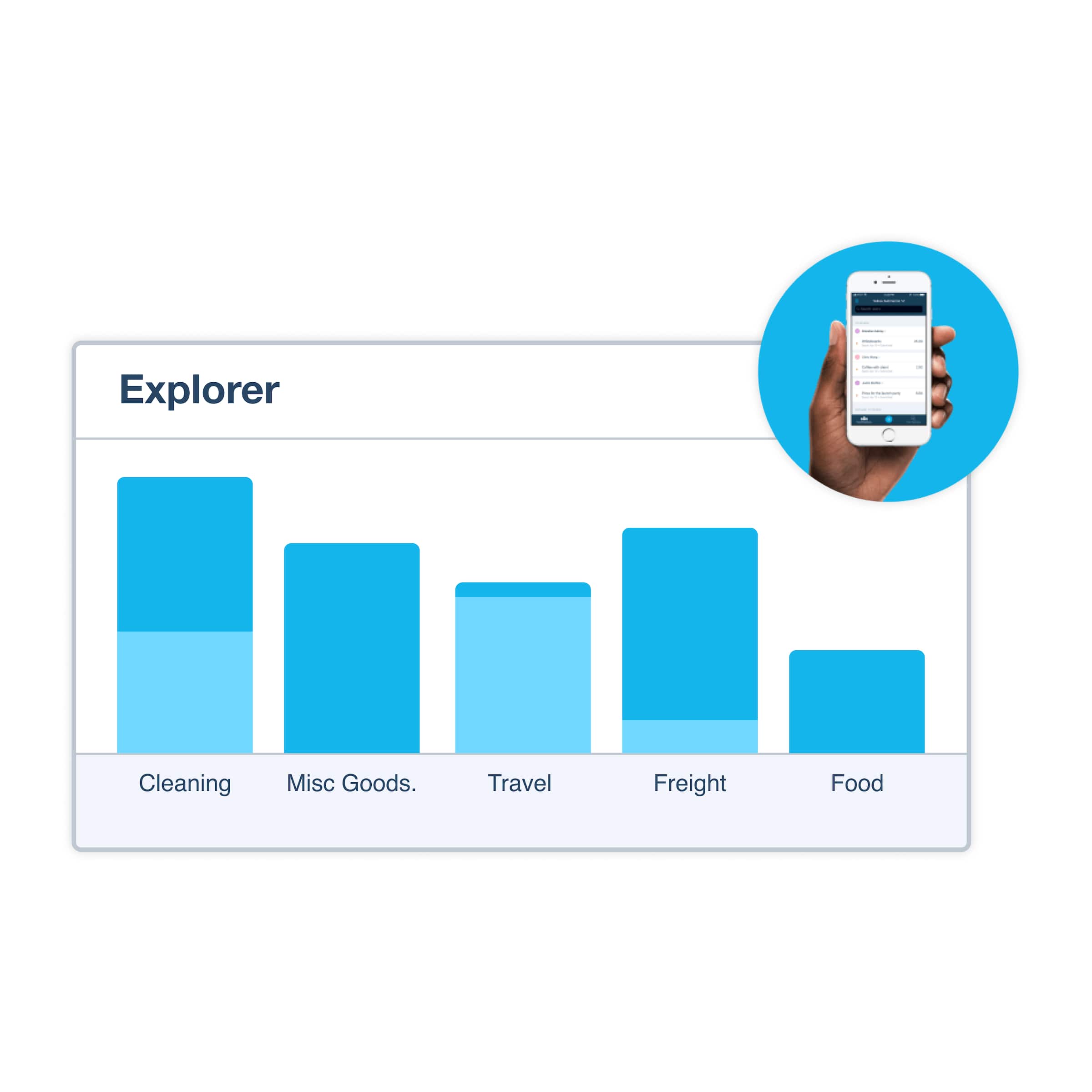
Receipts flow into your Xero accounts as claims come in, so your data stays current. Review spending by category -- travel, food, and more -- and store receipts securely for accurate business records. All your financial data lives in one cloud-based system, available anytime, anywhere.
- Scan receipts with Xero Me so key details are captured and your expenses stay up to date in Xero
- Show category totals across travel, food, and other expense types at any time
- Export accounting data and share live reports with your accountant or bookkeeper in Xero
We chose Xero because it was set up for small businesses like ours
Olive and Poppy think Xero is perfect for non-accounting experts

What is receipt management software?
Receipt scanning is just the beginning. Receipt scanner software extracts key details and auto-fills your expense claim, so employees can submit claims on the go while business owners review, approve and reimburse quickly—all in one place. Xero covers everything in one place.
- Capture receipts on mobile and desktop with the Xero Me app on iOS, Android, or web browser
- Snap a photo of your receipt and Xero’s receipt scanner software extracts key details like vendor, date, and amount to auto-fill your expense claim
- Review and approve expense claims with expense permissions based on user roles
- Cloud-based storage with audit trail details for your documents

ATO compliance built in
No need for paper receipts — snap a photo with Xero's receipt scanner and store everything securely in the cloud. Attach original images for easy record-keeping, and let Xero handle GST automatically. Expense claims flow straight into your GST Audit report and Activity Statement.
- No need to keep paper receipts—just use Xero's receipt scanner software to snap a photo
- Store receipts securely for accurate business records
- Automatically track GST and prepare accurate BAS returns
- Export reports for expense claims and review GST transactions in your Activity Statement for accurate records

One system, every step covered
Xero brings everything together in one connected platform. OCR capture, automatic GST handling, expense approval workflows, secure receipt storage, bank feed matching, and live expense tracking – no separate tools, no re-entering data, just accurate financial records in one place.
- OCR technology reads receipts accurately – no typing needed
- Xero receipt scanning works with Xero Expenses to capture receipt details and auto-fill expense claims, helping streamline your accounting and bookkeeping
- Connect your bank accounts to Xero so your transactions automatically appear, saving you time and preventing manual entry errors
- The Xero file library has unlimited storage, and Xero’s cloud-based software is available anytime, from anywhere

Plans to suit your business
FAQs on Xero's receipt management software for Australia
The Xero Me app is your receipt management tool in your pocket. Photograph your business receipts on your mobile with the Xero Me app. It extracts key details like vendor, date, and amount so you can create and submit expense claims on the spot. Xero Me captures the receipt details so your team can create and submit expense claims on the spot, while business owners review and approve them in Xero. Your expense tracking is up to date by the time you get back to your desk.
The Xero Me app is your receipt management tool in your pocket. Photograph your business receipts on your mobile with the Xero Me app. It extracts key details like vendor, date, and amount so you can create and submit expense claims on the spot. Xero Me captures the receipt details so your team can create and submit expense claims on the spot, while business owners review and approve them in Xero. Your expense tracking is up to date by the time you get back to your desk.
The Xero Me app is included free with subscriptions that include Xero Payroll and Xero Expenses. Your employees can use Xero Me to submit expense claims and manage their work-related admin, including seeing their payslips, and submitting leave requests and timesheets.
Download the Xero Me app from the App Store or Google Play Store.The Xero Me app is included free with subscriptions that include Xero Payroll and Xero Expenses. Your employees can use Xero Me to submit expense claims and manage their work-related admin, including seeing their payslips, and submitting leave requests and timesheets.
Download the Xero Me app from the App Store or Google Play Store.Xero Expenses helps you process business receipts, submit expense claims, and review, approve, and reimburse expenses in one place. It captures receipts with the Xero Me app, automatically categorises and routes them for approval, and reconciles the transactions against your bank feed — all inside the same platform you use for your accounts. There's no re-keying between separate tools, no lost receipts, and no scramble at tax time. Store receipts securely for accurate business records.
Xero Expenses helps you process business receipts, submit expense claims, and review, approve, and reimburse expenses in one place. It captures receipts with the Xero Me app, automatically categorises and routes them for approval, and reconciles the transactions against your bank feed — all inside the same platform you use for your accounts. There's no re-keying between separate tools, no lost receipts, and no scramble at tax time. Store receipts securely for accurate business records.
It’s pretty simple and you only need to set it up once. First, make sure you've upgraded your subscription to include Xero Expenses. Second, complete the setup process on your desktop. Turn on receipt analysis to let Xero upload receipt data into your Xero organisation. Then choose which of your accounts you want your team to pick from when creating expense claims. Finally, give your team members expense permissions based on their role.
For step-by-step guidance, visit Xero Central.It’s pretty simple and you only need to set it up once. First, make sure you've upgraded your subscription to include Xero Expenses. Second, complete the setup process on your desktop. Turn on receipt analysis to let Xero upload receipt data into your Xero organisation. Then choose which of your accounts you want your team to pick from when creating expense claims. Finally, give your team members expense permissions based on their role.
For step-by-step guidance, visit Xero Central.Absolutely. Open the Xero Me app whenever you make a business purchase and photograph the receipt. The receipt scanner software extracts key details like vendor, date, and amount, then auto-fills your expense claim instantly with the original receipt image attached. Use the Xero Me app to snap a photo of your receipt, extract the key details, and submit your expense claim for approval and reconciliation. It's a fast, frictionless way to record your spending when you're travelling for work.
Absolutely. Open the Xero Me app whenever you make a business purchase and photograph the receipt. The receipt scanner software extracts key details like vendor, date, and amount, then auto-fills your expense claim instantly with the original receipt image attached. Use the Xero Me app to snap a photo of your receipt, extract the key details, and submit your expense claim for approval and reconciliation. It's a fast, frictionless way to record your spending when you're travelling for work.
Receipt scanning is just the beginning. Receipt management software, like Xero, handles everything that follows. For example, it extracts key details from the receipt image, auto-fills an expense claim, and lets you submit claims for review and approval. It also stores receipts securely in Xero’s cloud-based software, and integrates with your accounting so your financial data stays up to date and available anytime.
Receipt scanning is just the beginning. Receipt management software, like Xero, handles everything that follows. For example, it extracts key details from the receipt image, auto-fills an expense claim, and lets you submit claims for review and approval. It also stores receipts securely in Xero’s cloud-based software, and integrates with your accounting so your financial data stays up to date and available anytime.
No need to keep paper receipts—just use Xero's receipt scanner software to snap a photo. It extracts key details like vendor, date, and amount, then auto-fills your expense claim to reduce manual entry and mistakes. For GST claims, Xero records GST according to the tax rate you select and whether amounts are entered as tax inclusive, tax exclusive, or with no tax. You can use the Xero Me app on your phone to snap a photo of a receipt and store the original receipt image for easy record-keeping. Xero stores receipts securely in the cloud and attaches original receipt images for easy record-keeping. For more info, check the ATO's official guidance on substantiation and financial record keeping.
ATO websiteNo need to keep paper receipts—just use Xero's receipt scanner software to snap a photo. It extracts key details like vendor, date, and amount, then auto-fills your expense claim to reduce manual entry and mistakes. For GST claims, Xero records GST according to the tax rate you select and whether amounts are entered as tax inclusive, tax exclusive, or with no tax. You can use the Xero Me app on your phone to snap a photo of a receipt and store the original receipt image for easy record-keeping. Xero stores receipts securely in the cloud and attaches original receipt images for easy record-keeping. For more info, check the ATO's official guidance on substantiation and financial record keeping.
ATO websiteKeep your financial data and receipts in one place for accurate business records. This includes receipts and expense claims used in GST reporting. Xero stores receipts securely for accurate business records, and with Xero Me, your financial data is available anytime, from anywhere. Xero keeps your expenses and receipts in one place, with original receipt images attached for easy record-keeping.
Keep your financial data and receipts in one place for accurate business records. This includes receipts and expense claims used in GST reporting. Xero stores receipts securely for accurate business records, and with Xero Me, your financial data is available anytime, from anywhere. Xero keeps your expenses and receipts in one place, with original receipt images attached for easy record-keeping.
With Xero Expenses, you can easily reimburse yourself and your employees for expenses within the same software – there's no data entry between separate systems. Xero's receipt management, however, is built directly into your accounting platform. When you capture a receipt in Xero Me, Xero extracts key details like vendor, date, and amount to help create an expense claim. You can then review and approve expenses, and use Xero’s bank reconciliation tools to match bank statement lines to transactions in Xero. This means your financial data stays up to date in one system — a single source of truth with no data entry between separate systems.
How Xero’s integrated package helps you manage your paperworkWith Xero Expenses, you can easily reimburse yourself and your employees for expenses within the same software – there's no data entry between separate systems. Xero's receipt management, however, is built directly into your accounting platform. When you capture a receipt in Xero Me, Xero extracts key details like vendor, date, and amount to help create an expense claim. You can then review and approve expenses, and use Xero’s bank reconciliation tools to match bank statement lines to transactions in Xero. This means your financial data stays up to date in one system — a single source of truth with no data entry between separate systems.
How Xero’s integrated package helps you manage your paperworkYes. When you capture a receipt in Xero, OCR technology reads the GST amount and supplier details, then applies the correct GST tax rate automatically. Xero lets you choose which accounts your team can use for expense claims, and tracks GST as you go, ready for your BAS. You just review, approve, and move on. And Xero captures and stores purchases, so you don’t miss anything you can claim for tax deductions.
How to set up Xero expensesYes. When you capture a receipt in Xero, OCR technology reads the GST amount and supplier details, then applies the correct GST tax rate automatically. Xero lets you choose which accounts your team can use for expense claims, and tracks GST as you go, ready for your BAS. You just review, approve, and move on. And Xero captures and stores purchases, so you don’t miss anything you can claim for tax deductions.
How to set up Xero expenses
How Xero receipt management software can help you
Keep expenses organised and records accurate with Xero's mobile receipt capture and expense management tools.
Stay on top of your expenses
Track expenses by category and employee, anytime, from anywhere
Simplify your expense tracking
Capture receipts on the go, reduce manual entry with auto-filled claims, and reconcile expenses faster.
Spot any tax deductibles
GST is handled automatically, so tax deductions are easier to track and your BAS is ready when you need it
Receipt scanning is just the beginning
Xero Expenses helps you manage receipts and expenses with mobile capture, team approvals, expense reports, and all your financial data in one cloud-based system. Easy to use with no accounting background needed.
Discover more about expense tracking with Xero
Accounting software for your Australian small business
Run your business accounting online with Xero. Easy-to-use accounting software, designed for your small business.
- Everything in one place
- Connect to your bank
- Collaborate in real time
- Customise to suit your needs

Get one month free
Purchase any Xero plan, and we will give you the first month free.