Report payroll to the ATO with Single Touch Payroll
Payday shouldn't mean hours of admin. Send your team's pay, tax and super to the ATO automatically every pay run and stay compliant with less effort.
Single Touch Payroll reporting made simple with Xero
See how Xero keeps you compliant and files every pay run with the ATO, super included.
Report with STP-compliant software
Xero Payroll is STP-compliant, so your reporting meets ATO requirements every time you pay your team.
File with the ATO as part of your pay run
Complete your pay run in Xero and lodge it with the ATO on payday, no separate reporting to juggle.
Ready for STP Phase 2
Xero reports the extra STP Phase 2 detail from the employee information you've already entered, so you stay up to date.
Understand what Single Touch Payroll is
Single Touch Payroll (STP) is an ATO initiative that requires Australian employers to report wages, PAYG withholding and super digitally with every pay run. It's mandatory for most employers, and STP Phase 2 expanded it to add more detail to each report.
Read the ATO's guide to Single Touch Payroll
Automate STP reporting with Xero Payroll
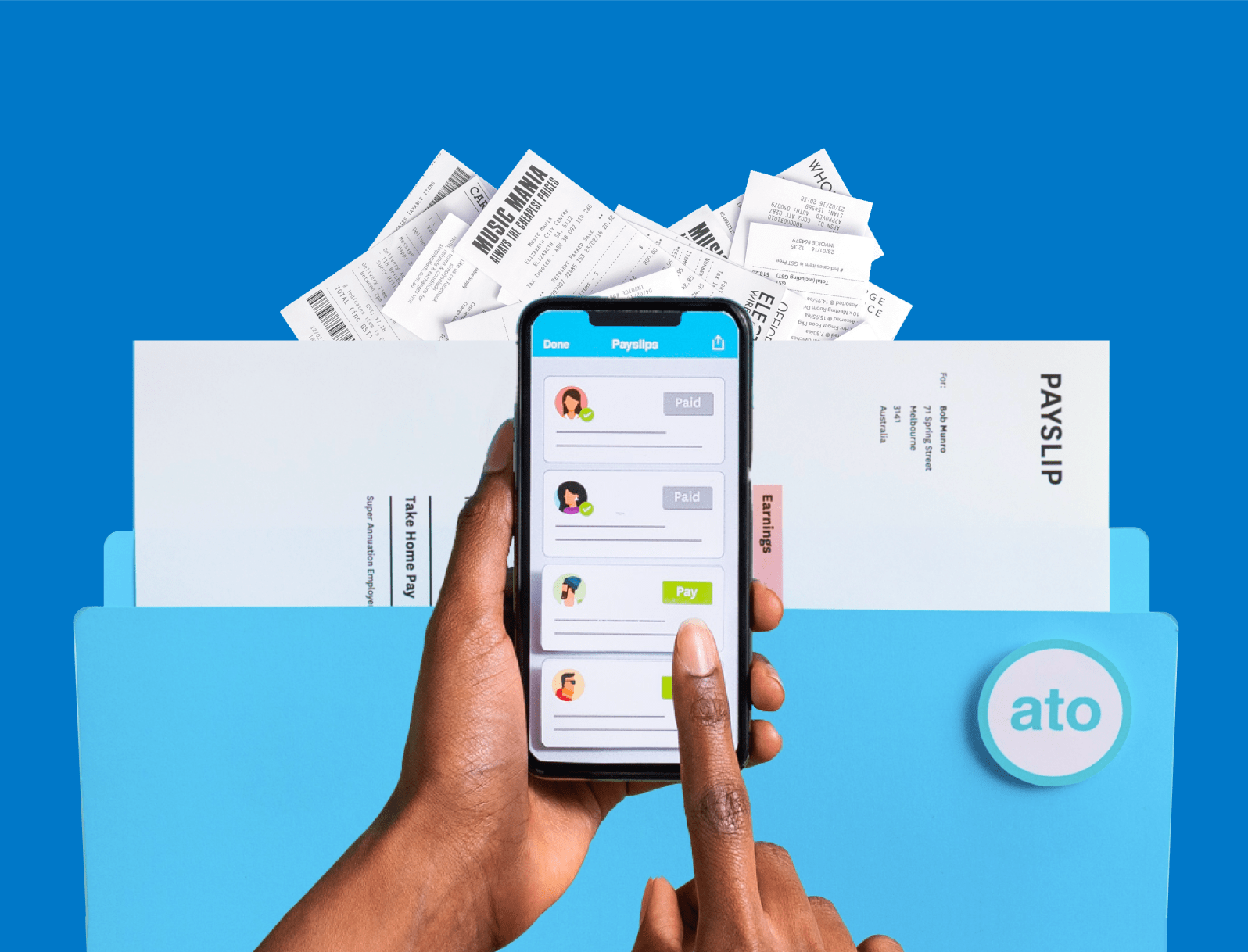
Enter your pay run once and Xero sends the STP report to the ATO for you. It reports salary, wages, PAYG withholding and super automatically on payday, so you spend less time on admin.
Explore payroll software for Australia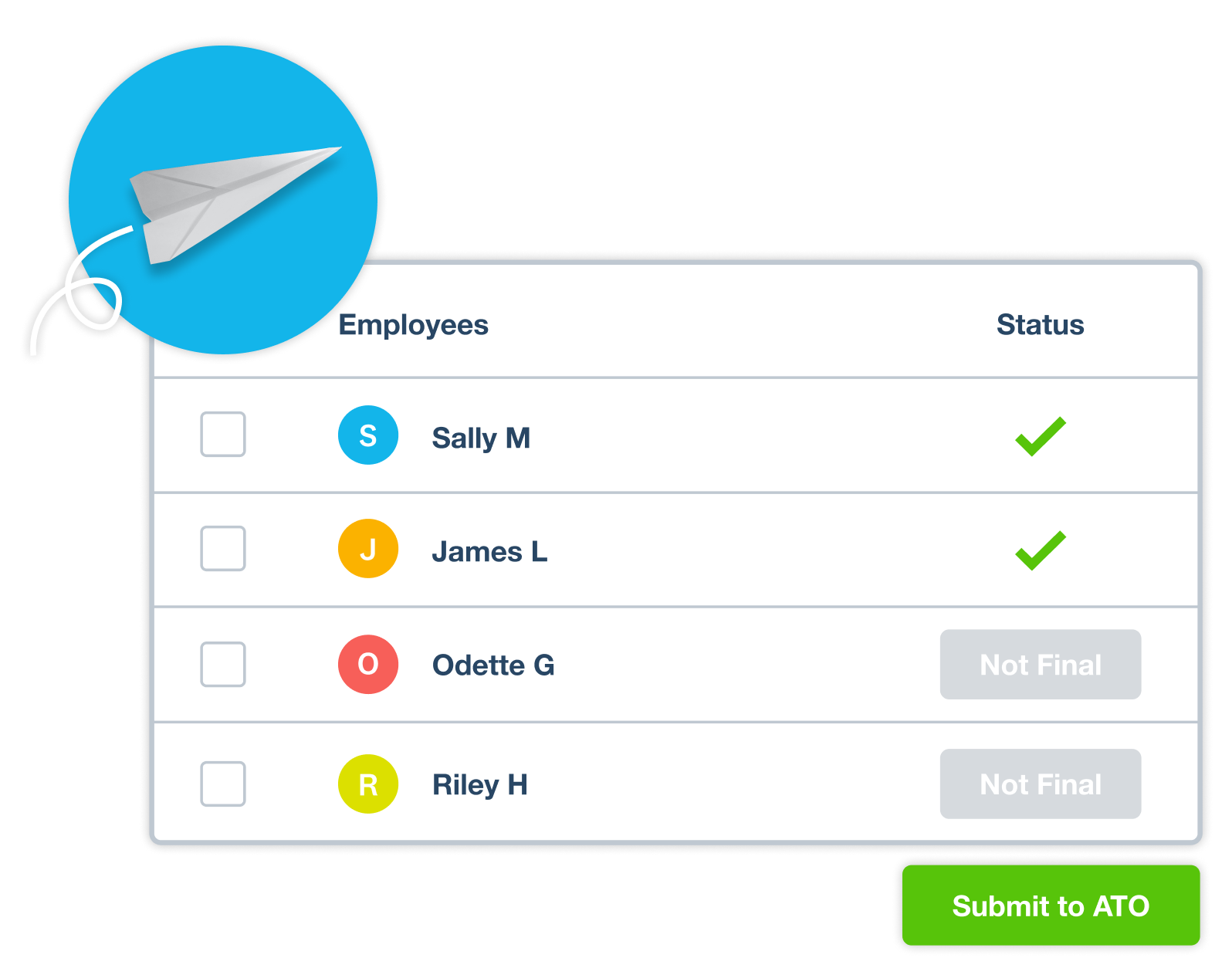
File STP reports straight to the ATO
Wondering what happens after each pay run? Xero generates and files an STP report showing PAYG withholding and super, and sends it straight to the ATO. Because you report as you pay, your year-end reporting is already taken care of.
Follow the steps to file STP in Xero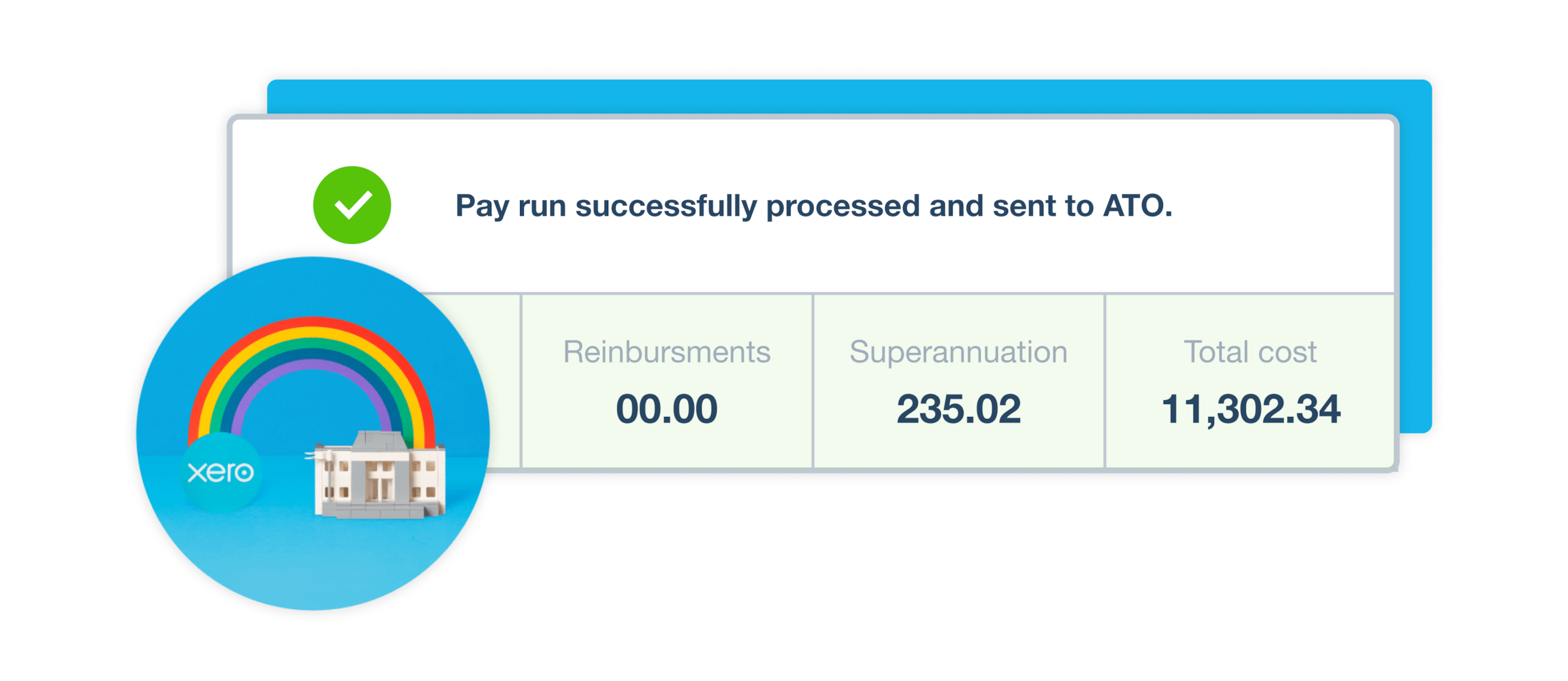
Finalise STP at the end of the financial year
When the end of financial year rolls around, you finalise your STP totals in a few steps in Xero. After you finalise, each of your employees receives an income statement for the financial year.
Get your business EOFY-ready with Xero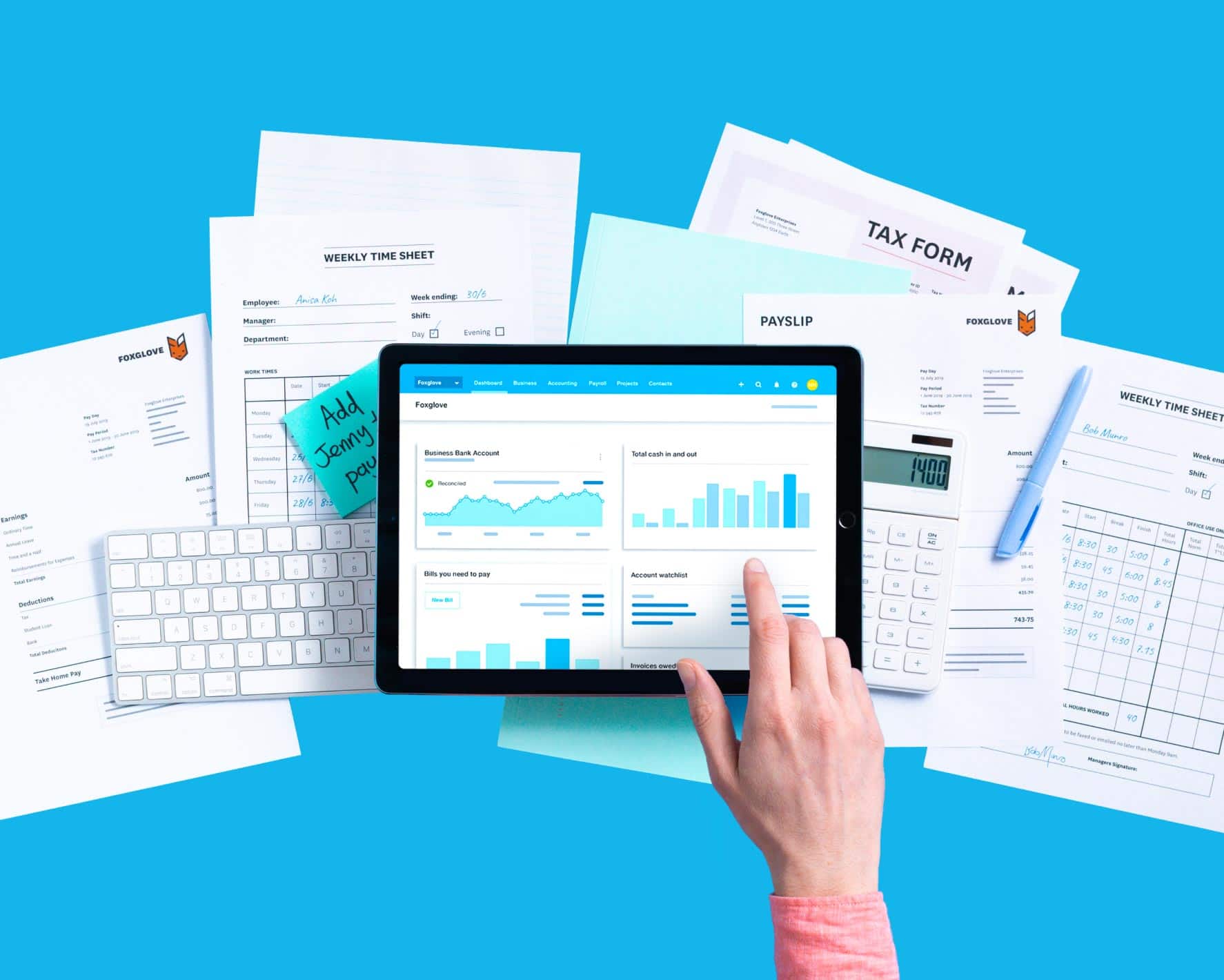
FAQs on Xero's Single Touch Payroll
Yes. Single Touch Payroll is mandatory for most Australian employers, and you report each time you pay your team. A limited number of employers qualify for an exemption or deferral. Xero Payroll is STP-compliant, so your reporting meets ATO requirements. The Single Touch Payroll guide walks through what's involved.
Yes. Single Touch Payroll is mandatory for most Australian employers, and you report each time you pay your team. A limited number of employers qualify for an exemption or deferral. Xero Payroll is STP-compliant, so your reporting meets ATO requirements. The Single Touch Payroll guide walks through what's involved.
Yes, you do. Even with just one employee, you still report through Single Touch Payroll unless you have an exemption or deferral. If you run a small team, Xero handles STP reporting for you. See how easy payroll software for small teams can help.
Yes, you do. Even with just one employee, you still report through Single Touch Payroll unless you have an exemption or deferral. If you run a small team, Xero handles STP reporting for you. See how easy payroll software for small teams can help.
Single Touch Payroll sends your payroll information to the ATO each time you run a pay. With Xero, one pay run covers it:
- Enter and approve your pay run as usual
- Let Xero prepare an STP report with wages, PAYG withholding and super
- File the report with the ATO on payday
Single Touch Payroll sends your payroll information to the ATO each time you run a pay. With Xero, one pay run covers it:
- Enter and approve your pay run as usual
- Let Xero prepare an STP report with wages, PAYG withholding and super
- File the report with the ATO on payday
STP Phase 2 asks for more detail in each report, such as income or payment type and the reason a job ends. Xero handles this for you, generating the tax treatment code from the employee details you've already entered.
STP Phase 2 asks for more detail in each report, such as income or payment type and the reason a job ends. Xero handles this for you, generating the tax treatment code from the employee details you've already entered.
Single Touch Payroll started in 2018 and later expanded to all employers. Since then, reporting to the ATO on payday has become the standard way to run payroll in Xero. Browse more Single Touch Payroll FAQs for the details.
Single Touch Payroll started in 2018 and later expanded to all employers. Since then, reporting to the ATO on payday has become the standard way to run payroll in Xero. Browse more Single Touch Payroll FAQs for the details.
Setting up takes only a few clicks to connect Xero Payroll to the ATO. Once connected, every pay run you file reports automatically. For the full steps, see Xero Central's guide to setting up STP.
Setting up takes only a few clicks to connect Xero Payroll to the ATO. Once connected, every pay run you file reports automatically. For the full steps, see Xero Central's guide to setting up STP.
To finalise, go to Payroll, then Employees, then End of year reports, and complete your STP finalisation. This confirms each employee's year-to-date totals with the ATO. For a step-by-step walkthrough, see Xero Central's guide to finalising STP data.
To finalise, go to Payroll, then Employees, then End of year reports, and complete your STP finalisation. This confirms each employee's year-to-date totals with the ATO. For a step-by-step walkthrough, see Xero Central's guide to finalising STP data.
Some employers may qualify for an exemption, and deferrals are available if you need more time to start reporting. You can check your options on the ATO's need more time page.
Some employers may qualify for an exemption, and deferrals are available if you need more time to start reporting. You can check your options on the ATO's need more time page.
For your employees, Single Touch Payroll means their pay information reaches the ATO automatically. They receive an income statement at the end of the financial year.
For your employees, Single Touch Payroll means their pay information reaches the ATO automatically. They receive an income statement at the end of the financial year.
Yes. Registered tax and BAS agents who process payroll, PAYG withholding or super for clients must use STP-enabled software such as Xero. It keeps client reporting accurate and lodged on time.
Yes. Registered tax and BAS agents who process payroll, PAYG withholding or super for clients must use STP-enabled software such as Xero. It keeps client reporting accurate and lodged on time.
Plans to suit your business
Grow
Usually $78
Now $7.80
AUD per month
Save $210.60 over 3 months
Go beyond the basics - automate tasks and access performance dashboards.
- Send invoices and quotes
- Accept online invoice payments^
- Automate bill entry and track bills
- Reconcile bank transactions
- Track GST and lodge BAS
- Smart document capture basic extraction
- View real-time reports
- Automate superannuation
- Payroll for 2 people
- 60 day cashflow forecast
- Visualise performance with graphs
- Customise performance dashboards
- Claim expenses and mileage for 1 user
- Make online bill payments
- JAX automatically categorises and matches high-confidence bank transactions, giving you a reliable, up-to-date view of your finances.
Comprehensive
Usually $107
Now $10.70
AUD per month
Save $288.90 over 3 months
Optimise profitability - tailor your insights for greater control.
- Send invoices and quotes
- Accept online invoice payments^
- Automate bill entry and track bills
- Reconcile bank transactions
- Track GST and lodge BAS
- Smart document capture
- View real-time reports
- Automate superannuation
- Payroll for 5 people
- 90 day cashflow forecast
- Visualise performance with graphs
- Customise performance dashboards
- Claim expenses and mileage for 5 users
- Use multiple currencies
- Tailored financial health scorecards
- Make online bill payments
- Auto-reconcile transactions
- Budget with smart suggestions

Usually $143
Now $14.30
AUD per month
Save $386.10 over 3 months
Future proof your scaling business - with advanced tools and analytics.
- Send invoices and quotes
- Accept online invoice payments^
- Automate bill entry and track bills
- Reconcile bank transactions
- Track GST and lodge BAS
- Smart document capture
- View real-time reports
- Automate superannuation
- Payroll for 10 people
- 180 day cashflow forecast
- Visualise performance with graphs
- Customise performance dashboards
- Claim expenses and mileage for 10 users
- Use multiple currencies
- Tailored financial health scorecards
- Analyse KPIs and ratios
- Track projects for 10 users
- Benchmark against the industry
- Make online bill payments
- Auto-reconcile transactions
- Budget with smart suggestions
Use Xero for Single Touch Payroll
Access all Xero features free for 30 days, then decide which plan best suits your business.
Explore useful features to run your business
Xero’s online accounting software is designed to make life easier for small businesses – anywhere, any time.