Payroll software for small business: what to look for
Paying staff takes time. Learn how payroll software for small business can save time and cut admin.

Written by Jotika Teli—Certified Public Accountant with 24 years of experience. Read Jotika's full bio
Published Wednesday 22 April 2026
Table of contents
Key takeaways
- Prioritise payroll software with automated tax calculations, Single Touch Payroll compliance, and integration with your accounting system to reduce errors and meet your Australian tax obligations.
- Choose cloud-based payroll software that automatically updates tax rates and compliance requirements, so you avoid costly regulatory mistakes without needing to apply manual updates.
- Implement employee self-service features that let staff access payslips, update personal details, and manage leave requests to cut your admin workload and improve payroll accuracy.
- Select scalable payroll software from the start, as switching systems mid-growth means migrating employee data, retraining staff, and rebuilding processes, which often costs more than choosing the right solution upfront.
Key takeaways
- Prioritise payroll software with automated calculations, Single Touch Payroll compliance, and integration with your accounting system to reduce errors and ensure you meet Australian tax obligations.
- Implement employee self-service features that allow staff to access payslips, update personal details, and manage leave requests to reduce administrative workload and improve accuracy.
- Choose cloud-based payroll software that automatically updates tax rates and compliance requirements, eliminating the need for manual updates and reducing the risk of costly regulatory mistakes.
- Recognise that reliable payroll systems prevent workplace disruption by ensuring accurate, on-time payments, which maintains employee trust and allows you to focus on growing your business.
What is payroll accounting software?
Payroll accounting software automates the process of paying your employees, handling wages, tax, and superannuation calculations in one place. It replaces manual spreadsheets with accurate, on-time pay runs.
It acts as a smart assistant for your payroll tasks. It keeps records organised, ensures you meet tax obligations, and gives you and your employees easy access to payslips and leave balances.
How payroll software saves your business time
Payroll software saves time by automating manual data entry and calculations. Instead of spending hours on spreadsheets, you can complete your entire pay run in a few clicks.
Here's how it helps:
- Automates calculations: computes pay and deductions without manual input
- Generates payslips automatically: sends payslips to employees each pay cycle
- Simplifies tax reporting: submits data to the ATO, which requires businesses to report period gross salary and PAYG withholding for each pay event
Essential features to look for in payroll software
Essential payroll software features simplify your processes and support business growth. Look for software that includes:
- Automated calculations: calculates tax, leave, and superannuation to reduce errors
- Employee self-service: provides a portal for employees to view payslips, apply for leave, and update their details
- Single Touch Payroll (STP) compliance: reports payroll information to the ATO as required, including the additional payroll information mandated under STP Phase 2 since January 2022
- Integration with accounting: links with your main accounting software to keep your books up to date
- Flexible pay calendars: supports weekly, fortnightly, or monthly pay schedules
Best payroll software options for small businesses
Payroll software options for Australian small businesses range from standalone tools to integrated accounting platforms. The right choice depends on your business size, complexity, and existing systems.
When comparing options, consider these factors:
- Integration capabilities: does it connect with your accounting software and bank?
- Compliance features: does it handle STP reporting and super calculations automatically?
- Scalability: can it grow as you add more employees?
- Employee access: does it offer self-service for payslips and leave requests?
- Support and training: what help is available when you need it?
Many businesses prefer platforms that combine payroll and accounting in one place. This reduces double-entry, keeps financial data consistent, and simplifies reporting. Xero offers this integrated approach, connecting payroll with your accounting, bank feeds, and over 1,000 business apps.
Australian compliance made simple
Australian payroll compliance covers STP reporting, superannuation contributions, and tax obligations. The right software handles these requirements automatically, so you can meet your obligations with confidence.
Payroll software stays compliant by automatically updating tax rates and handling Single Touch Payroll (STP) reporting for you. See our payroll compliance guide for more detail.
It also calculates superannuation contributions correctly and helps you manage entitlements like annual and sick leave, which will be critical when employers are required to pay SG contributions with every pay cycle starting 1 July 2026.
Why scalability matters in payroll software
Scalable payroll software grows with your business, handling increased complexity without requiring you to switch systems. Choosing the right software now saves time and money later.
Payroll complexity increases as you grow:
- One to five employees: basic pay runs, standard leave tracking, simple super contributions
- Five to 10 employees: multiple pay rates, varied schedules, more leave types to manage
- 10–20 or more employees: complex award interpretations, multiple locations, detailed reporting needs
Switching payroll systems mid-growth disrupts your business. You'll need to migrate employee data, retrain staff, and rebuild processes. The cost of switching often exceeds the cost of choosing scalable software from the start.
The right software supports your future needs and helps you manage increasing complexity without switching systems. Key features to look for include:
- Handle multiple pay rates: manage different roles and award rates
- Support varied schedules: accommodate weekly, fortnightly, and monthly pay runs
- Manage complex leave rules: track different leave types and accrual methods
- Provide detailed reporting: deliver insights as your team grows
Give your employees what they need
Reliable payroll builds employee trust by ensuring accurate, on-time payments. ATO responses to employee complaints can involve reviewing almost two years of potential unpaid super on average, so getting payroll right from the start matters.
When pay is correct, employees stay focused and productive. Your payroll software should provide the tools employees need to feel confident about their pay. Key features include:
- Automated direct payments: deposit salaries on time without manual intervention
- Fast tax code updates: adjust for legislative changes and personal circumstances
- Accurate tax calculations: prevent underpayment hardship and overpayment issues by ensuring you meet evolving obligations, such as the SG rate increasing to 12% of your employees' ordinary time earnings from July 2025
- Employee self-service access: allow staff to update personal information directly
- Leave management tracking: monitor holiday balances and streamline approvals
- Expense processing: reimburse employee claims quickly
- Automatic deductions: handle superannuation and other contributions accurately
Make payday a better day
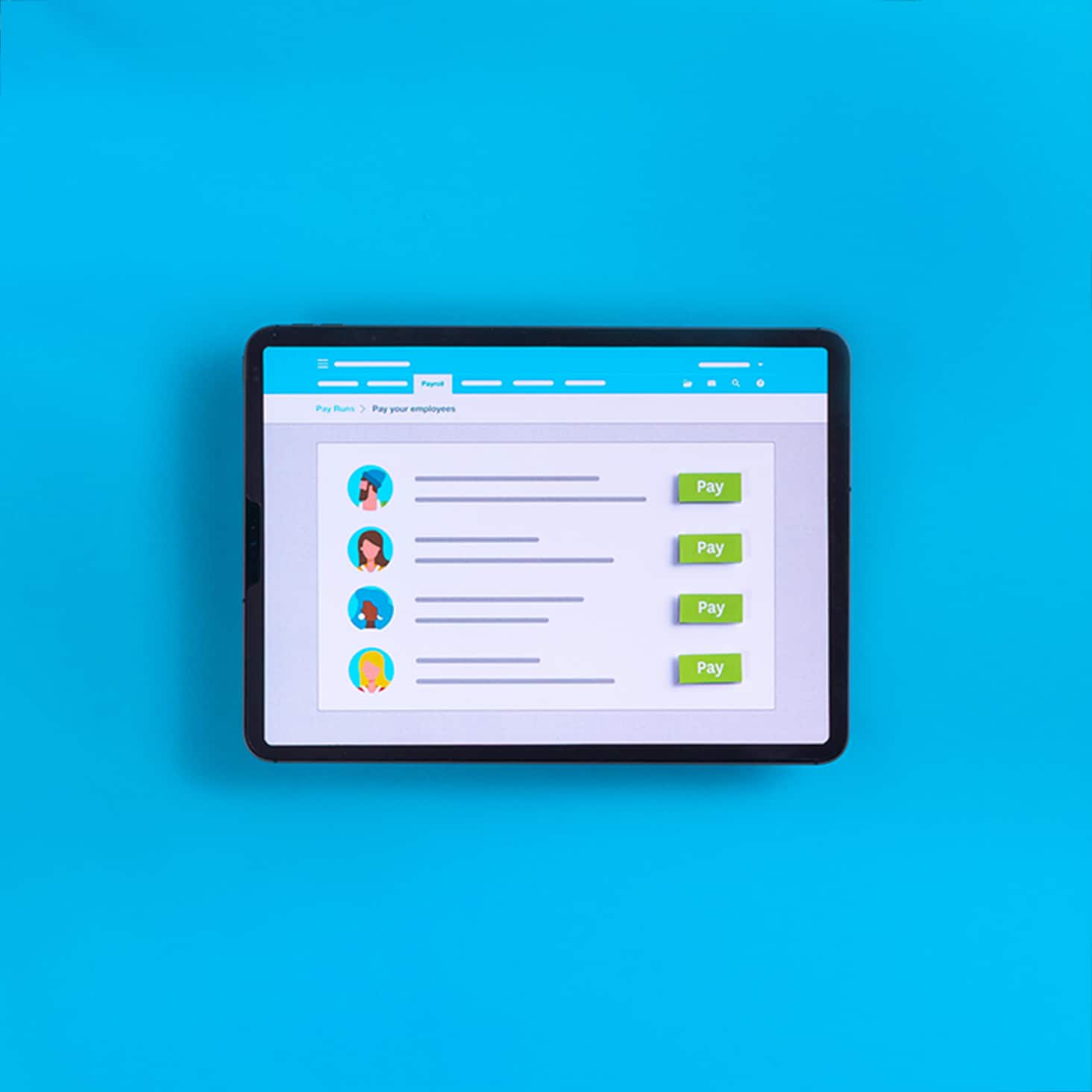
Xero Payroll eliminates the stress of payroll compliance by reducing manual calculations and errors. Automate the process and get time back.
- Calculates pay and deductions automatically.
- Creates payslips for employees each payday.
- Supports simple online tax reporting.
Simplify your payroll today. Get one month free and see how Xero Payroll can save you time.
FAQs on payroll accounting software
Here are answers to common questions about payroll accounting software for Australian small businesses.
What's the difference between payroll software and accounting software?
Payroll software focuses specifically on calculating wages, tax, and superannuation, while accounting software manages your broader financial records. Many modern platforms, like Xero, combine both functions to eliminate double-entry and keep your financial data consistent.
How much does payroll software cost for small businesses?
Payroll software costs vary depending on features, number of employees, and whether it's standalone or integrated with accounting software. Cloud-based solutions typically charge monthly fees that scale with your business size, often starting from around $10–$40 per month for basic features.
Does payroll software handle Single Touch Payroll reporting automatically?
Yes, compliant payroll software submits STP reports to the ATO automatically with each pay run. This includes both Phase 1 and Phase 2 reporting requirements, ensuring you meet your obligations without manual intervention.
Can payroll software calculate award rates and penalty rates?
Quality payroll software can handle complex award interpretations, including penalty rates, overtime, and allowances. However, you'll need to check that your chosen software supports the specific awards relevant to your industry.
Is cloud-based payroll software secure?
Reputable cloud-based payroll providers use bank-level encryption and security measures to protect your data. Cloud software often offers better security than desktop systems because providers invest heavily in cybersecurity infrastructure and automatic backups.
How long does it take to set up payroll software?
Basic setup typically takes a few hours to input employee details, tax information, and pay schedules. More complex setups with multiple pay rates and award interpretations may take longer, but most providers offer onboarding support to help you get started.
96% of customers [say they] run payroll faster using Xero
*Source: survey conducted by Xero of 894 small businesses in Australia using Xero, May 2024
Make payday a better day
Xero Payroll eliminates the stress of payroll compliance by reducing manual calculations and errors. Automate the process and get time back.
- Pay and deductions are calculated for you
- Payslips are created automatically each payday
- Supports simple online tax reporting
Disclaimer
Xero does not provide accounting, tax, business or legal advice. This guide has been provided for information purposes only. You should consult your own professional advisors for advice directly relating to your business or before taking action in relation to any of the content provided.
Get one month free
Purchase any Xero plan, and we will give you the first month free.