Simplify your expenses with Xero’s expense tracker
Ditch complicated admin with Xero’s expense management system in the US. It lets you reimburse expenses, track spending, and manage expenses wherever you are. Replace tiring paperwork with a few easy clicks.

Spend less time on your books
And have more time for the rest of your business.
Snap business expenses on your phone
You don’t need to wait until you’re back in the office to handle expenses. Claim them on the go, instead.
Simple employee reimbursements
Employees can quickly and easily snap and send expenses to get reimbursed and get their money back.
Manage expenses wherever you are
You can claim mileage and expenses from your phone, no matter where you happen to be.
88% of customers [say they] reduce business admin using Xero
*Source: survey conducted by Xero of 271 small businesses in the US using Xero, May-June 2024
Snap expenses and claim on the go
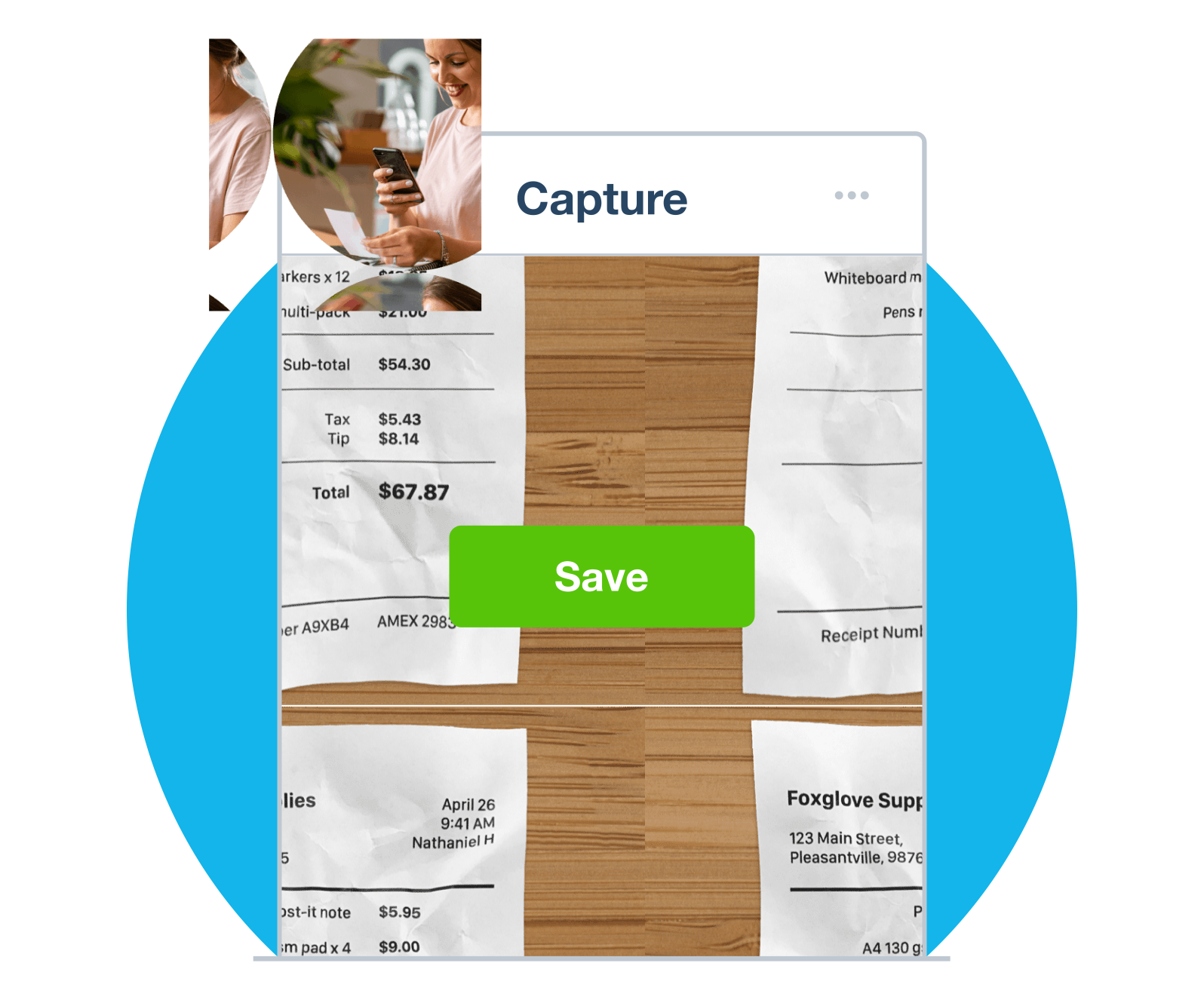
Forget about holding onto your paper receipts. Now you can capture your business expenses using the scanning feature in the Xero app. Snap a photo of the receipt and the expense tracker automatically records all the key details.
- Submit an expense claim and attach the receipt in one go, from your phone.
- Track and record your mileage instantly using Xero Me’s map feature. Just put in your route and Xero Me gives you the distance you've traveled.
- Processing expenses as they happen will keep your expense reports up to date and accurate.
Reimburse expenses without the fuss
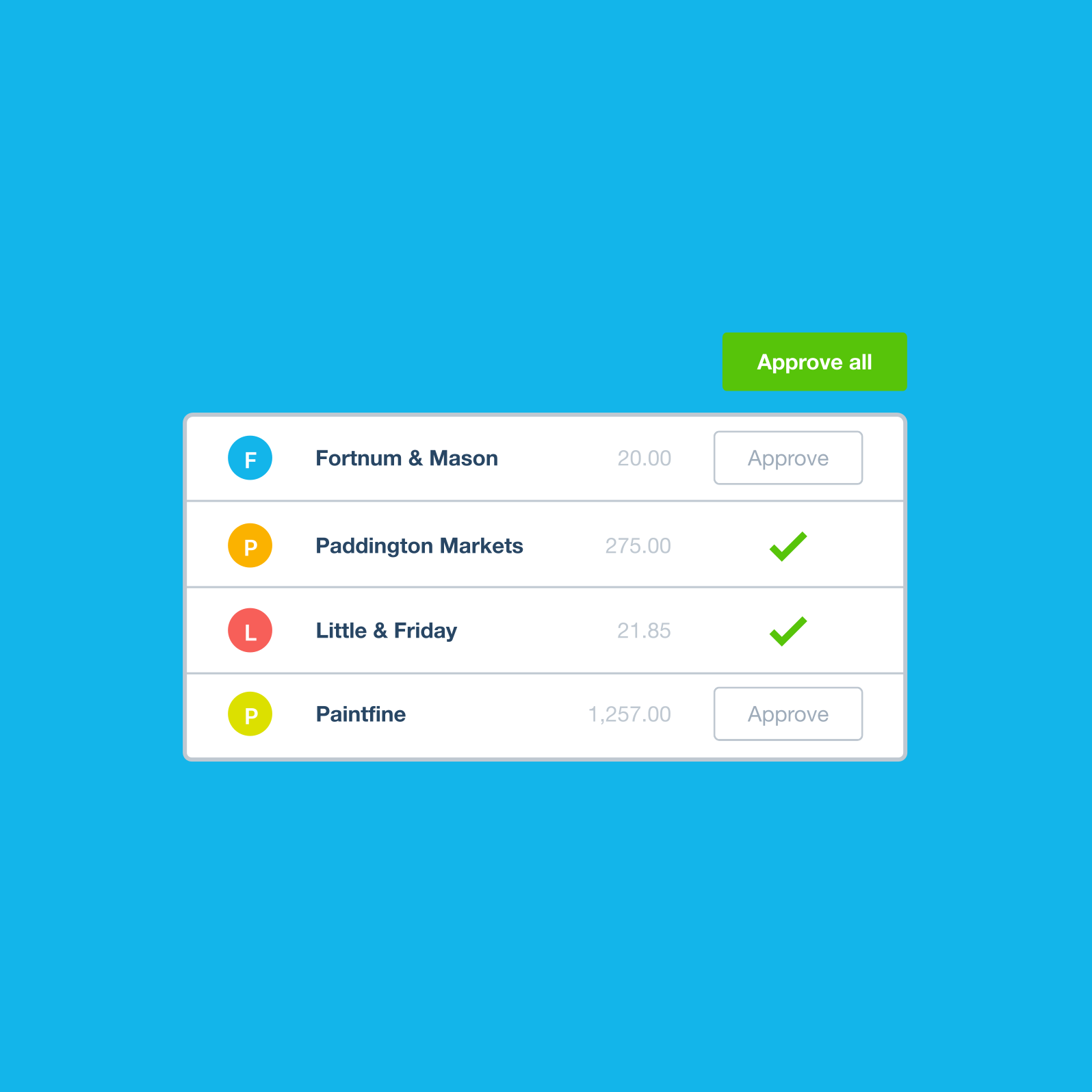
See your expenses and when reimbursements are due, to manage cash flow. Get notified as soon as employees submit a claim within Xero’s expense reimbursement software. When approved, expenses stream into your accounting ledger and cash flow forecast so you have a near real-time view of finances.
- Get notified as soon as a claim is submitted. Say goodbye to end-of-month bottlenecks.
- Quickly review and approve claims. Expense reimbursement via automated bills will cut down manual errors and wait times.
- Pay claims the same way you pay other bills, for a simple and consistent experience.
See how expenses affect cash flow and budgets
It’s tough to keep track of expenses when you’re busy running a business. That’s where Xero’s expenses app comes in. All information is ready at your fingertips, giving you full visibility of your numbers. Guesswork is replaced with hard data.
- See expense claims as they’re made to avoid end-of-month surprises.
- Find out how business spending affects your cash flow in real time.
- Identify spending trends by pulling up expense reports whenever you want.
- Use up-to-the-minute expense figures to create accurate forecasts and budgets.
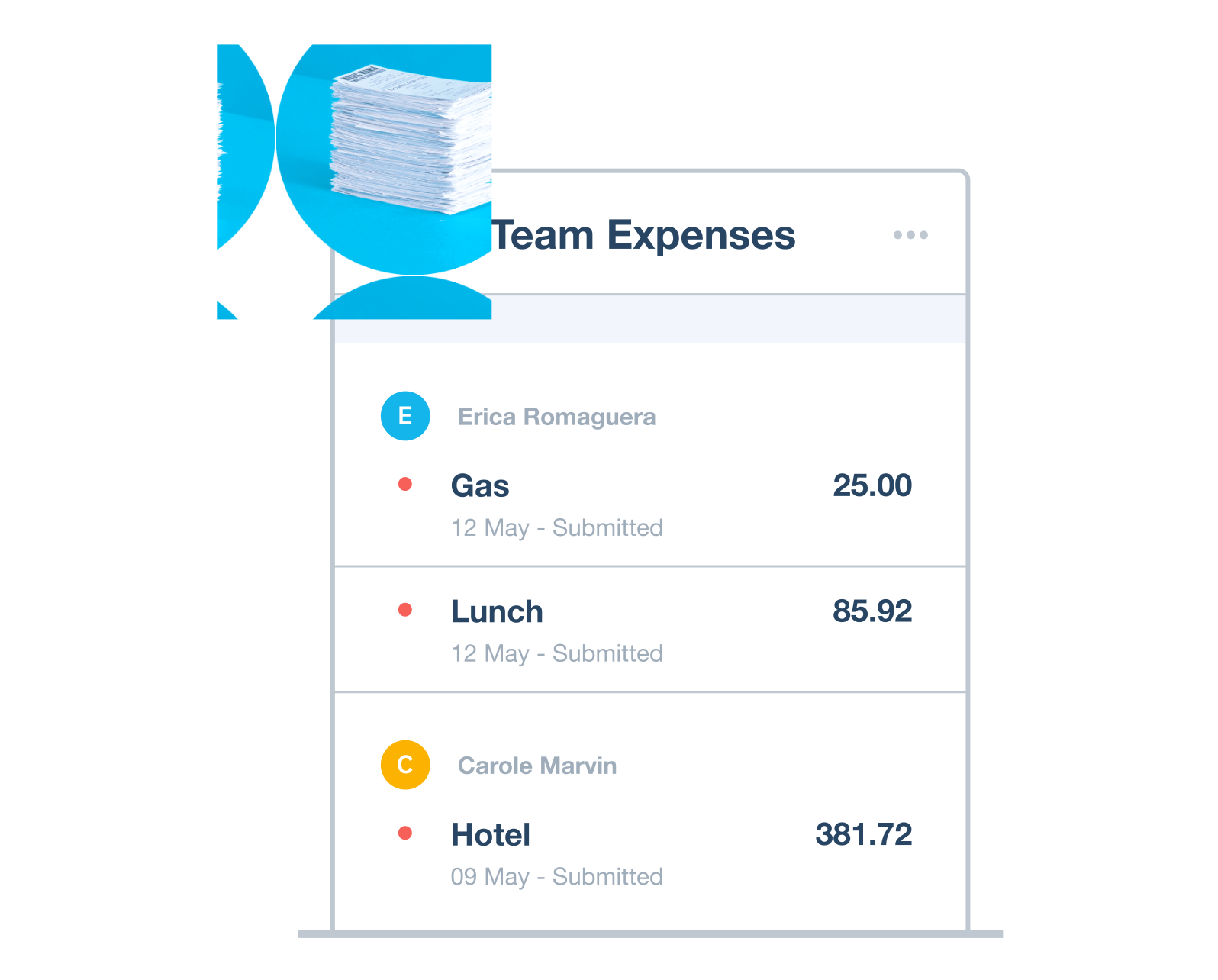
Manage expenses wherever you are
Enjoy on-the-go expense tracking that won’t slow you down. Whether you’re on the road or back in the office, you can focus on the work that really matters, free from paper clutter.
Track mileage and calculate distances
No more manual mileage logs and guesswork. Just enter your start location and destination and the app records your journey.
Forget about receipts – snap and store receipts digitally
Business gets much easier when you can snap receipts using the Xero app. Images are stored with the expense for easy retrieval at tax time.
Manage expense claims on the go and have a happier team
Get instant alerts when your team makes a claim and approve them straight away on your mobile expense management app. Fast reimbursement mak
Fast-track expense claims with a streamlined process
Every step of the expense management process is accelerated with the Xero Me app. Fewer delays and complications save you time.
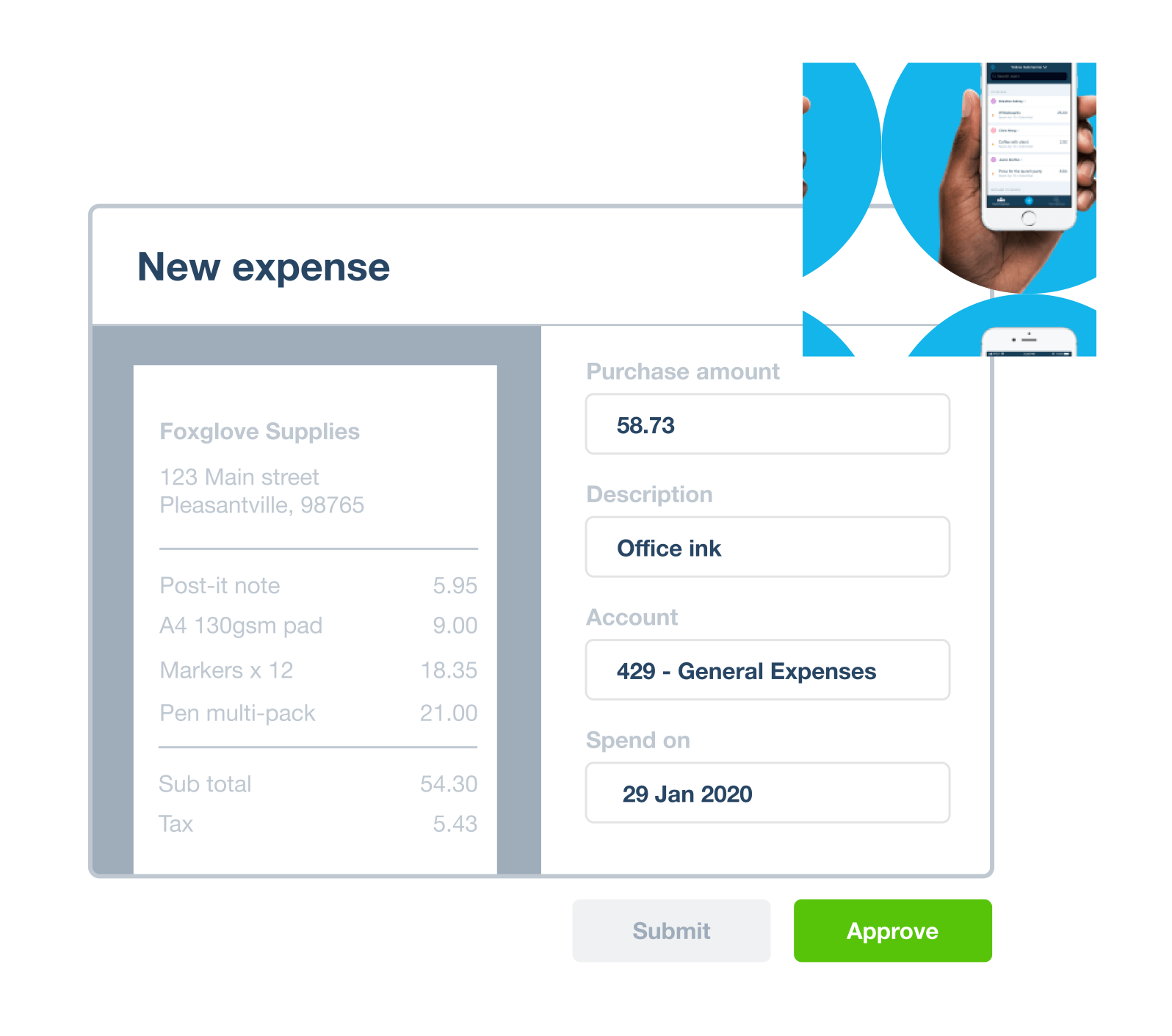
How Xero's expense tracker software helps your small business
Xero’s expense tracking software helps you work smarter, not harder. Streamline expense tracking and clearly view your financial data.
Step 1: Cut down on time-consuming admin
Expense management software handles the admin tasks for you, while you focus on your business.
Step 2: Improve data accuracy
Xero’s expense tracker app means fewer errors, so you have accurate numbers and more confidence.
Step 3: Understand your business better
Xero’s expense tracker gets you to grips with your business’s spending, so you can make informed decisions.
FAQs about Xero Expenses
Monitor expenses using the apps or desktop version when you subscribe to the Established plan. Scan receipts, track mileage, reimburse claims promptly and manage spending with real-time analytics.
See how expenses pricing worksMonitor expenses using the apps or desktop version when you subscribe to the Established plan. Scan receipts, track mileage, reimburse claims promptly and manage spending with real-time analytics.
See how expenses pricing worksIf you or your employee use your personal vehicle for work, you can submit a mileage claim in the app. The GPS-tracker accurately records the journey distances for you. The expense can be easily approved on the spot to speed up the reimbursement process.
Submit a mileage claimIf you or your employee use your personal vehicle for work, you can submit a mileage claim in the app. The GPS-tracker accurately records the journey distances for you. The expense can be easily approved on the spot to speed up the reimbursement process.
Submit a mileage claimUse automatic receipt scanning in the Xero Me app on your mobile device to photograph the paper receipt. The expense tracker app will automatically fill in the relevant fields of the claim. The photo is stored with the claim and the accounting entry so you can easily find proof of purchase.
Use automatic receipt scanningUse automatic receipt scanning in the Xero Me app on your mobile device to photograph the paper receipt. The expense tracker app will automatically fill in the relevant fields of the claim. The photo is stored with the claim and the accounting entry so you can easily find proof of purchase.
Use automatic receipt scanningThe app makes it easy to organize your business expenses. Simply assign an expense to the right customer or project, as well as give it a label and an account.. You can view expenses by category to see the different areas of spending in your business.
The app makes it easy to organize your business expenses. Simply assign an expense to the right customer or project, as well as give it a label and an account.. You can view expenses by category to see the different areas of spending in your business.
Yes. Each time you enter an expense – or upload a receipt – in the expense tracker app, you can assign it to a specific customer. Expense claims can be added to the customer’s next invoice, to ensure you’re not carrying unnecessary costs.
Yes. Each time you enter an expense – or upload a receipt – in the expense tracker app, you can assign it to a specific customer. Expense claims can be added to the customer’s next invoice, to ensure you’re not carrying unnecessary costs.
See live updates of business expenses as they’re claimed. Always up to date, this financial data includes status of claims, and reports that you can filter by employee, status, and expense account.
See live updates of business expenses as they’re claimed. Always up to date, this financial data includes status of claims, and reports that you can filter by employee, status, and expense account.
Plans to suit your business
All pricing plans cover the accounting essentials, with room to grow.
Why US small businesses love Xero
Across the world, people use Xero to manage their finances and control their cash flow, no matter their industry. Our accounting software is designed for your small business and integrates with other business apps to give you flexibility, control and visibility of your finances. Xero is used by:
- Startups and self-employed business owners
- Landlords
- Nonprofits
- Football clubs and more

Different types of business expenses
These fall into two categories: operating and non-operating expenses.
Operating expenses
Costs related to a business’s core activities, such as cost of goods sold, rent, wages, and interest on loans.
Non-operating expenses
Costs not related to a business’s core activities, such as cost of relocation, lawsuits, or losses on asset sales.
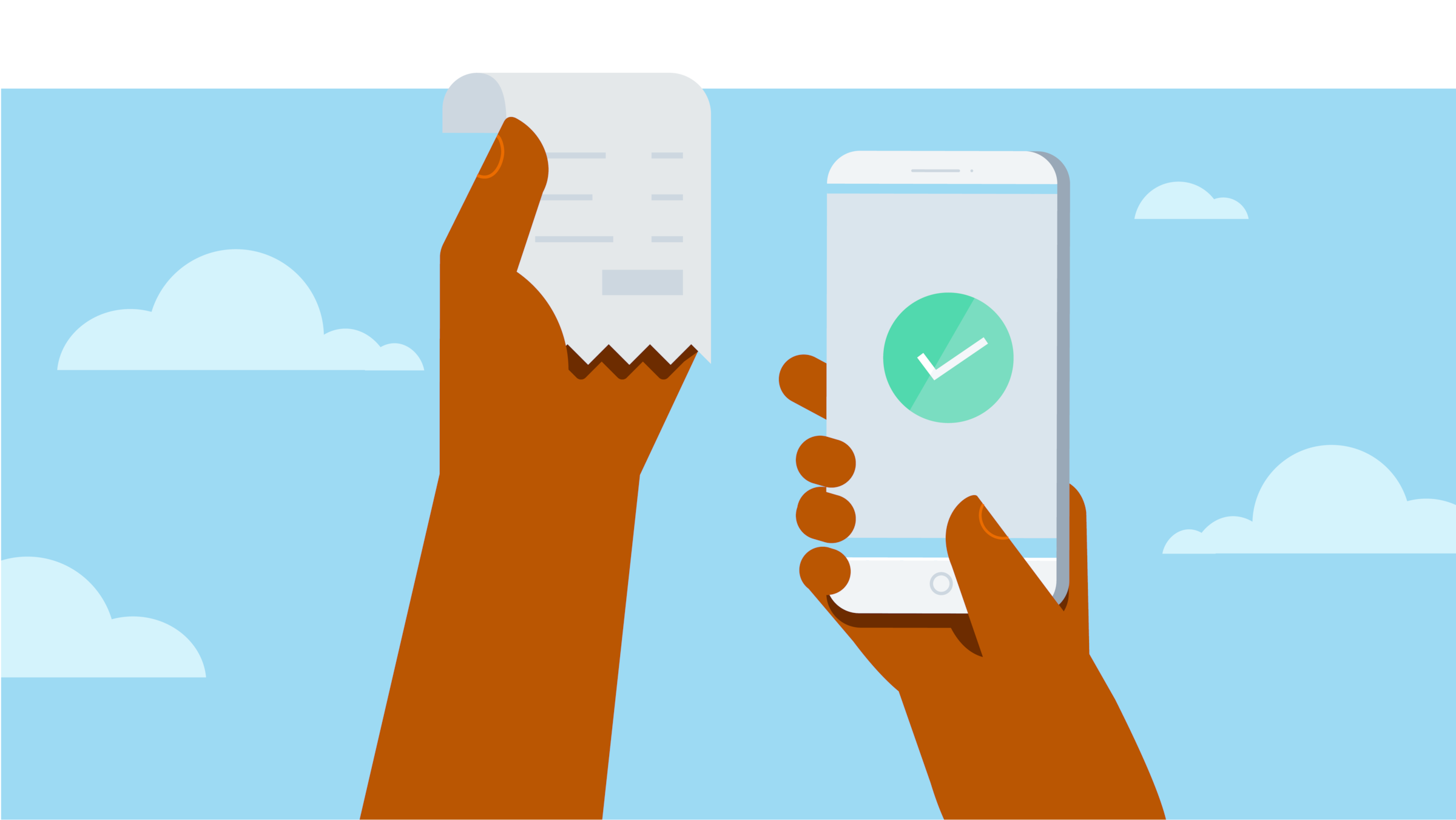
Xero expenses and budgeting apps
Save precious time and admin costs by capturing, tracking and managing expenses from your mobile device, or on your laptop.

Accounting software for small businesses in the US
Xero’s push-button financial reporting, secure W-9 collection and automated 1099 reporting makes tax time easier for American businesses
.1727208113724.png)
Essential resources for expense management
A healthy business relies on well-managed expenses. If done right, this promotes healthy cash flow, compliance, and profitability.
What is an expense?
An expense is a payment in the form of cash or another resource, such as time.
How can you manage your finances?
Your business exists to make you money. And you can't do that unless you manage your finances and cash flow.
How do cash flow projections work?
A projection helps predict and manage cash flow, which is key to running a successful business in America.
We chose Xero because it was set up for small businesses like ours
Olive and Poppy think Xero is perfect for non-accounting experts

Already a Xero user and need help setting up expenses?
Xero Central is our comprehensive knowledge base filled with helpful articles to get you started.
Create a new expense
It’s a simple process for you and any employees.
Set up expenses
Xero Expenses lets you easily create expenses and mileage claims.
Get more support for expense claims
You can manage business expenses without the stress by using Xero’s expense tracker app.
FAQs about Xero in the US
Yes, Xero’s reporting and analytics capabilities help you easily prepare and submit your returns so you never miss a deadline. Your numbers will be accurate and all stored in one secure place.
See tax information for businesses from the IRS.Yes, Xero’s reporting and analytics capabilities help you easily prepare and submit your returns so you never miss a deadline. Your numbers will be accurate and all stored in one secure place.
See tax information for businesses from the IRS.Yes – Xero partners with Gusto for a full-service payroll solution. Gusto saves you time on all aspects of your payroll – including calculating employee pay and deductions – thanks to its clever automations.
Check out payroll with GustoYes – Xero partners with Gusto for a full-service payroll solution. Gusto saves you time on all aspects of your payroll – including calculating employee pay and deductions – thanks to its clever automations.
Check out payroll with GustoThe best accounting software depends on your needs. Xero’s accounting software has flexible plans so you can adjust your subscriptions to access the features you need as your business grows.
Check out Xero’s pricing plans.The best accounting software depends on your needs. Xero’s accounting software has flexible plans so you can adjust your subscriptions to access the features you need as your business grows.
Check out Xero’s pricing plans.No – Xero is based in the cloud, so all you need is an internet connection. But you need a multi-factor authentication (MFA) app to log in to Xero. MFA adds an extra layer of security by checking that it’s really you when you log in.
Learn about data protection with Xero.No – Xero is based in the cloud, so all you need is an internet connection. But you need a multi-factor authentication (MFA) app to log in to Xero. MFA adds an extra layer of security by checking that it’s really you when you log in.
Learn about data protection with Xero.Yes, the Xero App Store has hundreds of apps to help manage your business, including apps specifically designed for your industry and for doing business in the USA.
Check out the Xero App Store.Yes, the Xero App Store has hundreds of apps to help manage your business, including apps specifically designed for your industry and for doing business in the USA.
Check out the Xero App Store.
See how effortless expense management works
This explains everything. And in just 120 seconds.