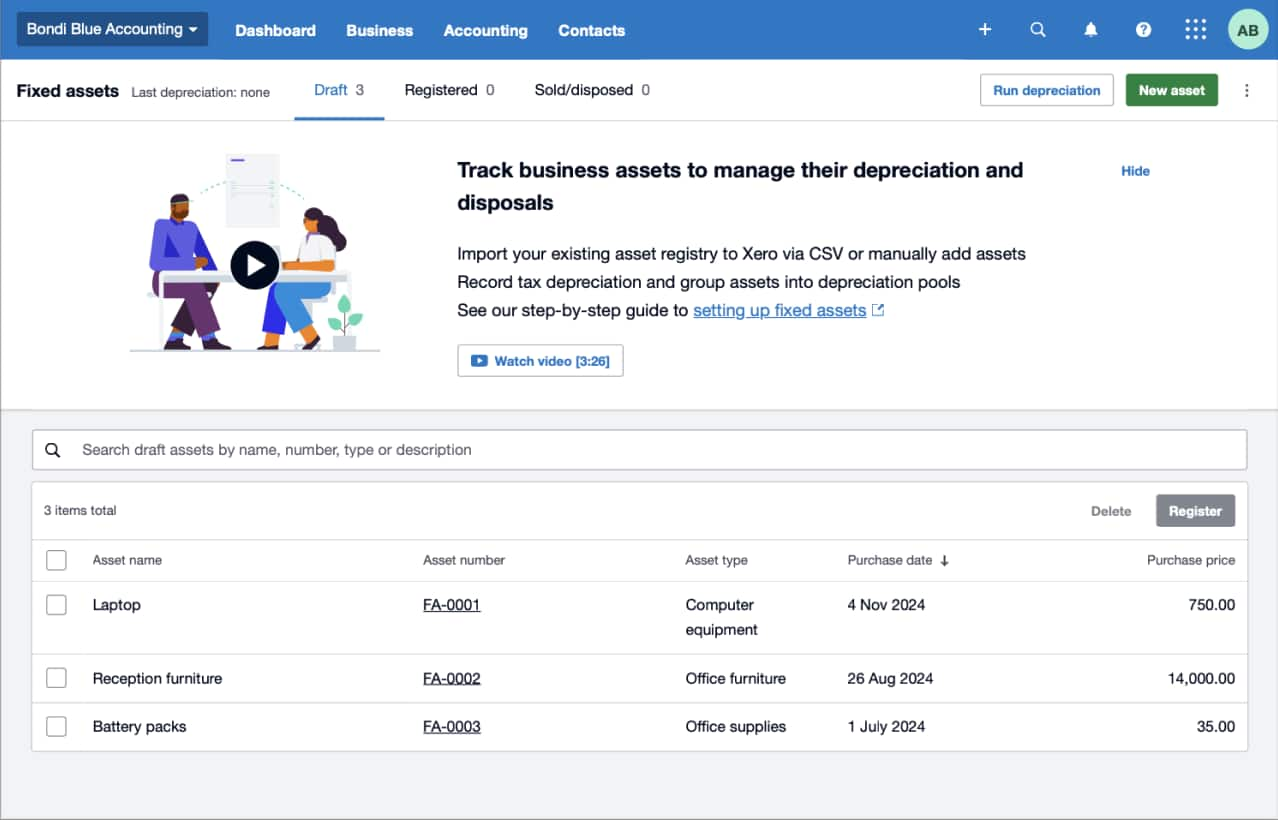
Manage fixed assets like a pro with Xero in the US
Want to manage your assets with confidence? Record your asset values and calculate depreciation accurately, then share up-to-date numbers with your accountant in online meetings. And keep all financial records in one place for your IRS tax reporting with Xero fixed asset and accounting software.
An easy way to handle your assets
Xero’s features make light work of your asset management. Xero’s features.
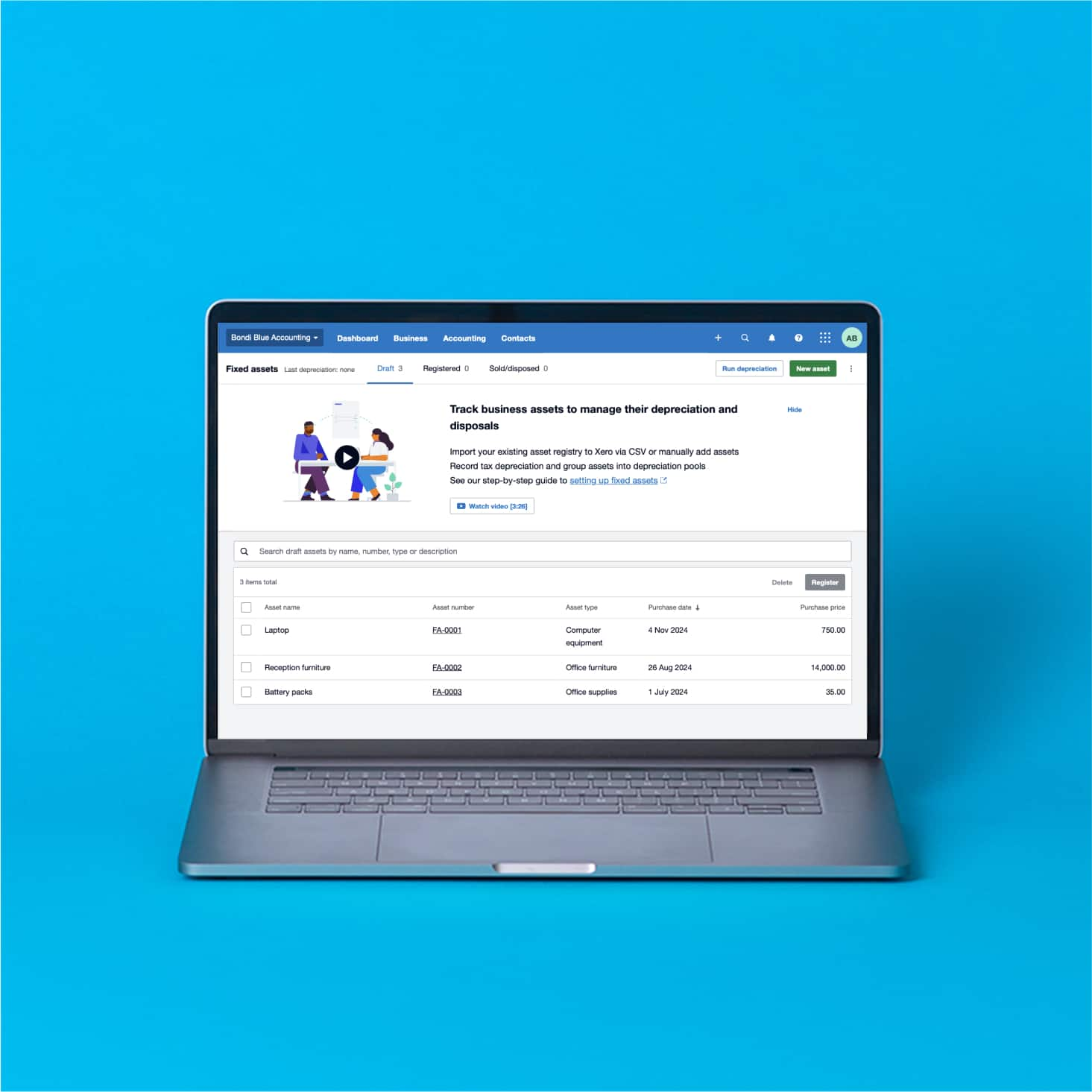
Record your assets
Whenever you buy an asset or see a change in an asset’s value, just update your records on your cellphone or laptop.
Run financial reports
Get detailed info on your fixed asset register to understand your business’s financial health and make informed decision
Collaborate with your accountant
Review the same data together in Xero’s cloud-based fixed asset management software during calls and online meetings.
87% of customers agree Xero helps improve financial visibility
*Source: survey conducted by Xero of 271 small businesses in the US using Xero, May-June 2024
Record and update your assets
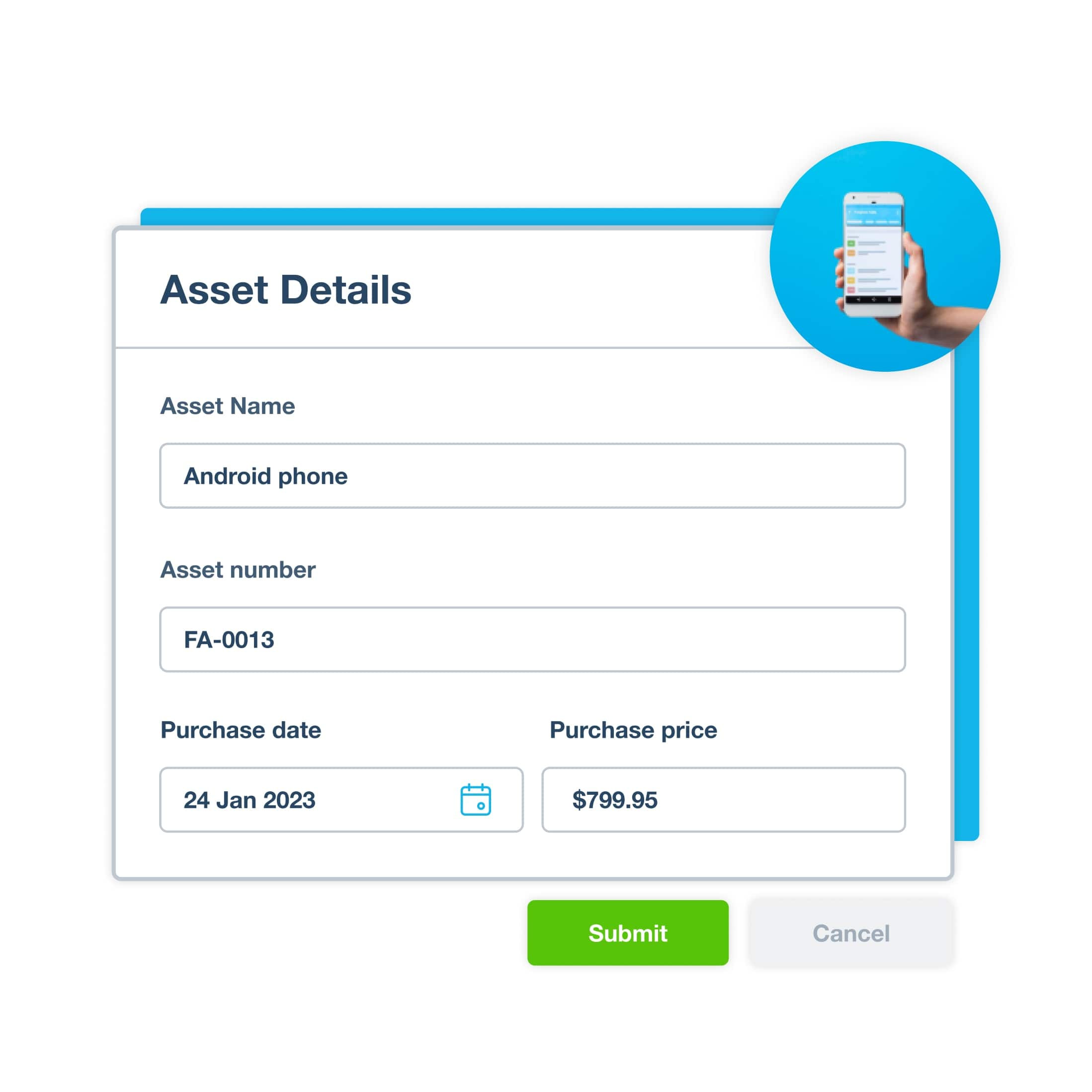
Effortlessly manage all your assets—vehicles, machinery, and office equipment—with Xero’s fixed asset register. Update assets on your phone anytime, with numbers ready for Section 179 depreciation and tax time.
- Import all your assets in one go
- Add an asset directly or create one from a bill
- Choose the right depreciation method for accurate numbers
- Prepare for IRS reporting and potential audits
Collaborate with your financial advisor
Working with your financial advisor or bookkeeper is straightforward when you’re both looking at data in the cloud. Xero’s cloud-based software gives you a single set of figures that’s always up to date and ready for discussion.
- Give your accountant remote access to your data so you can see the same numbers at the same time
- Save time on emails and other slow communications
- Have peace of mind – Xero gives you a full audit trail of changes
Make better decisions for your business
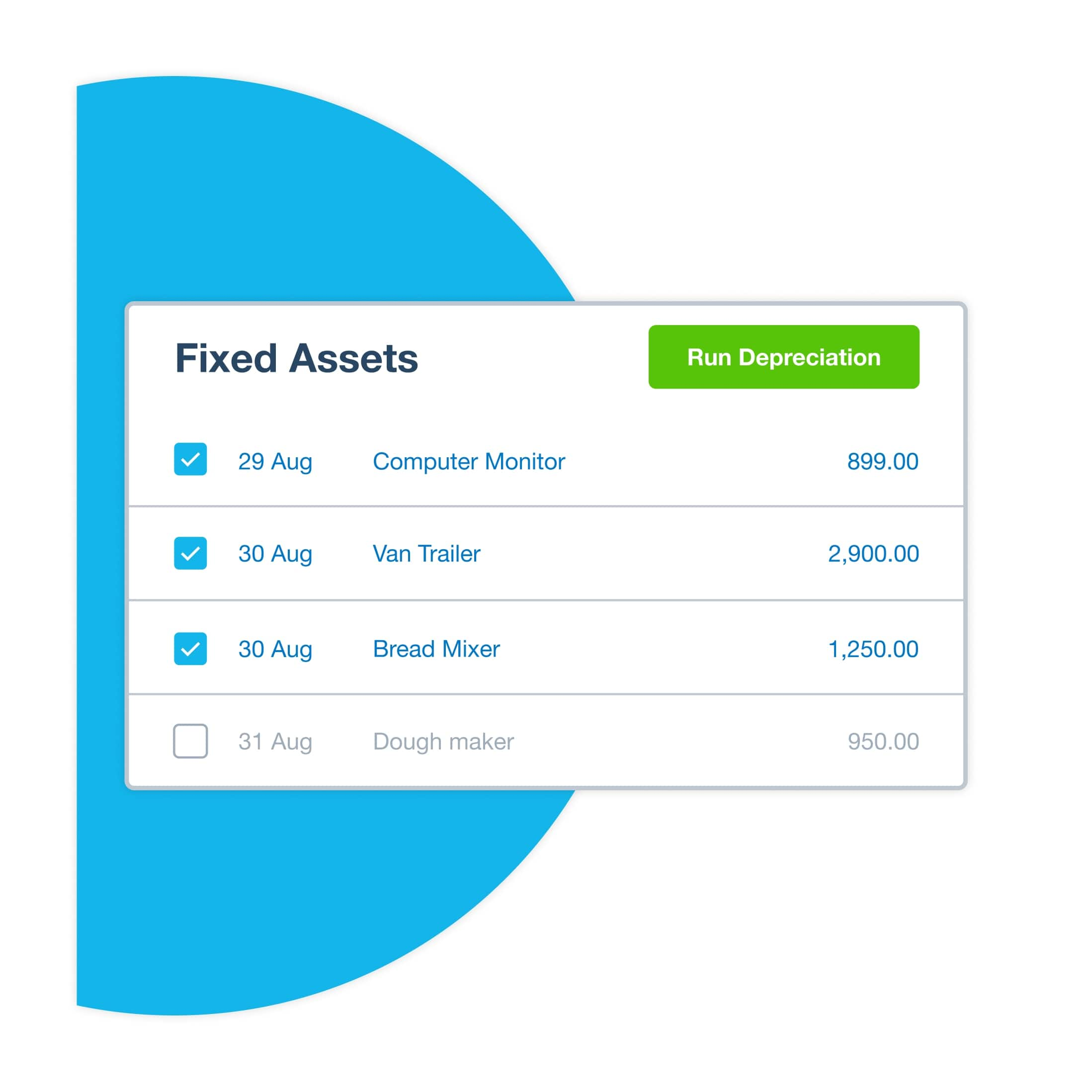
Want to know exactly what your assets are worth? Xero gives you the information to make confident decisions, whether that’s a depreciation schedule for your delivery van or a report of your assets’ gains and losses.
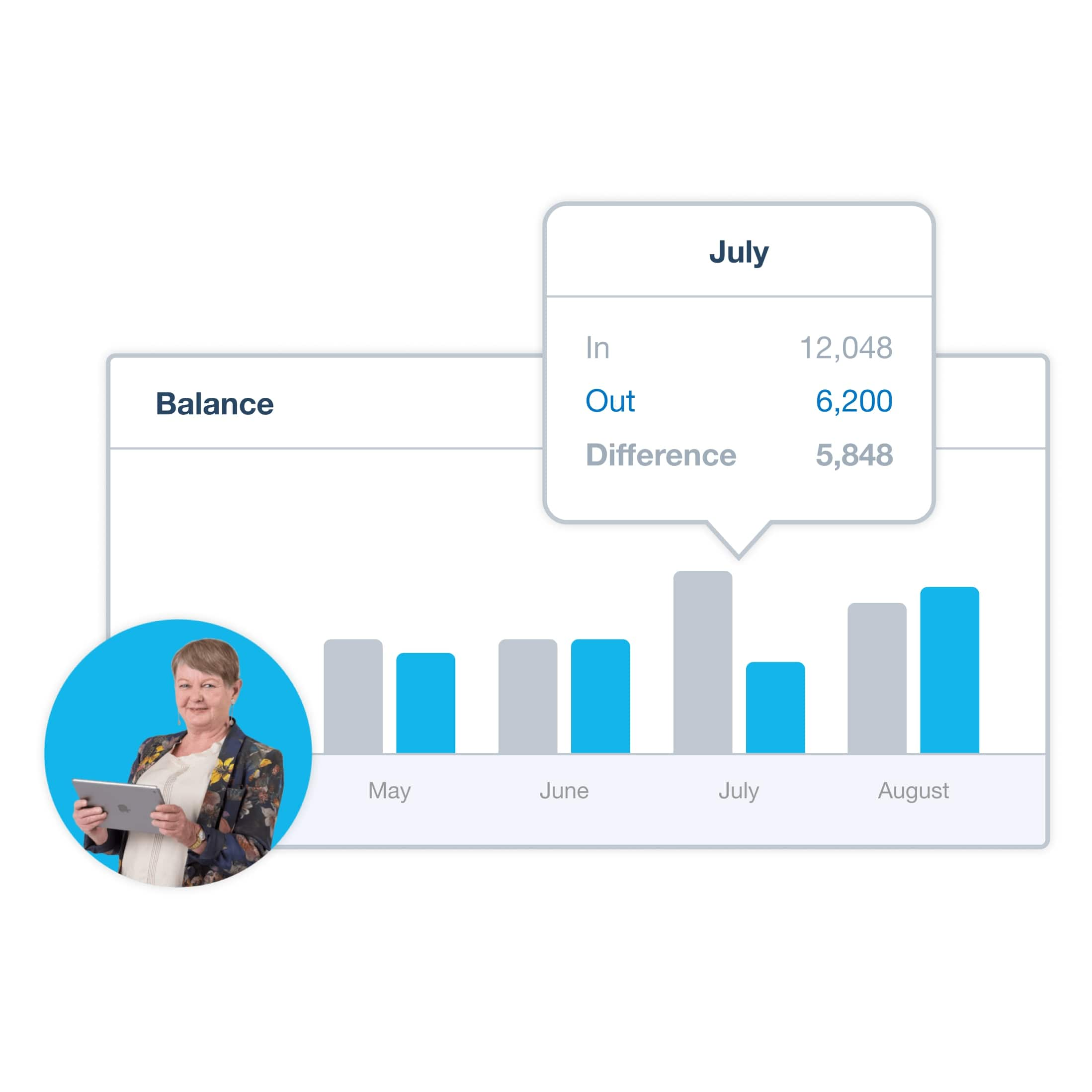
- See charts for quick insights
- Understand in more detail with reports and schedules
- Make confident, data-backed plans
Accounting software for your US small business
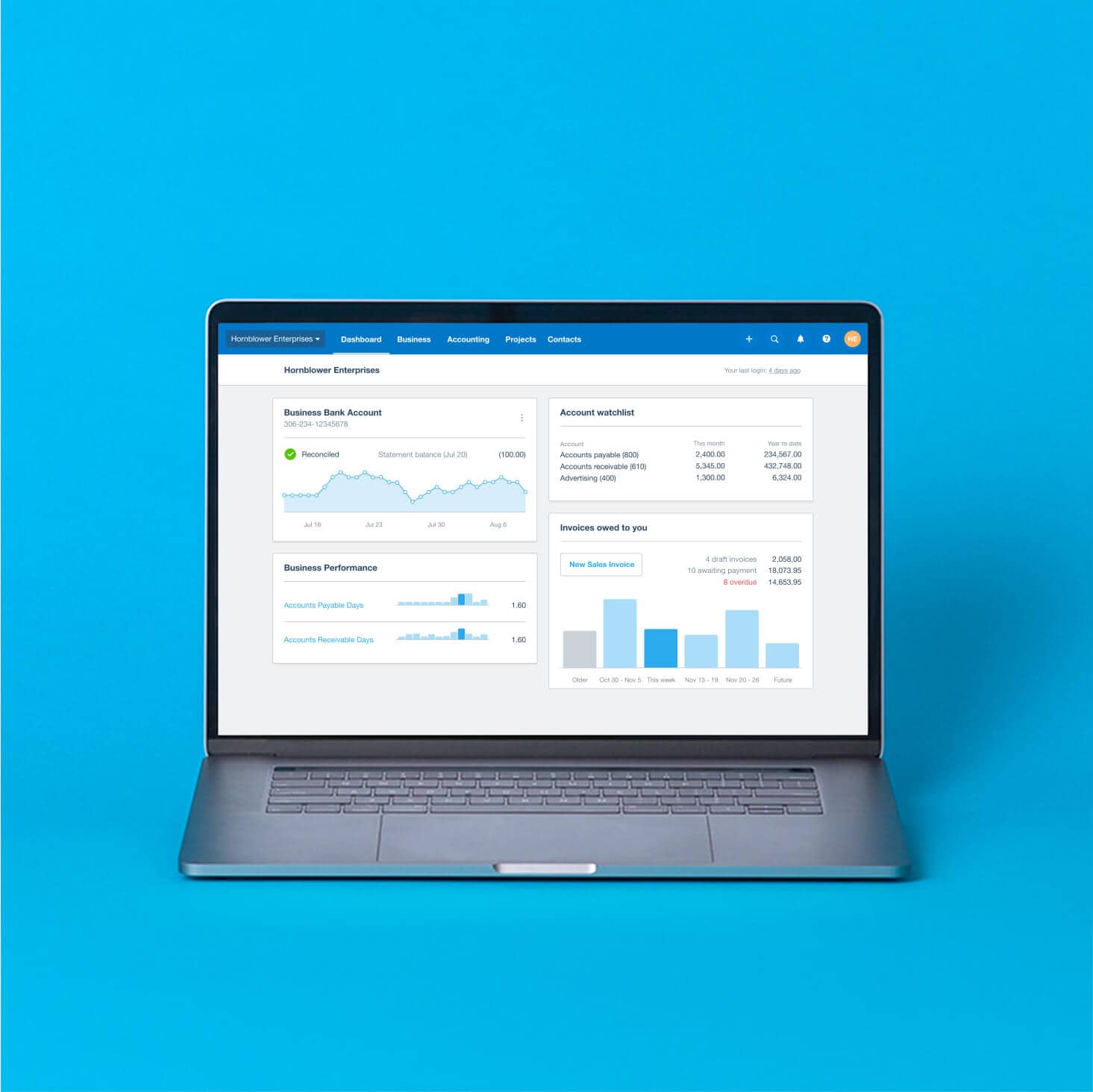
Xero replaces separate tools with a complete financial management system. Your bank transactions flow into Xero to update your financial records. Your numbers are always at hand for your fixed asset register, reports, and bookkeeping jobs.
- Connect Xero to your bank
- Work from anywhere
- Handle financial admin in one place
- Speed up invoicing and payments

Getting Xero made the whole business more efficient. It made accessing the accounts so much easier.
Xero lets Sidonie from Papersmiths focus on other parts of her business

FAQs on fixed asset management software for small businesses
An asset is a resource your business owns. Tangible assets include computers, inventory, and equipment. Intangible assets include trademarks and other intellectual property. The more your assets are worth compared with your liabilities (money owed), the greater the value of your business.
An asset is a resource your business owns. Tangible assets include computers, inventory, and equipment. Intangible assets include trademarks and other intellectual property. The more your assets are worth compared with your liabilities (money owed), the greater the value of your business.
A fixed asset is something your business buys for long-term use and that you can’t easily convert into cash. Examples include land, buildings, and machinery.
A fixed asset is something your business buys for long-term use and that you can’t easily convert into cash. Examples include land, buildings, and machinery.
A fixed asset register lists each of your business’s physical resources and its details, including its cost, location, and useful life. A fixed asset register lets you calculate and track all your assets’ values in one place.
A fixed asset register lists each of your business’s physical resources and its details, including its cost, location, and useful life. A fixed asset register lets you calculate and track all your assets’ values in one place.
A fixed asset register clearly sets out what your assets are worth. It helps you compare asset values so you can make business decisions about your assets – like which ones to service or dispose of. A fixed asset register also helps with your IRS compliance and, more generally, to practice sound bookkeeping.
A fixed asset register clearly sets out what your assets are worth. It helps you compare asset values so you can make business decisions about your assets – like which ones to service or dispose of. A fixed asset register also helps with your IRS compliance and, more generally, to practice sound bookkeeping.
Software, like Xero, is a faster and more reliable way to track your fixed assets. Xero records everything digitally, so you keep a detailed audit trail. You can also give your team different levels of user access for security, and replace time-consuming manual data entry with automations, like for scheduled depreciations.
Software, like Xero, is a faster and more reliable way to track your fixed assets. Xero records everything digitally, so you keep a detailed audit trail. You can also give your team different levels of user access for security, and replace time-consuming manual data entry with automations, like for scheduled depreciations.
Xero’s fixed asset management solution gives you a simpler set-up, so you can quickly create your fixed asset register. Xero also focuses on your financial admin – including asset management – by giving you specialized tools, including detailed financial reporting.
Xero’s fixed asset management solution gives you a simpler set-up, so you can quickly create your fixed asset register. Xero also focuses on your financial admin – including asset management – by giving you specialized tools, including detailed financial reporting.
Certainly! You can import your asset list into Xero using a CSV file template. Then create asset types in Xero that match the ones in your existing list – for example, factory machinery or vehicles.
Certainly! You can import your asset list into Xero using a CSV file template. Then create asset types in Xero that match the ones in your existing list – for example, factory machinery or vehicles.
Yes – Xero’s fixed asset management system lets you set up tracking categories to track your assets by, say, location. For depreciation settings, you can choose the depreciation method, the rate, the effective lifetime, the residual value, and more.
Here’s more info on choosing depreciation settings with XeroYes – Xero’s fixed asset management system lets you set up tracking categories to track your assets by, say, location. For depreciation settings, you can choose the depreciation method, the rate, the effective lifetime, the residual value, and more.
Here’s more info on choosing depreciation settings with XeroGive your accountant or bookkeeper role-based access to your Xero organization, so they can log in remotely to the cloud-based depreciation software. They can then review your depreciation schedules and fixed asset management reports during online meetings with you, making collaboration much smoother.
Give your accountant or bookkeeper role-based access to your Xero organization, so they can log in remotely to the cloud-based depreciation software. They can then review your depreciation schedules and fixed asset management reports during online meetings with you, making collaboration much smoother.
Guides on starting your business
About to launch a business? Download Xero’s PDF guides for easy-to-follow guidance.
- Guide
How to create a business website: Step-by-step guide for small businesses
Creating a business website helps you reach customers, build credibility, and grow your business online.
- Chaptered guide
How to expand your business: a plan to grow safely
Are you ready to drop the hammer and take your business to the next level? Let’s look at how to grow.
- Chaptered guide
How to do bookkeeping
Bookkeeping includes everything from basic data entry to tax prep. Let’s look at the core jobs and see how they’re done.


Plans to suit your business
All pricing plans cover the accounting essentials, with room to grow.
Your starter guides for fixed asset tracking
Here’s technical info on how to manage your business’s fixed assets with Xero.
Set up your fixed asset register
Instructions on setting up a register to record and depreciate assets.
Add or copy a fixed asset
A step-by-step guide to adding items to your fixed asset register.
Ask questions about your fixed asset manageme
Contact the Xero support team or start a discussion with other small business owners.
FAQs about Xero in the US
Yes, Xero’s reporting and analytics capabilities help you easily prepare and submit your returns so you never miss a deadline. Your numbers will be accurate and all stored in one secure place.
See tax information for businesses from the IRS.Yes, Xero’s reporting and analytics capabilities help you easily prepare and submit your returns so you never miss a deadline. Your numbers will be accurate and all stored in one secure place.
See tax information for businesses from the IRS.Yes – Xero partners with Gusto for a full-service payroll solution. Gusto saves you time on all aspects of your payroll – including calculating employee pay and deductions – thanks to its clever automations.
Check out payroll with GustoYes – Xero partners with Gusto for a full-service payroll solution. Gusto saves you time on all aspects of your payroll – including calculating employee pay and deductions – thanks to its clever automations.
Check out payroll with GustoThe best accounting software depends on your needs. Xero’s accounting software has flexible plans so you can adjust your subscriptions to access the features you need as your business grows.
Check out Xero’s pricing plans.The best accounting software depends on your needs. Xero’s accounting software has flexible plans so you can adjust your subscriptions to access the features you need as your business grows.
Check out Xero’s pricing plans.No – Xero is based in the cloud, so all you need is an internet connection. But you need a multi-factor authentication (MFA) app to log in to Xero. MFA adds an extra layer of security by checking that it’s really you when you log in.
Learn about data protection with Xero.No – Xero is based in the cloud, so all you need is an internet connection. But you need a multi-factor authentication (MFA) app to log in to Xero. MFA adds an extra layer of security by checking that it’s really you when you log in.
Learn about data protection with Xero.Yes, the Xero App Store has hundreds of apps to help manage your business, including apps specifically designed for your industry and for doing business in the USA.
Check out the Xero App Store.Yes, the Xero App Store has hundreds of apps to help manage your business, including apps specifically designed for your industry and for doing business in the USA.
Check out the Xero App Store.
Get one month free
Purchase any Xero plan, and we will give you the first month free.